

Users can sign in to the Your Platform using their assigned login credentials.
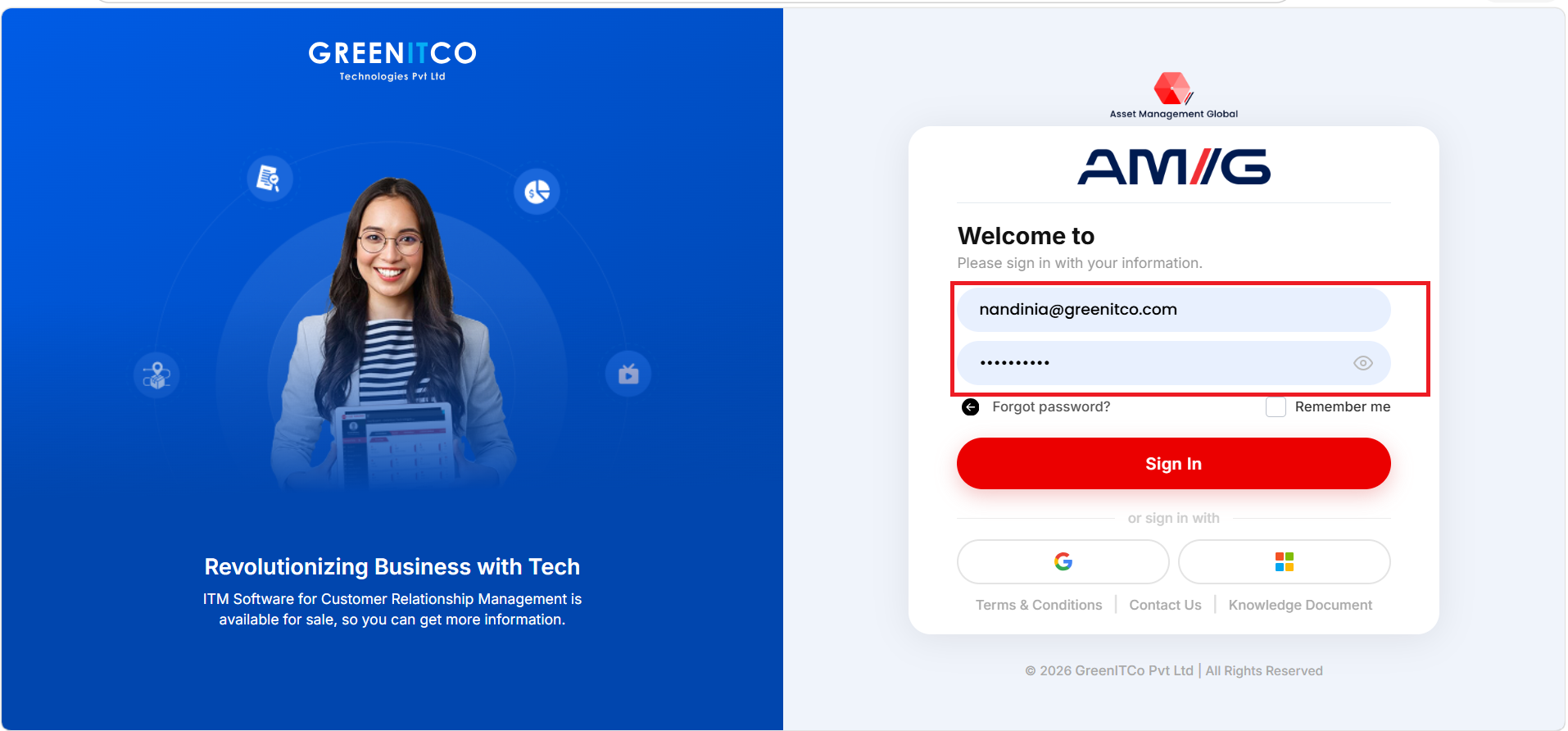
- Open your AMG Login portal.
- Enter the registered Username.
- Enter the Password.
- Select Sign In.
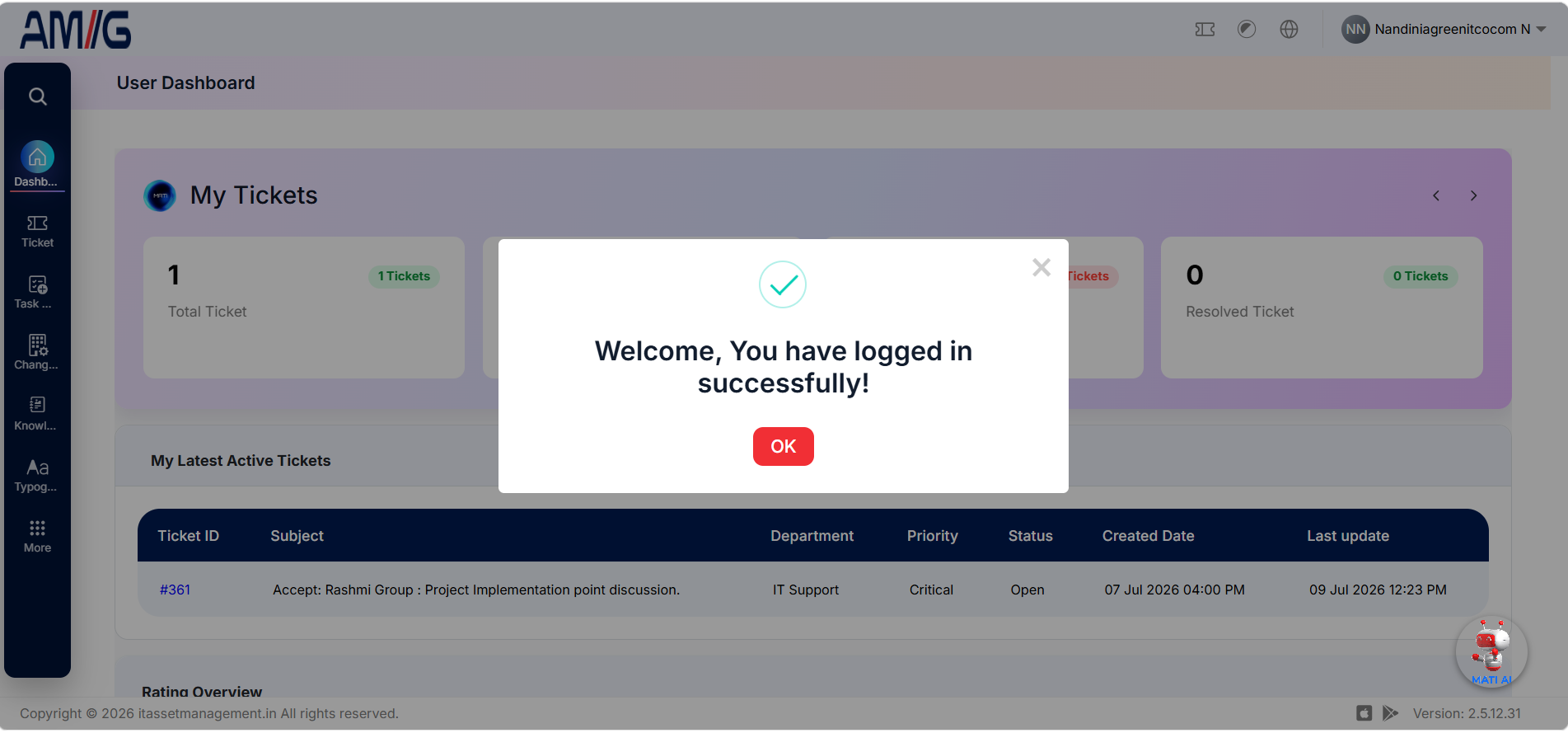
User portal displayed after successful sign-in
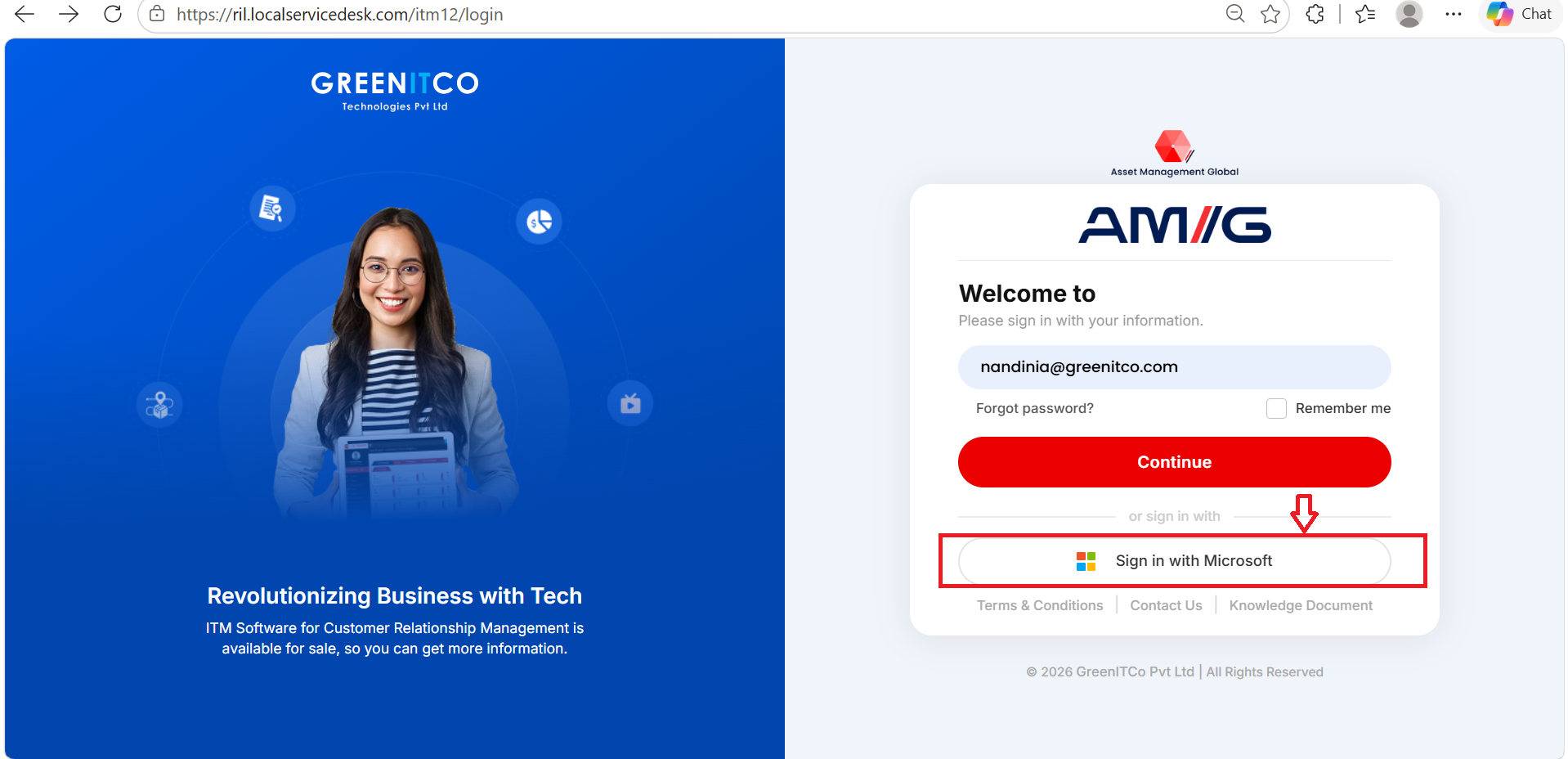
Sign In with Microsoft
Users can also sign in to the AMG portal using their Microsoft account credentials, provided Microsoft sign-in is enabled for their account.
- Open the AMG portal.
- Enter your registered email address and select Continue.
- Select Sign in with Microsoft.
- Enter your Microsoft account credentials and complete any required authentication steps.
- After successful authentication, you will be redirected to the AMG portal.
NOTE: Microsoft sign-in is available only if it is enabled and configured for your account.
Forgot Password
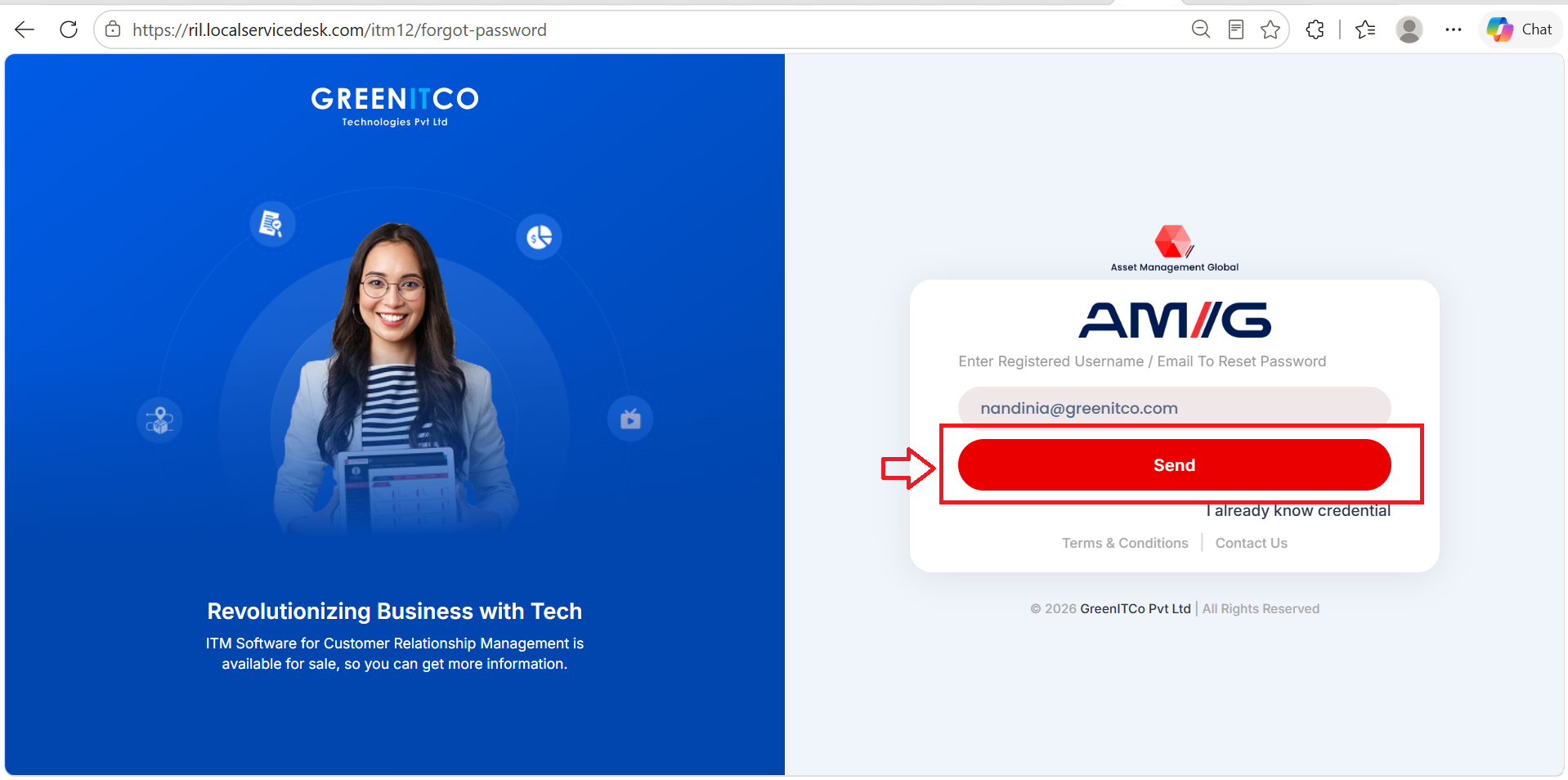
The Forgot Password functionality allows users to reset thei
- Enter your registered email address or username in the provided field.
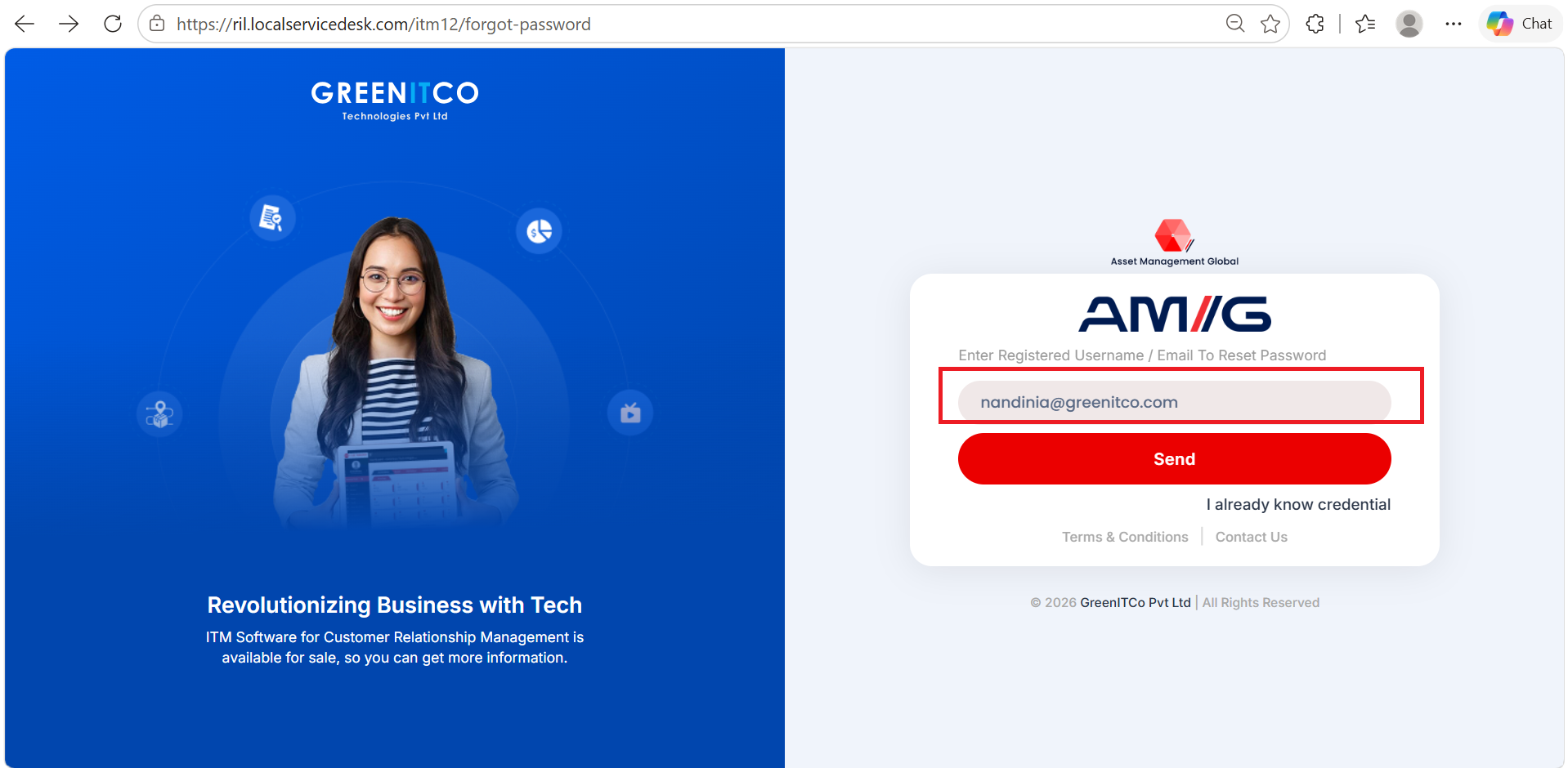
- Click Send to submit the password reset request.
- Check your registered email inbox for the password reset email.
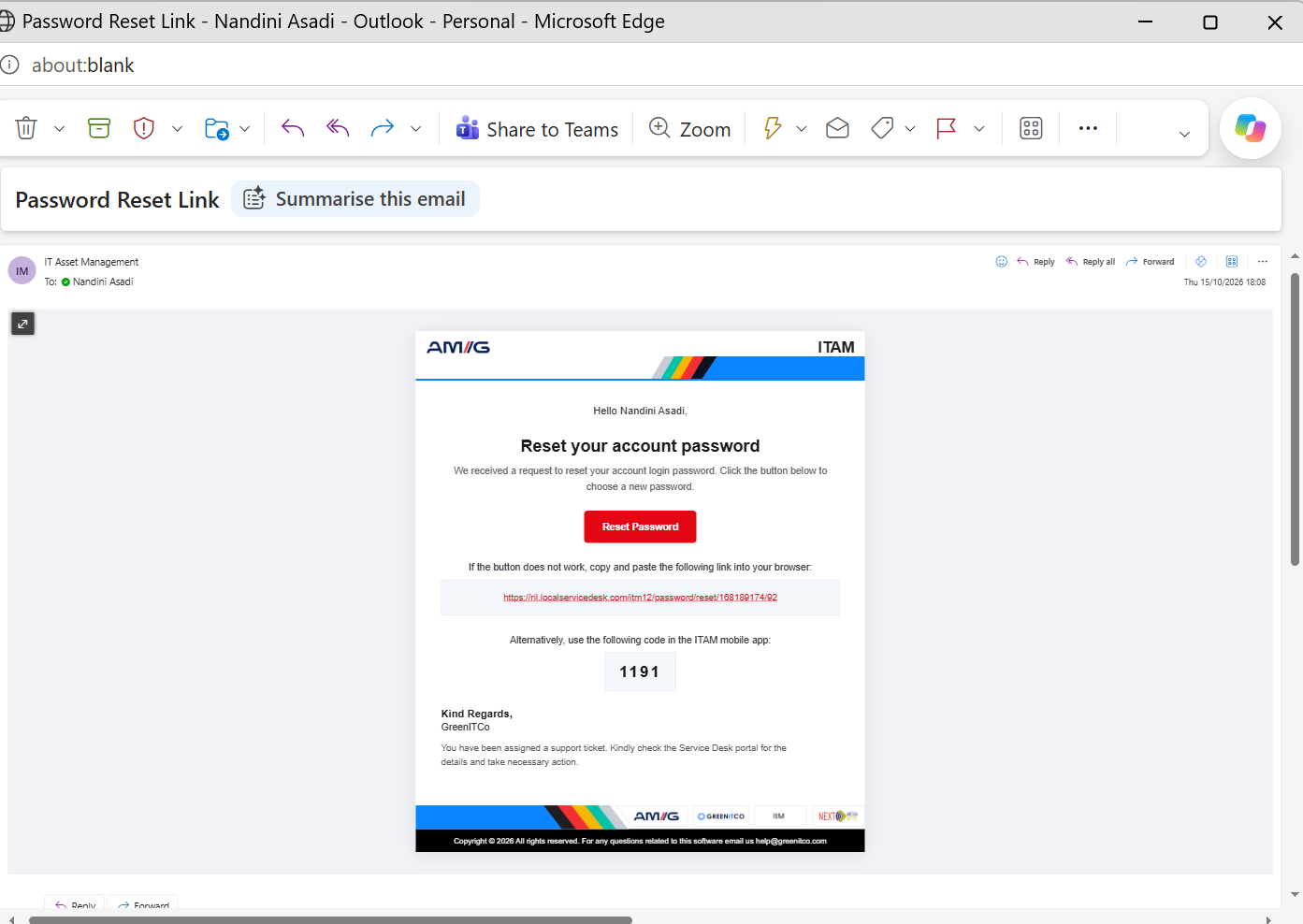
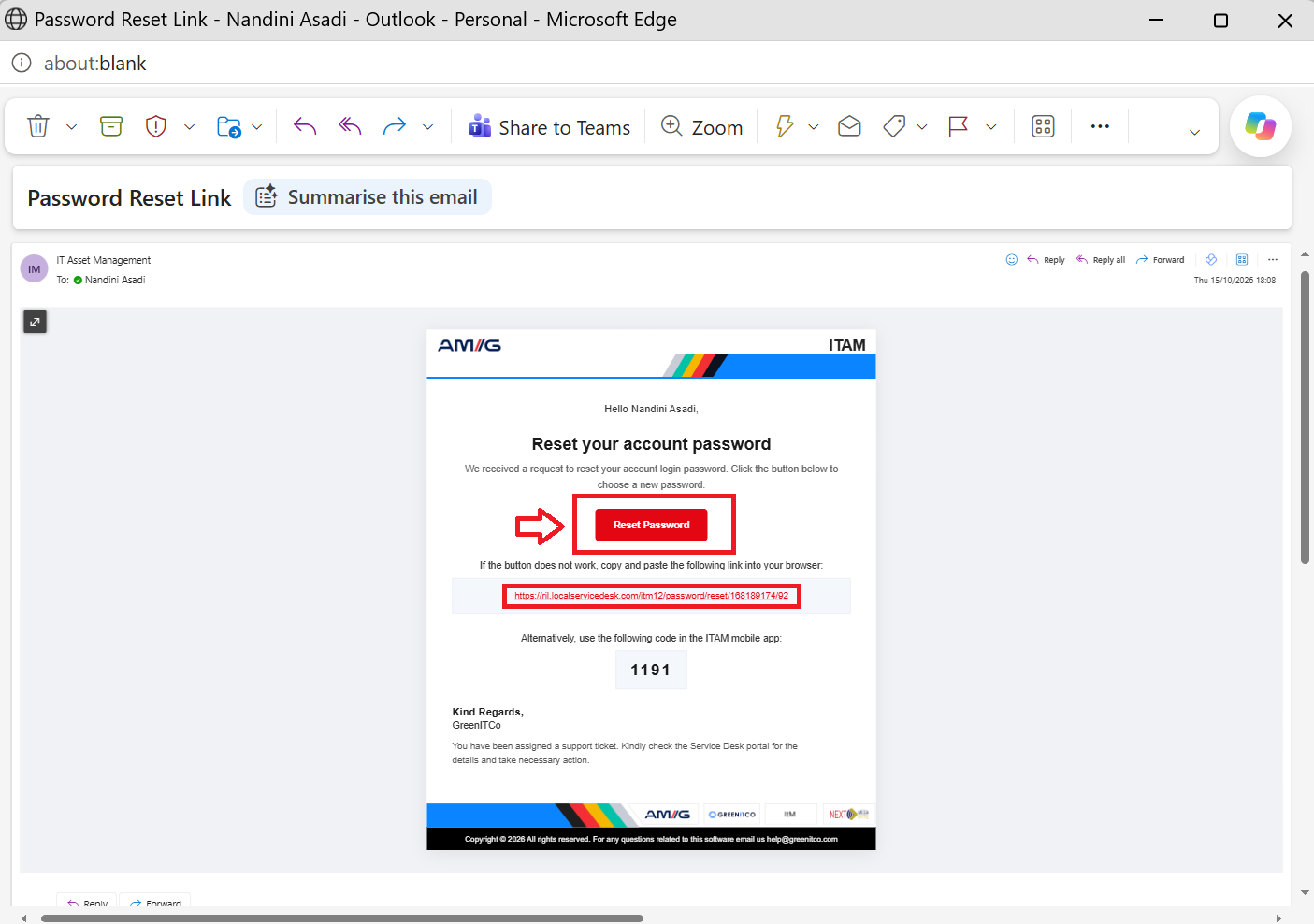
- Open the email and click the Reset Password button.
- Enter your new password and confirm it, if prompted.
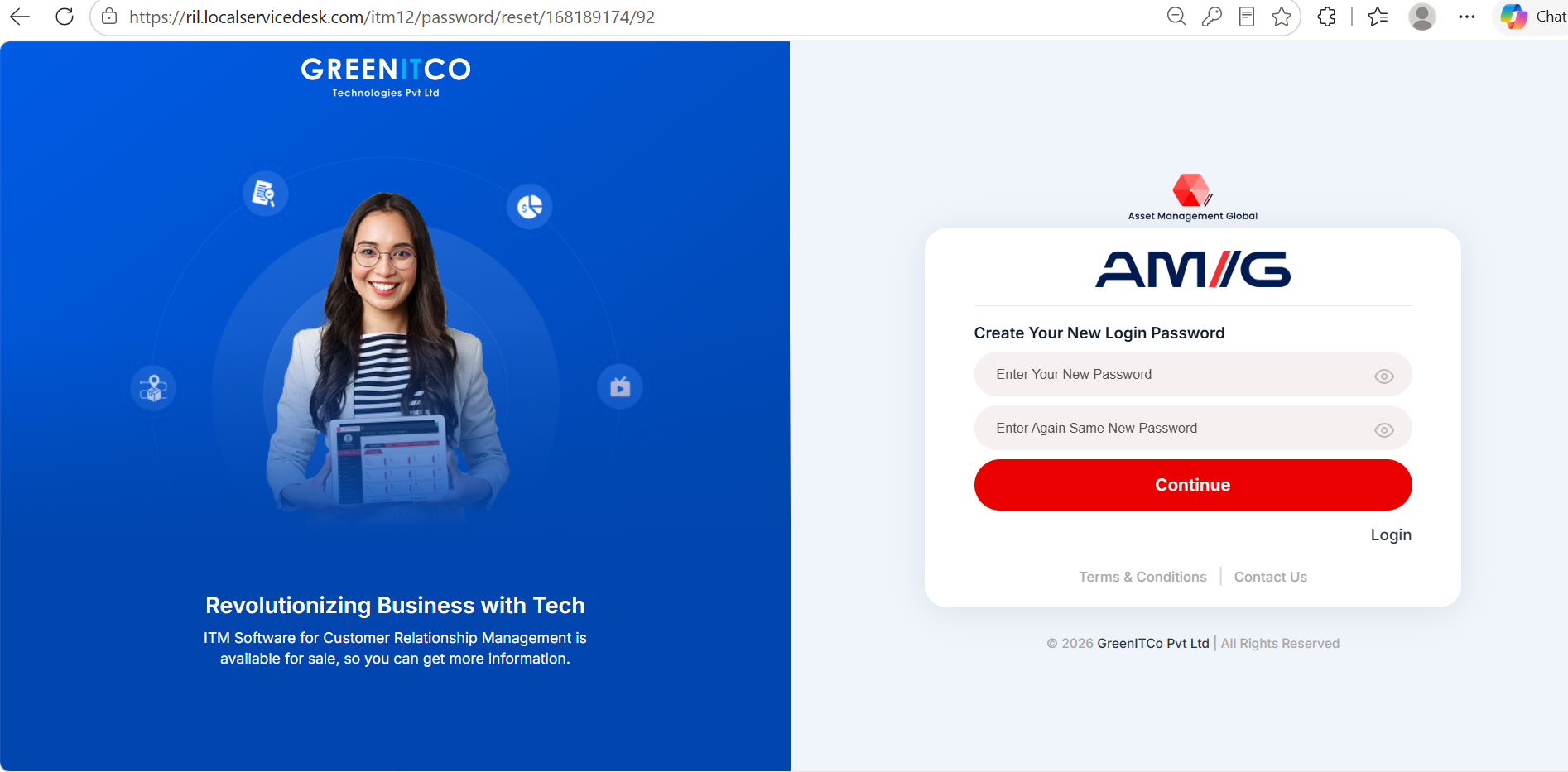
- Submit the details to complete the password reset process.
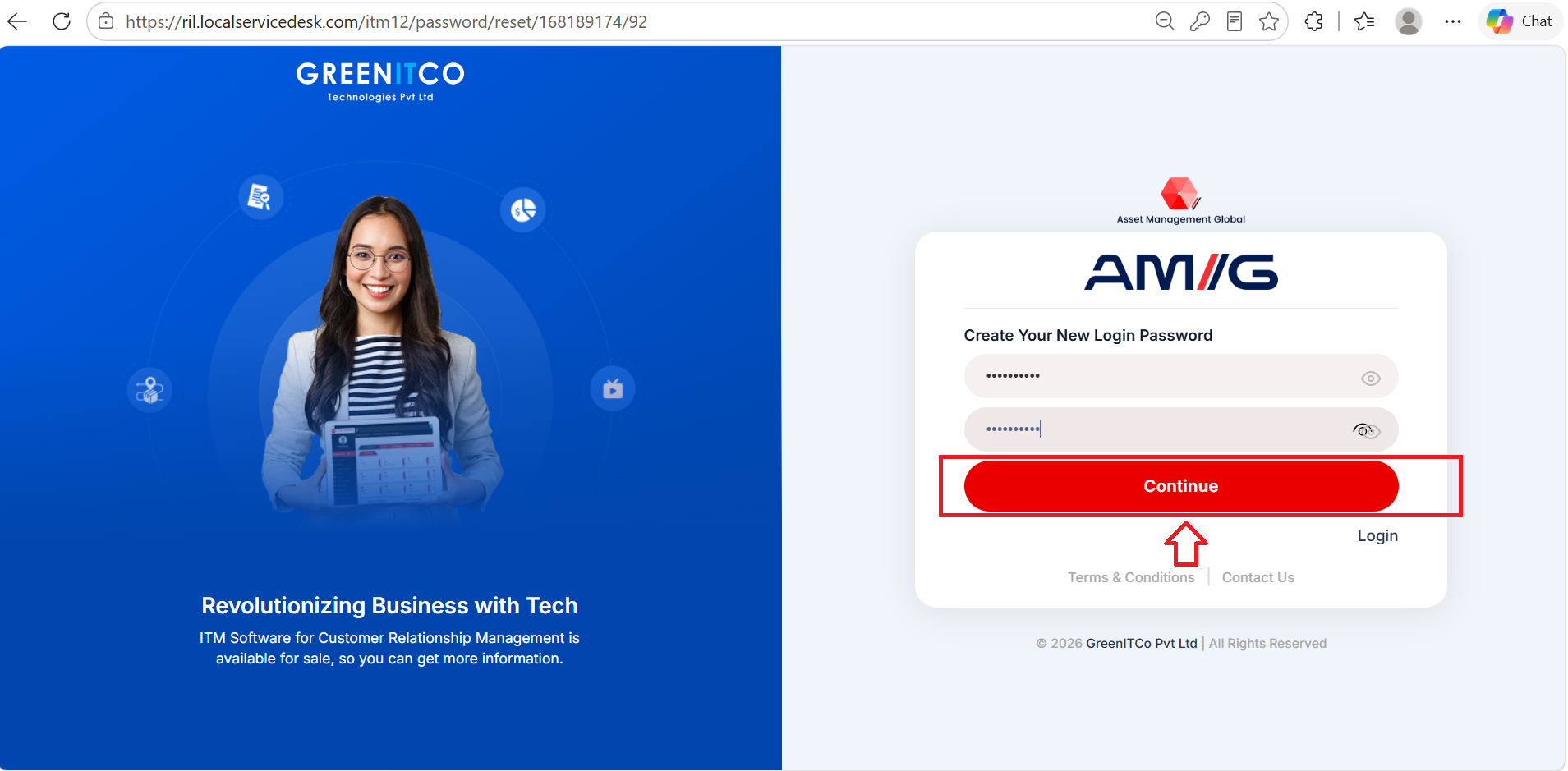 NOTE: The password reset email is sent to the email address registered with your account. Follow the instructions in the email to reset your password.
Portal Access
After successful sign-in, the user is redirected to the portal and can access the modules available for the User role.
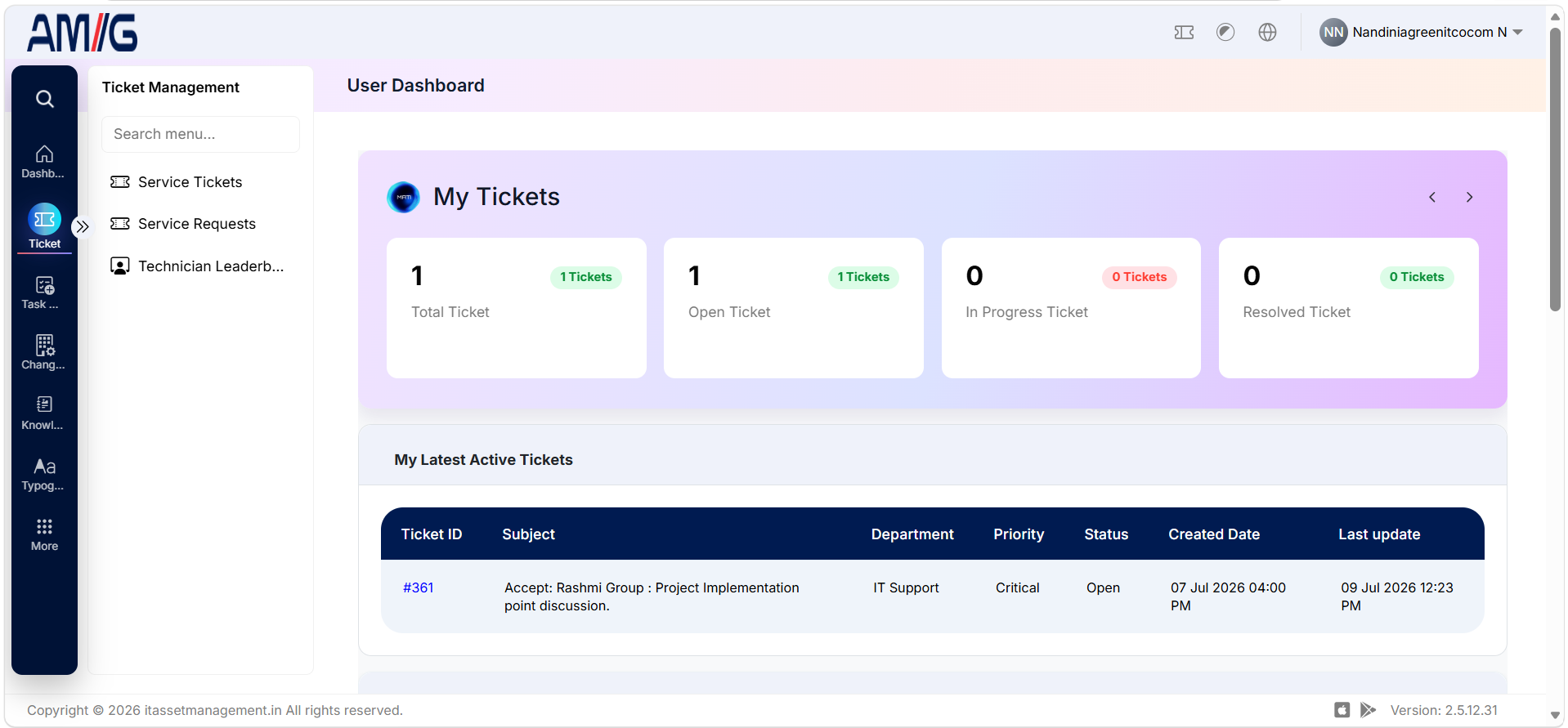
[NOTE] The modules and functions available to a user depend on the access assigned to the User role.