

Dashboard Introduction
The User Dashboard provides a personalized overview of the signed-in user's ticket activity, pending approvals, feedback ratings, and available knowledge resources. It helps users stay informed about the issues they have reported, the actions taken by the support team, and whether any further action is required from their end.
The dashboard brings all important information together in one place, allowing users to monitor their requests, track progress, manage pending approvals, review service satisfaction, and access helpful resources.
Navigation Path: Sidebar > Dashboard
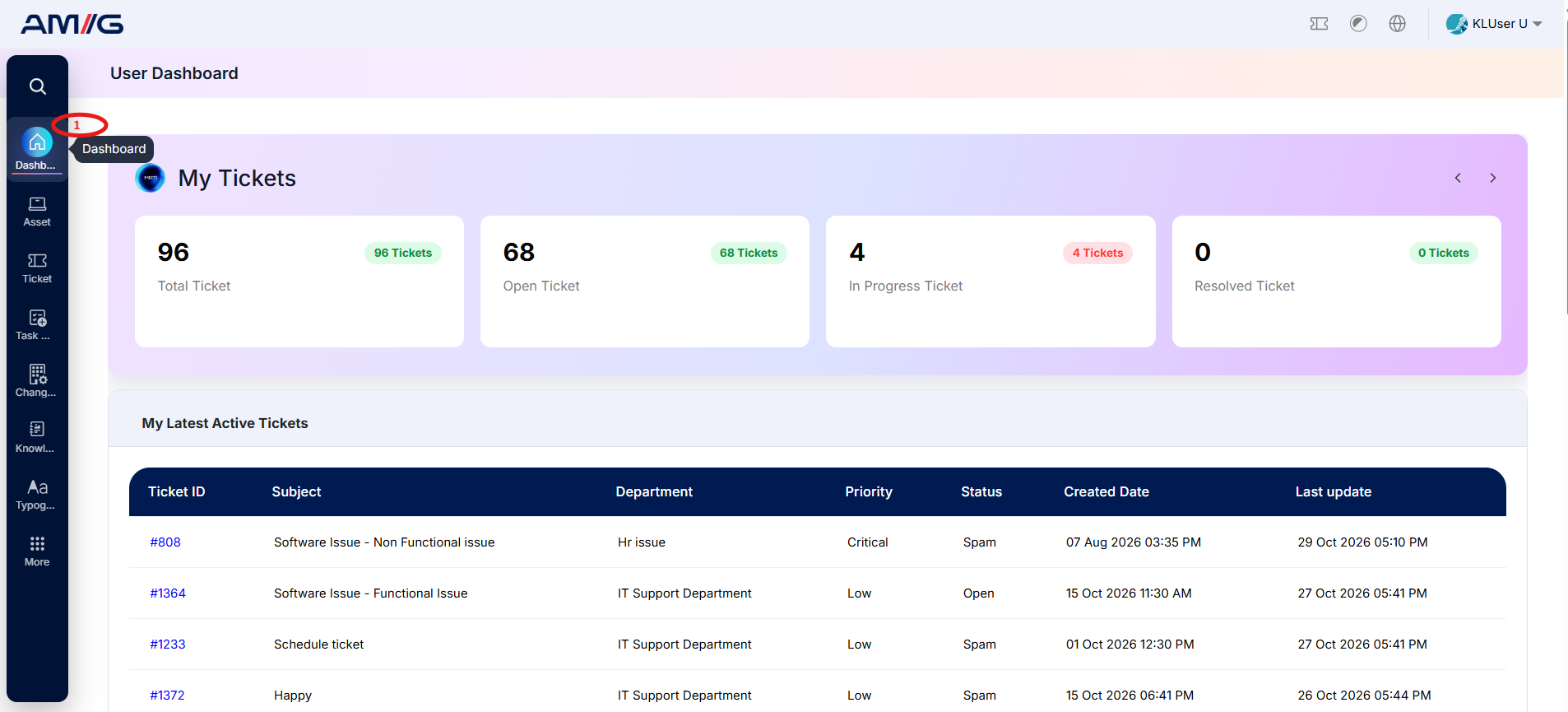
User Summary
Displays a personalized summary of the user's dashboard activity, including ticket counts such as open and resolved tickets, along with pending approvals. It provides a quick overview of the user's current support activity.
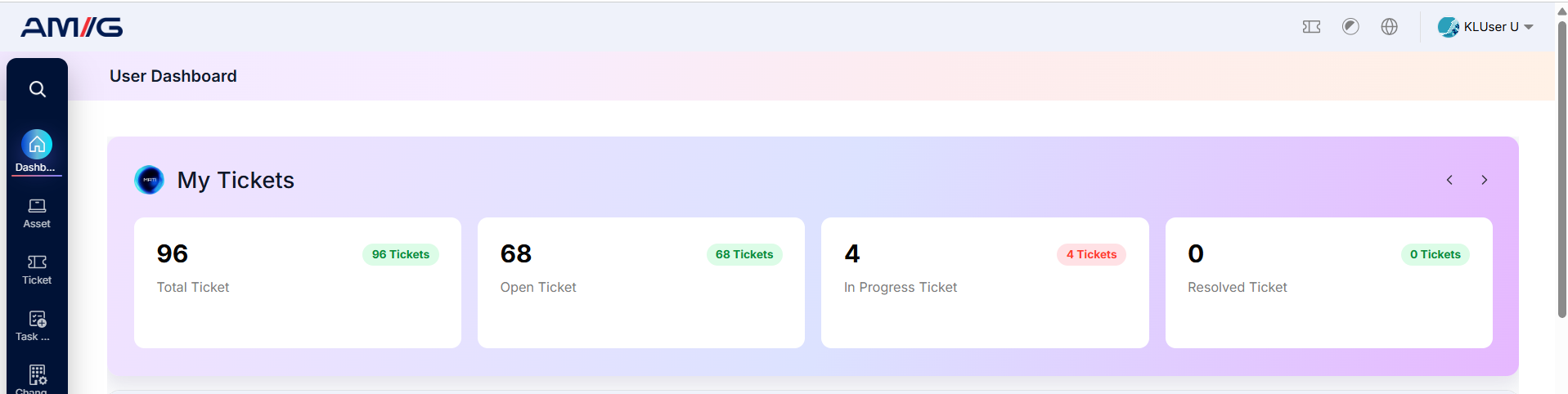
My Tickets
Displays an overview of tickets associated with the signed-in user, including total, open, in-progress, and resolved tickets. This section helps users understand the current status of their reported issues and identify requests that may require their attention.
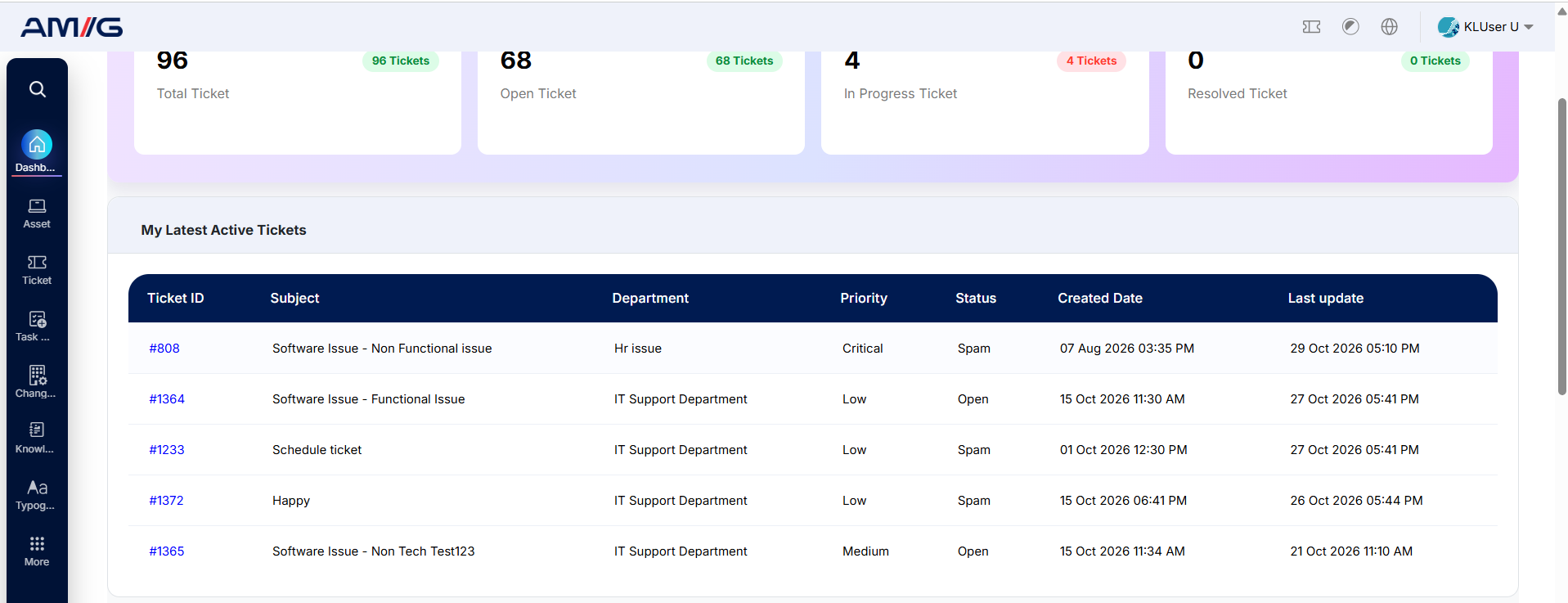
My Latest Active Tickets
Displays the latest active tickets created by the user, along with key details such as ticket subject, department, priority, status, and creation date. This section helps users quickly review their ongoing requests and track the progress of each issue.
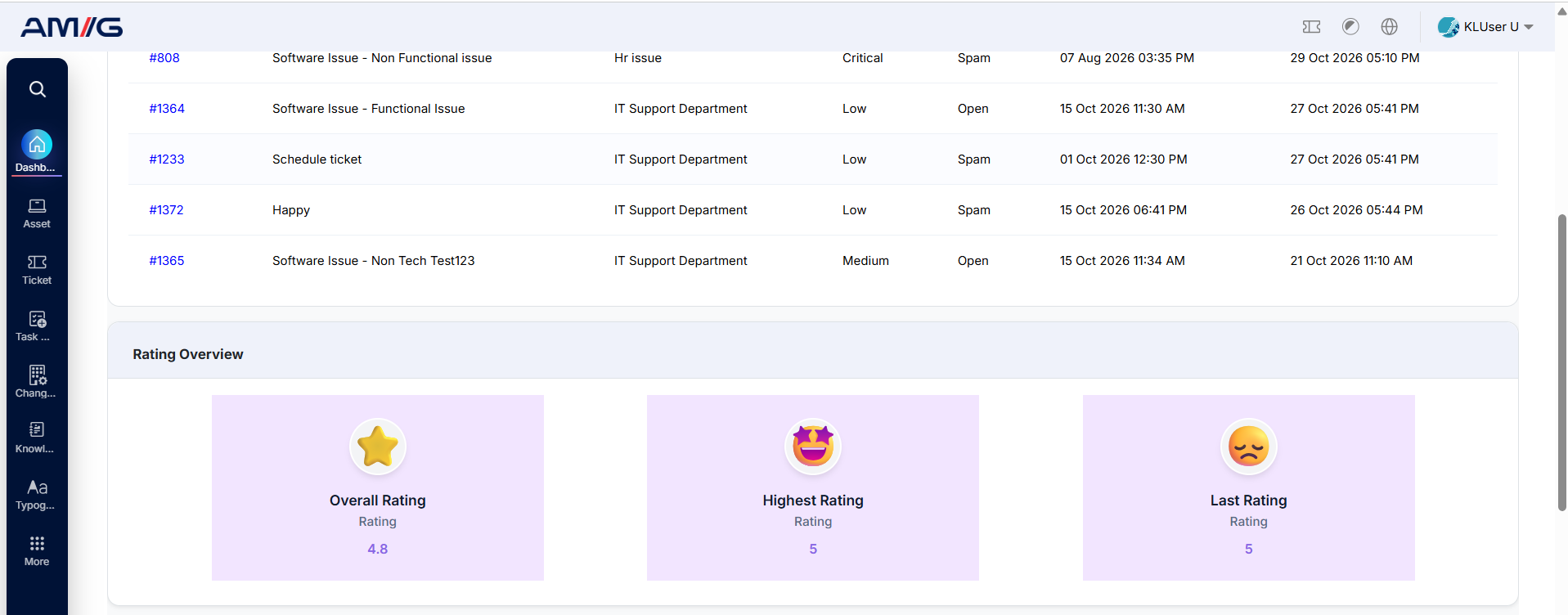
Rating Overview
Provides a summary of the feedback and satisfaction ratings submitted by the user. It highlights the overall average rating, highest rating, and lowest rating given by the user, offering visibility into their feedback history and service experience.
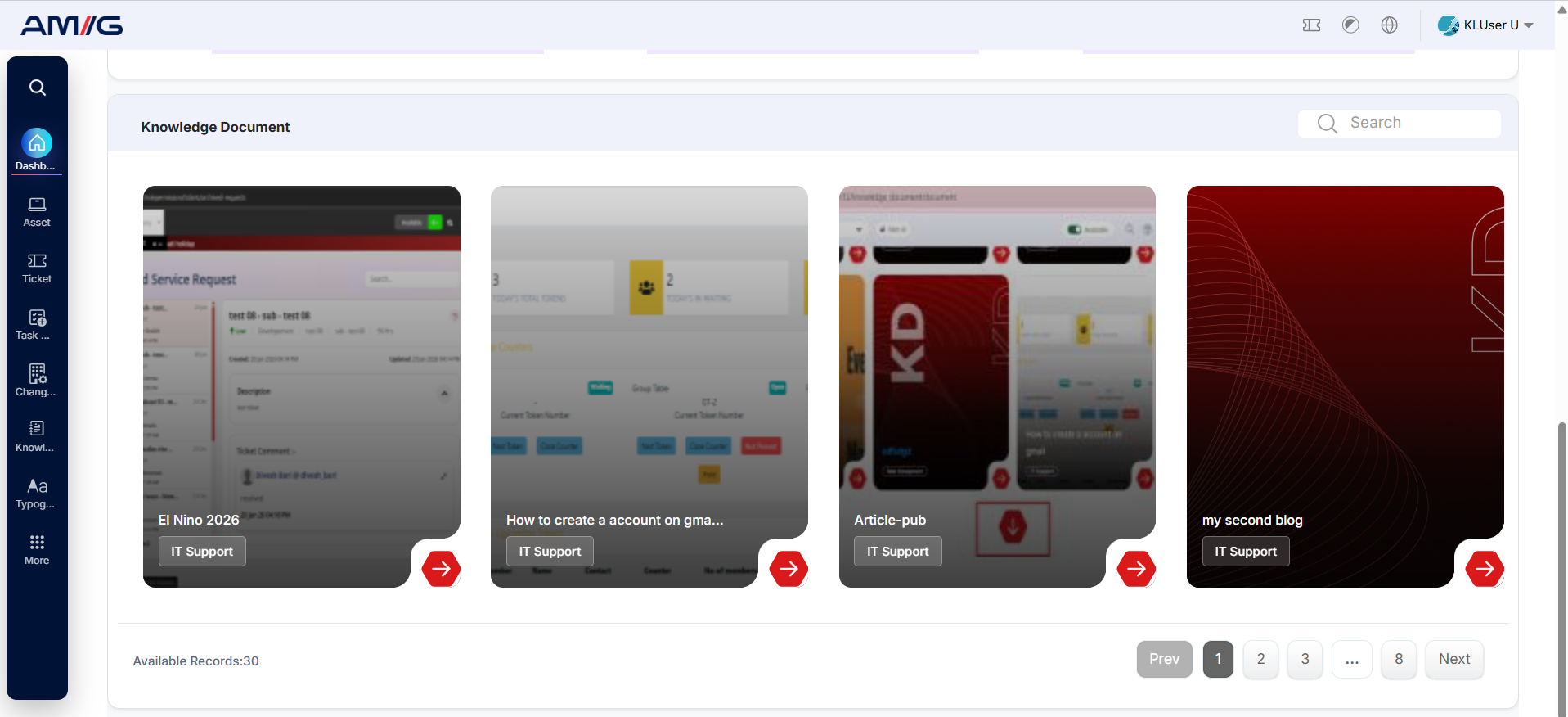
Knowledge Base Insights
Displays publicly available knowledge base articles that users can access to find information, instructions, and solutions to common issues. These resources help users resolve common queries independently, improve their understanding of available services, and reduce dependency on the support team.
Overall Benefits
Together, these dashboard features provide users with a centralised view of their support activities. They help users track reported issues, understand the actions taken by the support team, identify pending actions, monitor service satisfaction, and access self-help resources whenever needed.
Note: The information displayed depends on the user's role, access permissions, available data, and selected reporting period.
Using the Dashboard Page
Step 1: Open your personal dashboard from Sidebar > Home.
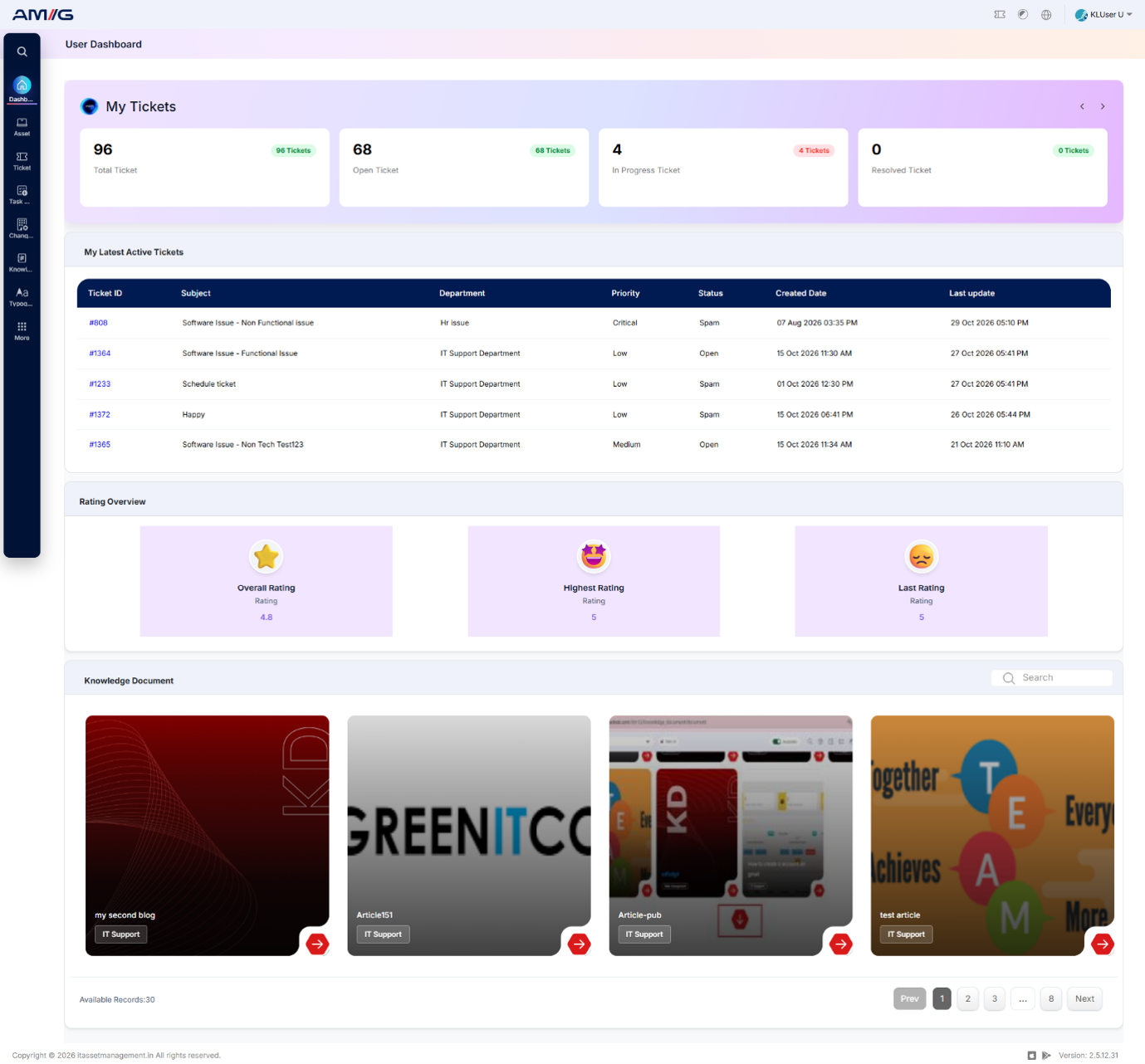
Figure: Service Ticket Dashboard – User View
Note: Some cards and charts may show no data when no records match the selected period.