

My Assets
Overview
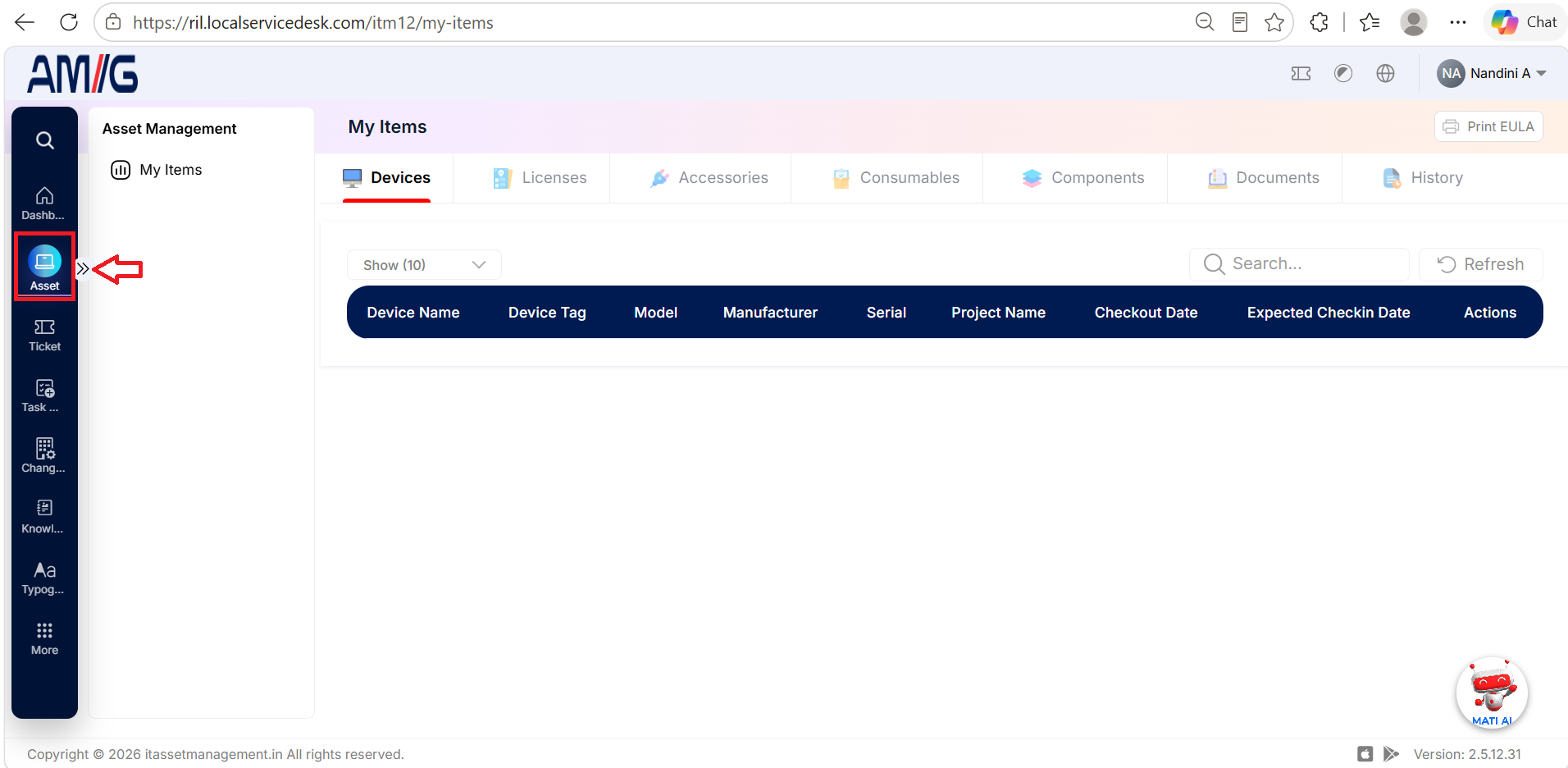
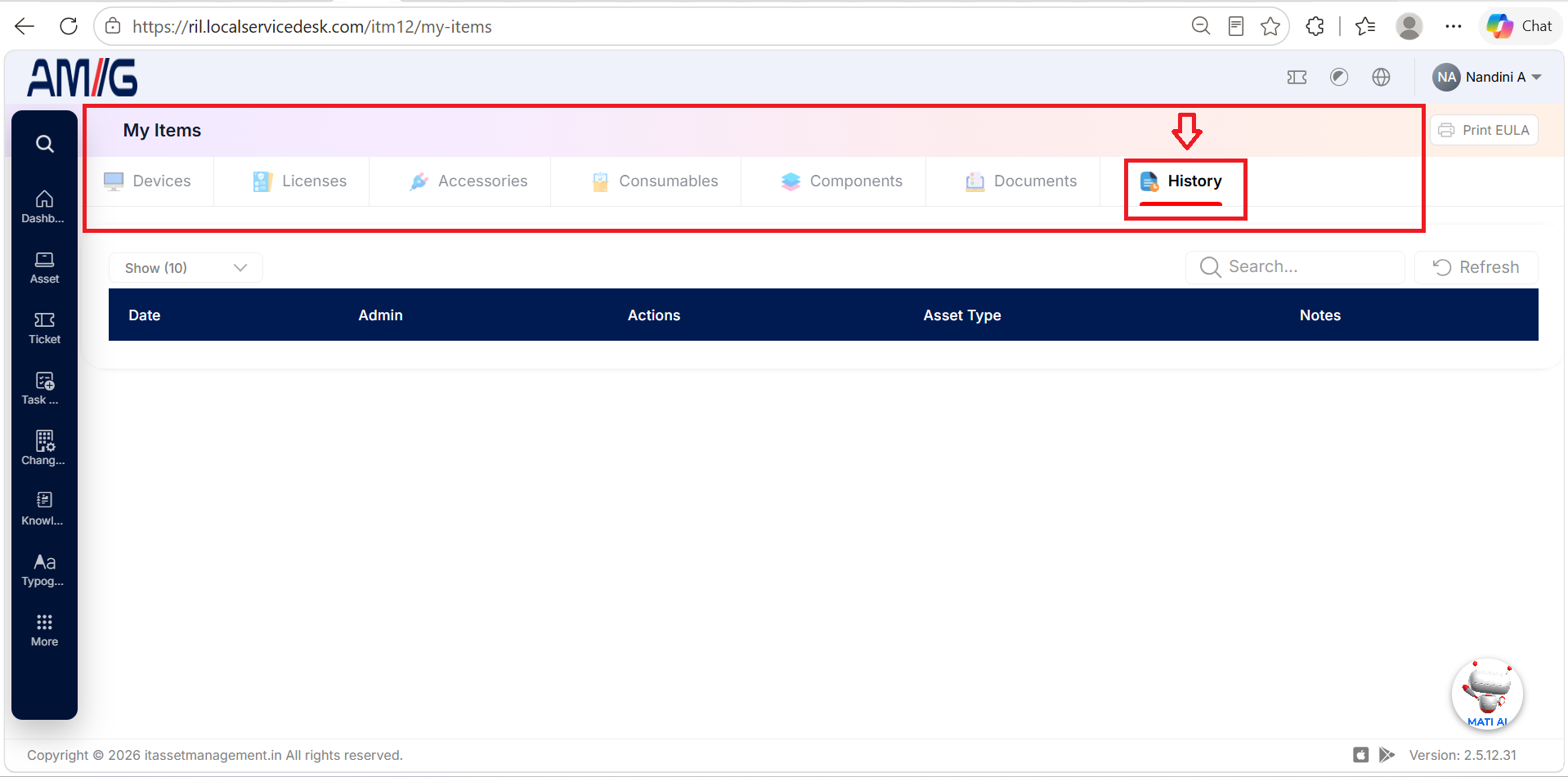
The My Items section in AMG allows users to view the devices and other items associated with their account. It brings information about devices, licenses, accessories, consumables, components, documents, and item history together in one place. Users can select the relevant tab to view the information available for each type of item.
My Items Section
My Items section is part of the Asset Management module in AMG. It allows users to view information about the assets and other items associated with them. The section is organized into tabs, enabling users to access device details, licenses, accessories, consumables, components, documents, and history from one place.
Devices
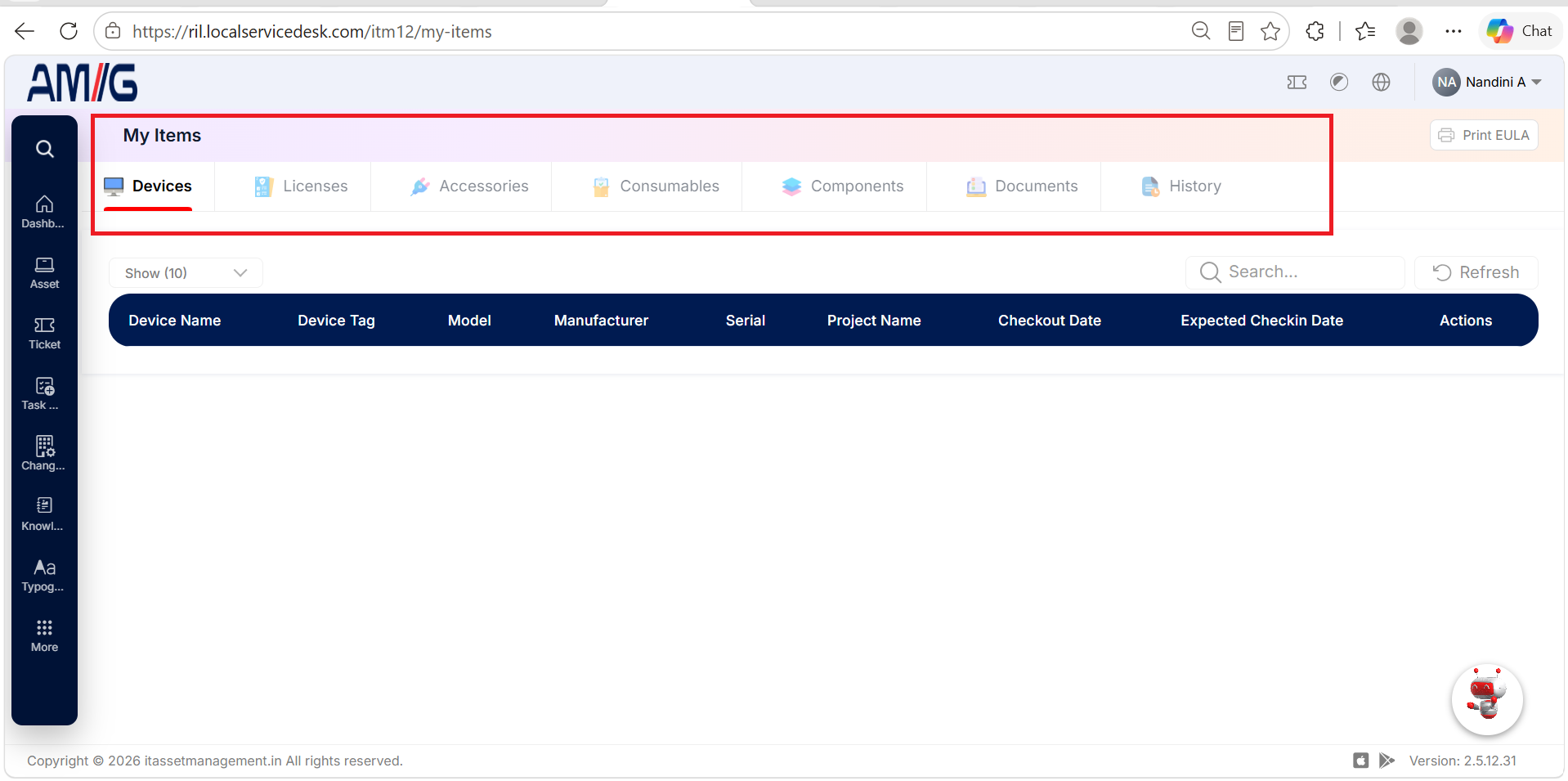
The Devices tab displays details of devices assigned to the logged-in user. Users can review the device name, tag, model, manufacturer, serial number, project name, checkout date, and expected check-in date.
Device Information
| Field | Description |
|---|---|
| Device Name | Displays the name of the device. |
| Device Tag | Displays the tag used to identify the device. |
| Model | Displays the device model. |
| Manufacturer | Displays the device manufacturer. |
| Serial | Displays the device serial number. |
| Project Name | Displays the project associated with the device. |
| Checkout Date | Displays the date the device was checked out to the user. |
| Expected Checkin Date | Displays the expected date for the device to be checked in. |
| Actions | Displays the actions available for the device, where applicable. |
Licenses
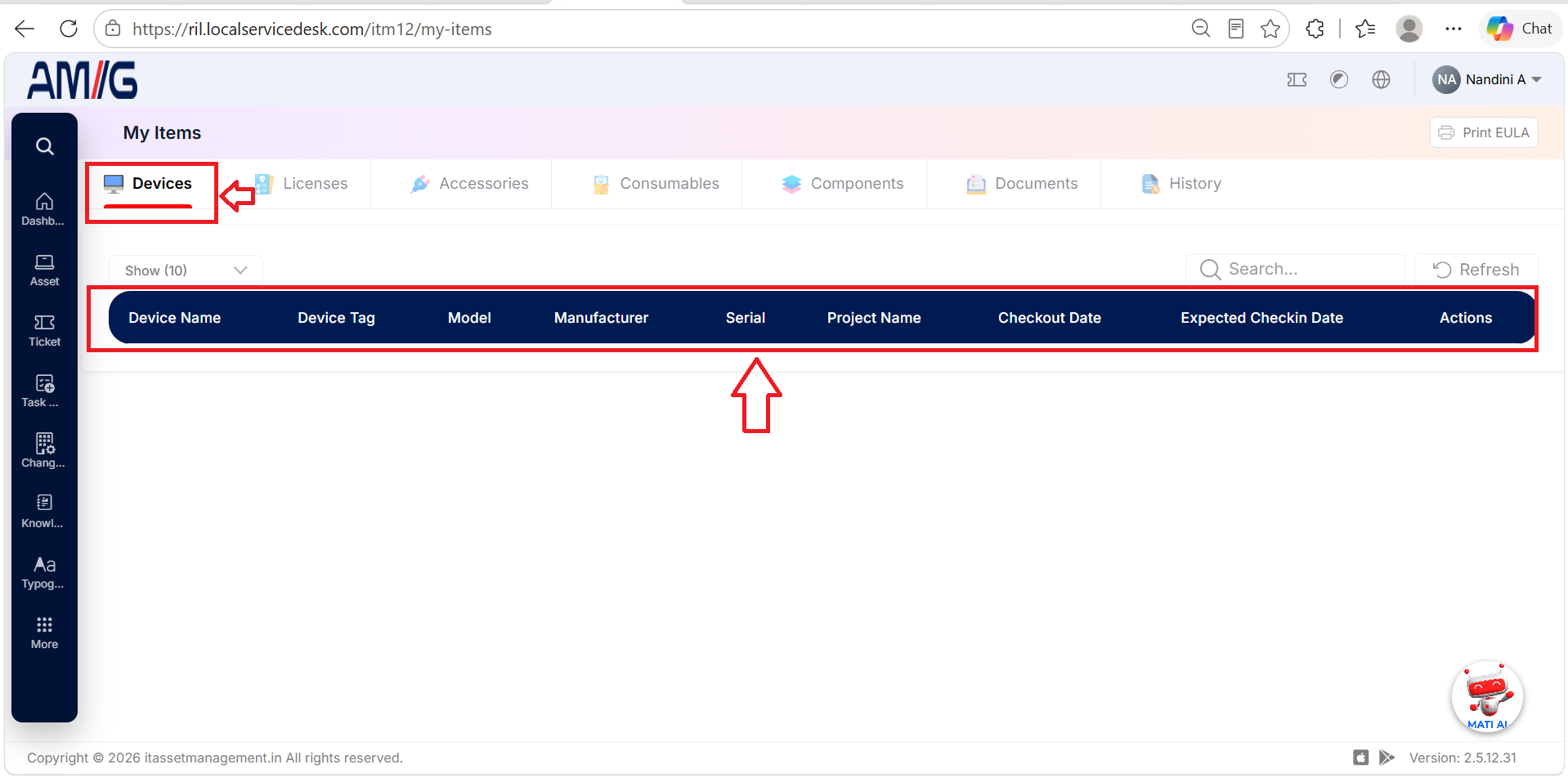
The Licenses tab allows users to view license information associated with their accounts. Users can review the license details displayed in this section.
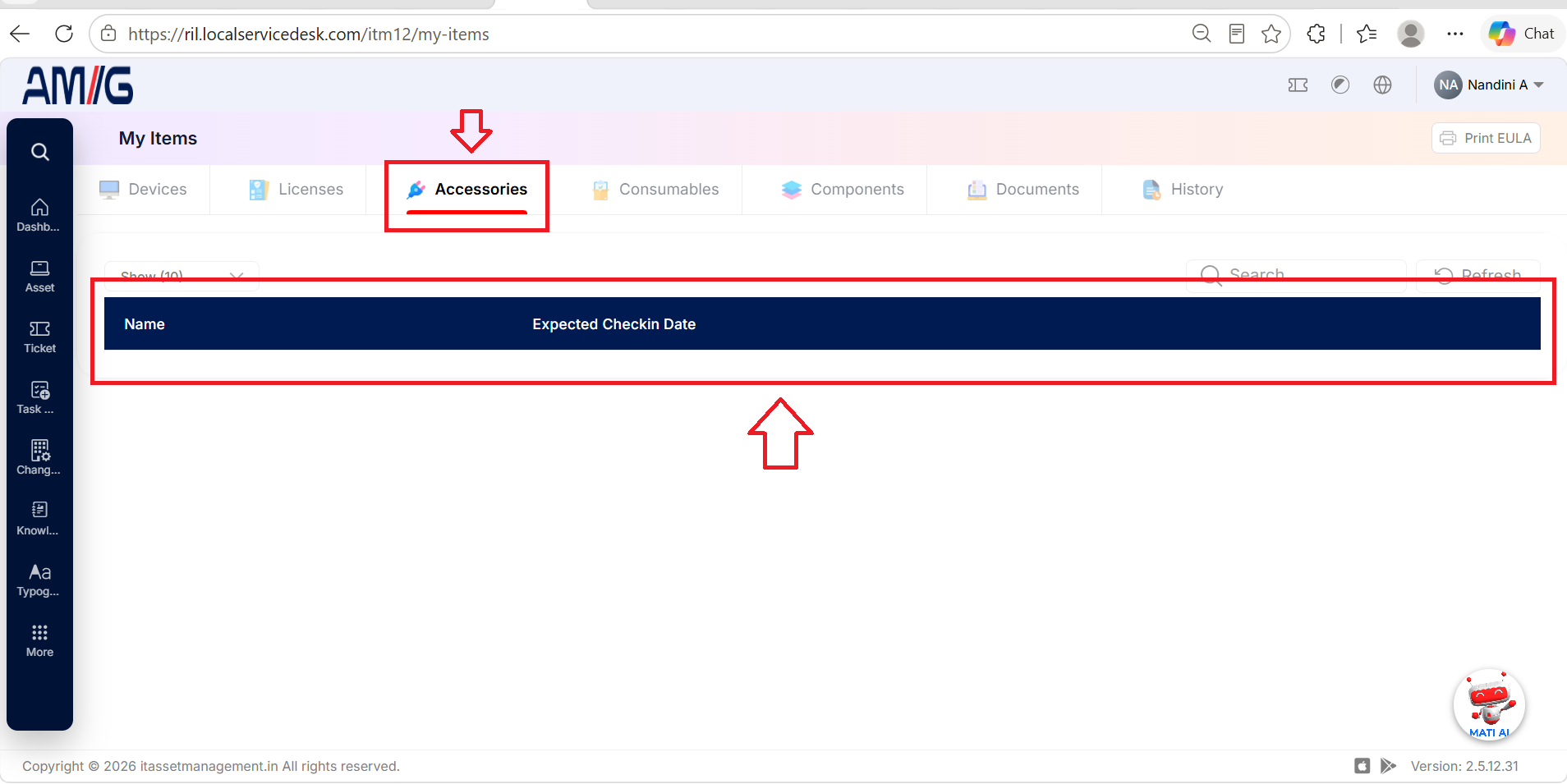
Accessories
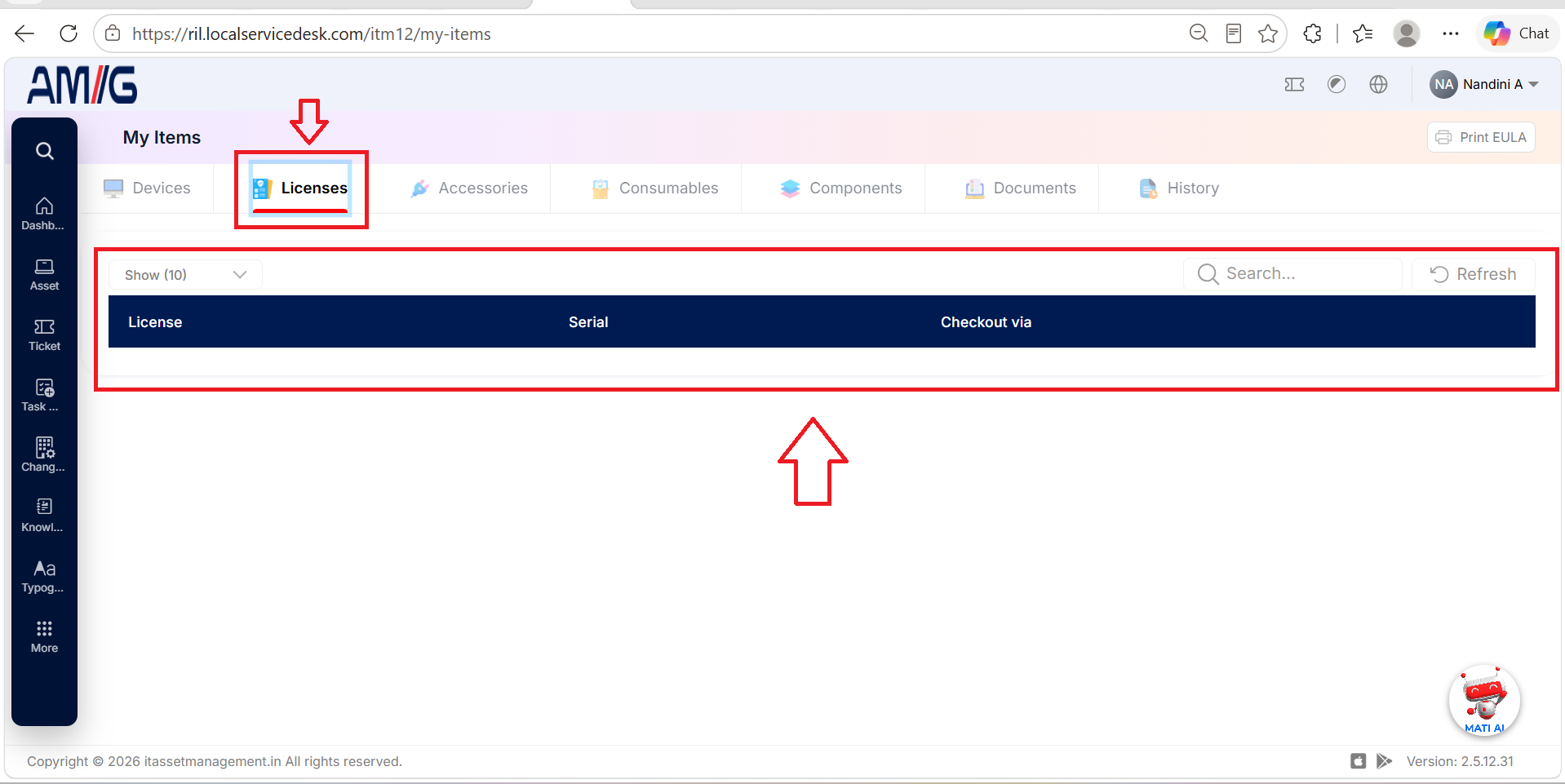
The Accessories tab displays information about accessories associated with the user. Users can review the accessories listed under their accounts.
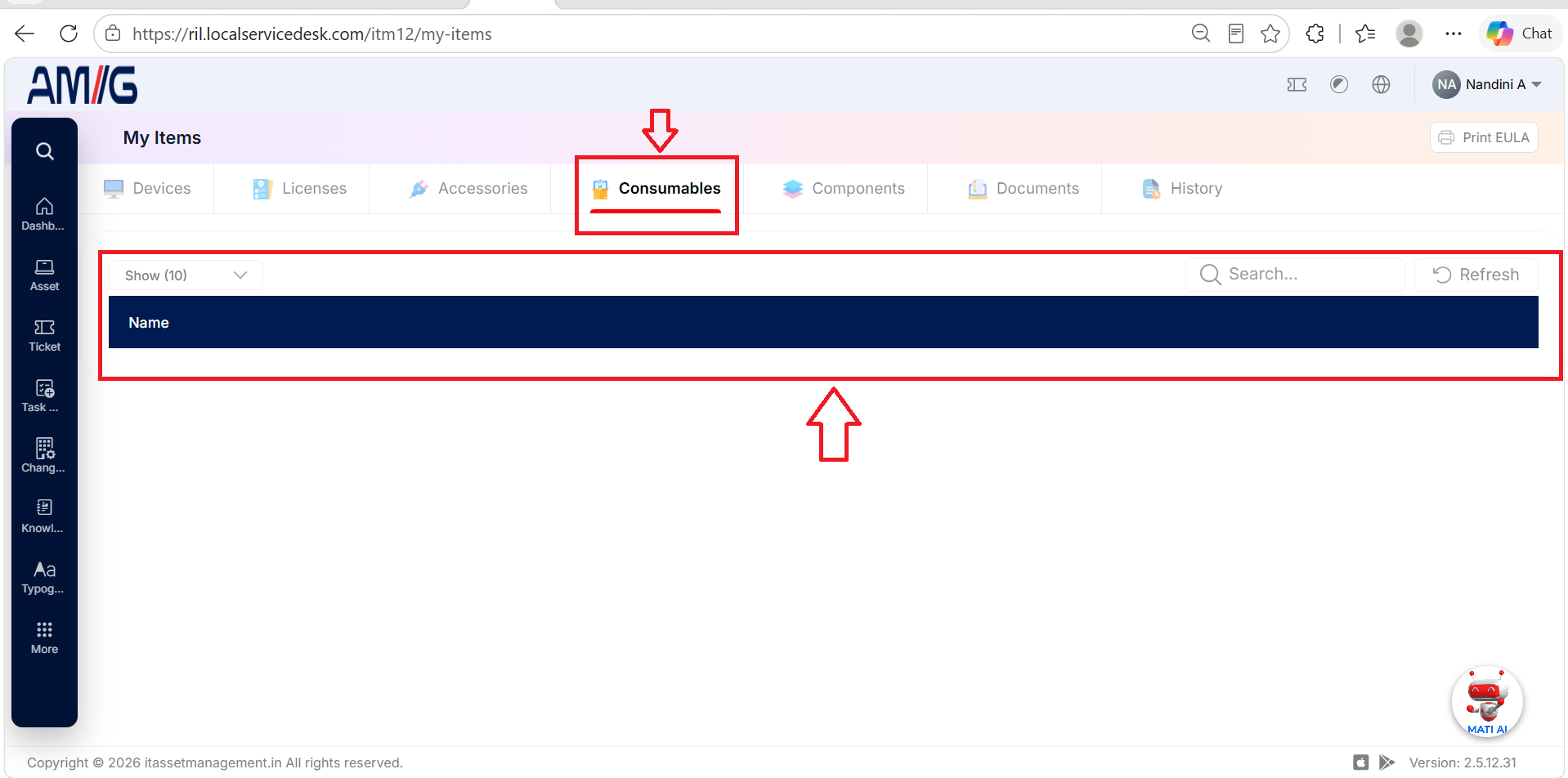
Consumables
The Consumables tab displays information about consumable items associated with the user. Users can review the consumables listed under their accounts.
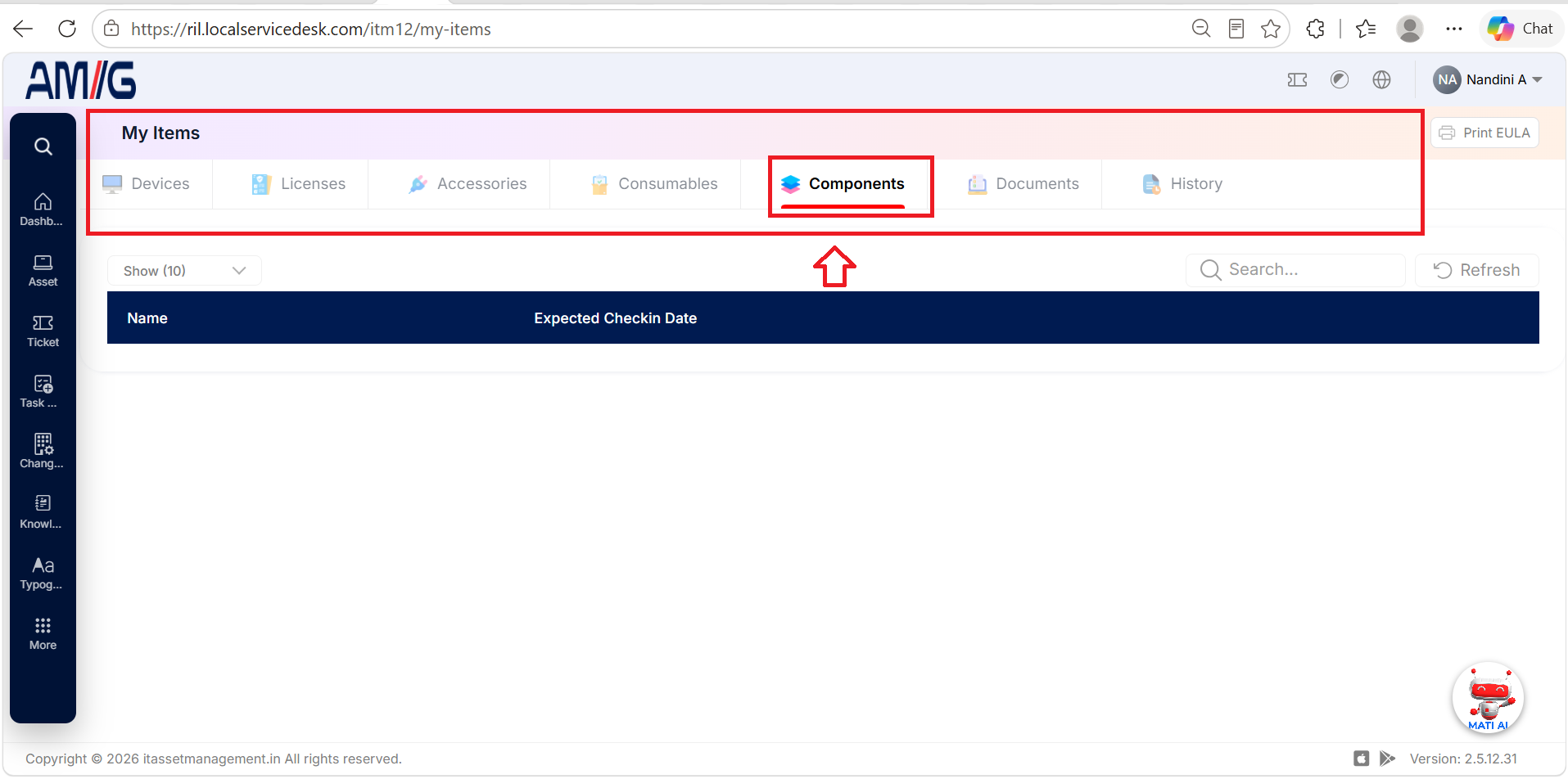
Components
The Components tab provides information about components associated with the user. Users can review the component details available in this section.
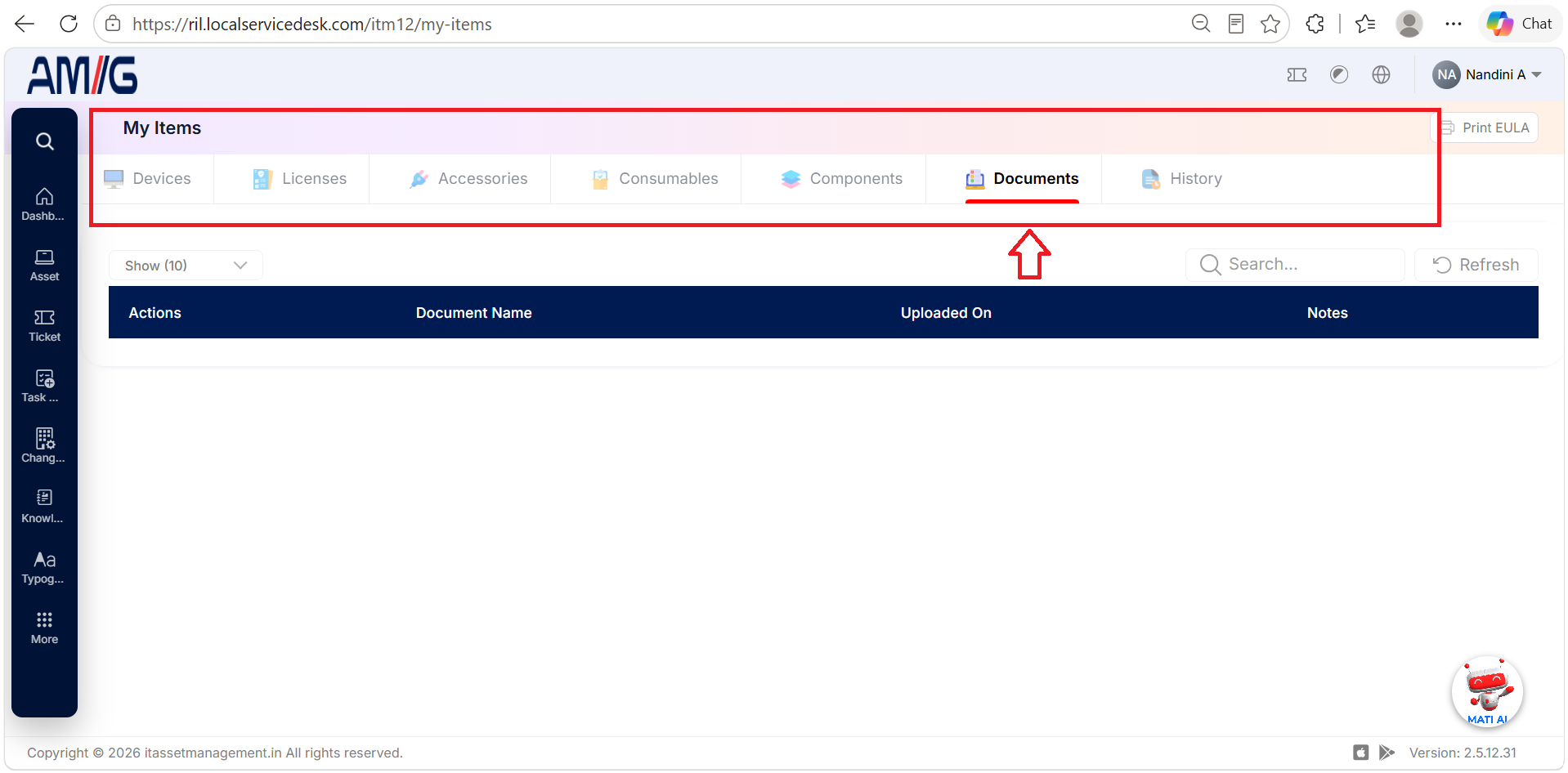
Documents
The Documents tab provides access to documents associated with the user's items. Users can review the documents available to them.
History
The History tab provides access to historical information about the user's items. Users can review the history records available in AMG.
Additional Options
Print EULA
The Print EULA option allows users to print the End User License Agreement (EULA), where available.
Refresh
The Refresh option allows users to reload the displayed information.
[NOTE] The information displayed and the actions available in each tab depend on the user's assigned permissions and the records available in AMG.