

Use Rate a Resolved Ticket to tell the support team how satisfied you are once a ticket has been resolved. Your rating and comment appear in the Customer Feedback panel of the ticket and help your organisation measure and improve service quality.
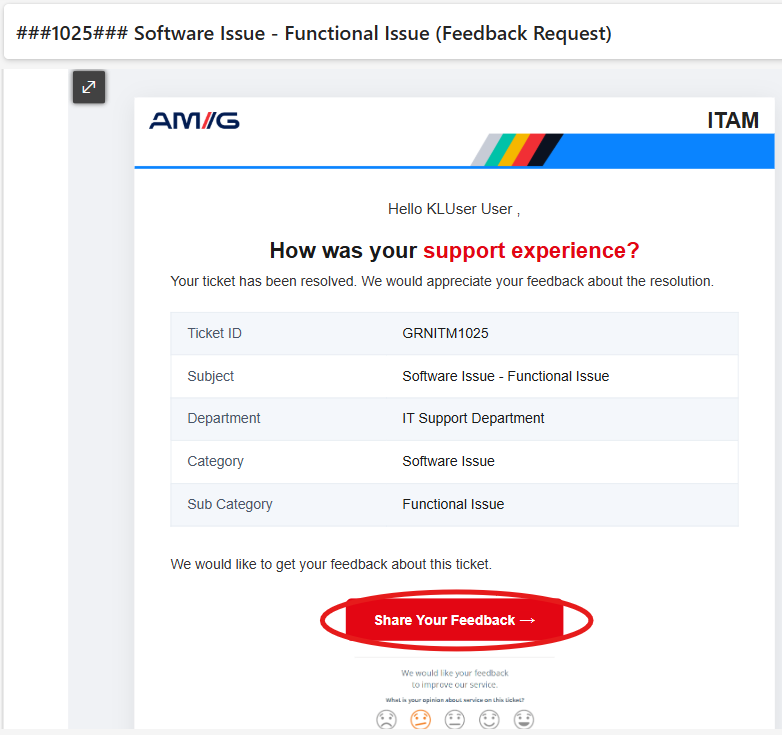
Step 1: When you open the details of a Resolved Ticket or a Feedback Request email and click the Share Your Feedback button, a pop-up appears with fields to enter your rating and comments.
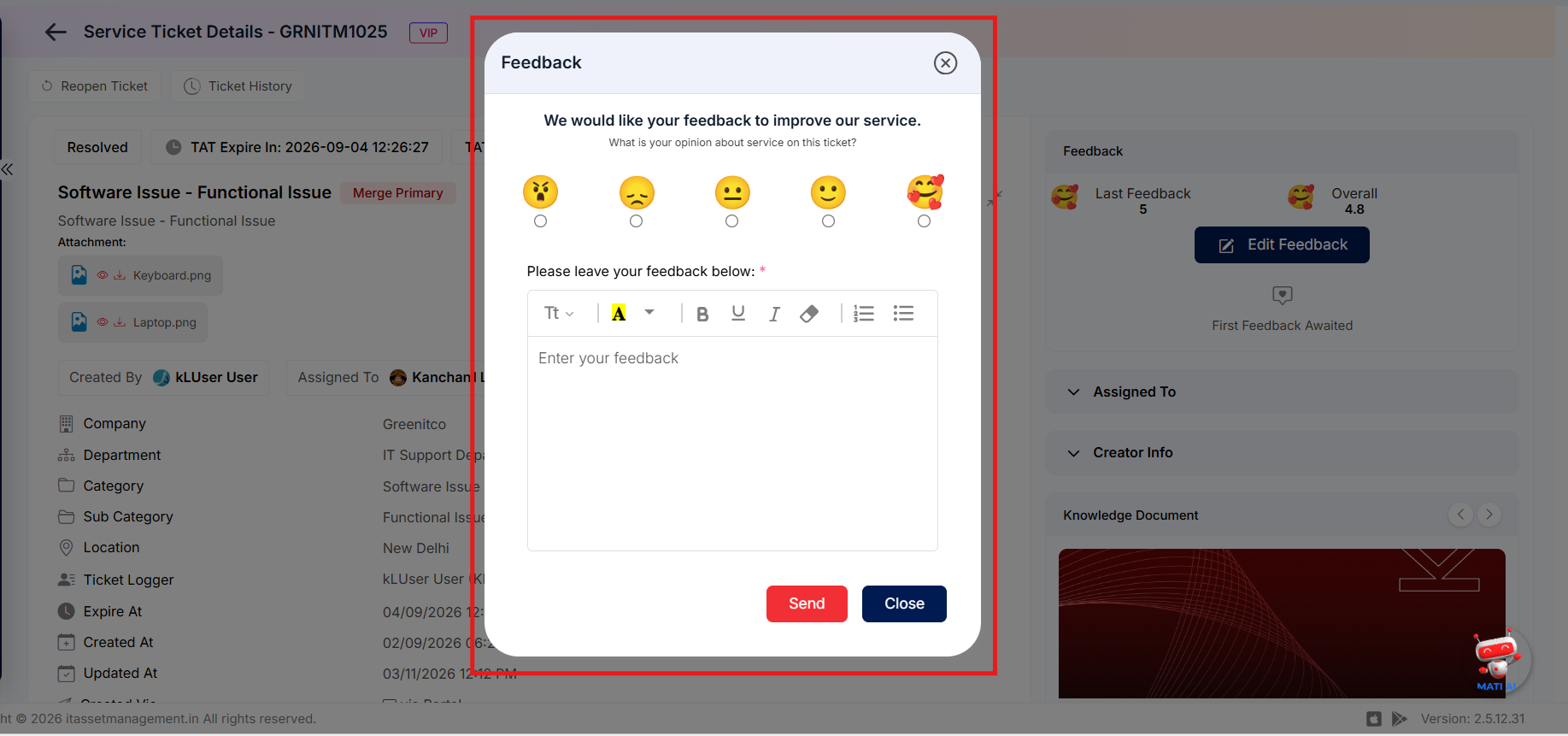
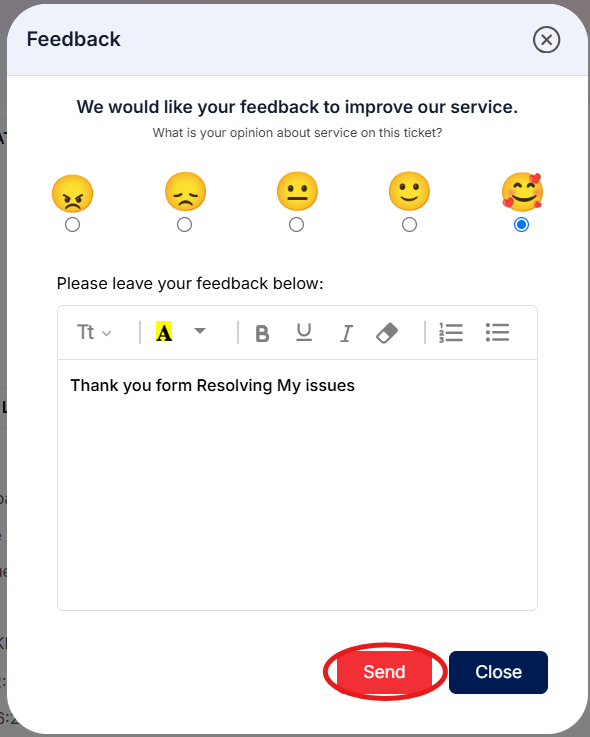
 Step 2: Choose your rating and, where the form allows, enter a comment describing your experience.
Step 3: Submit your feedback. The rating is saved against the ticket.
Note: Only resolved tickets can be rated.