

Introduction
If a ticket is one of several caused by the same underlying fault, add it to a problem record. The problem is then investigated once, and when the problem is closed, its linked tickets are resolved too.
Step 1: Open the ticket and select the Add to Problem Management checkbox.
Step 2: In the pop-up, select the problem record from the drop-down.
Step 3: Click Save. The ticket is listed as an impacted ticket on the problem.
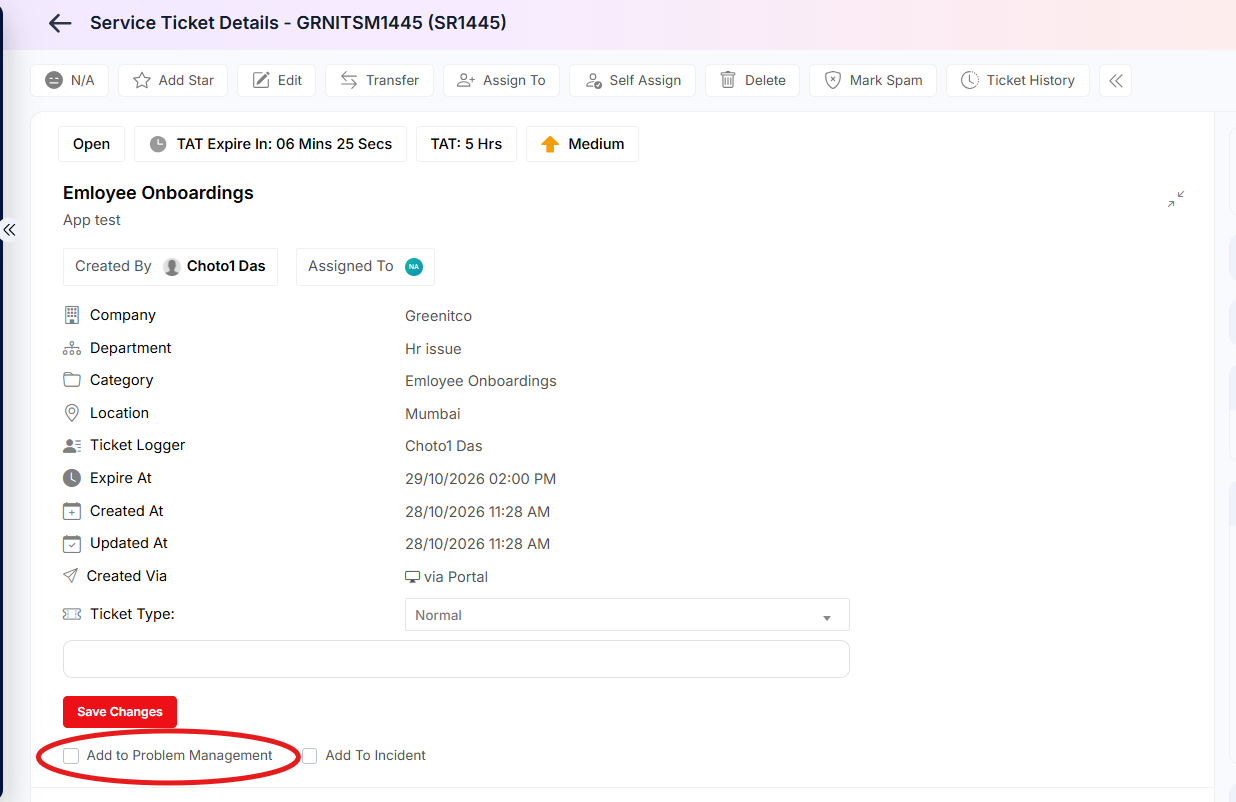
Figure 2.2.22: Add to Problem Management option
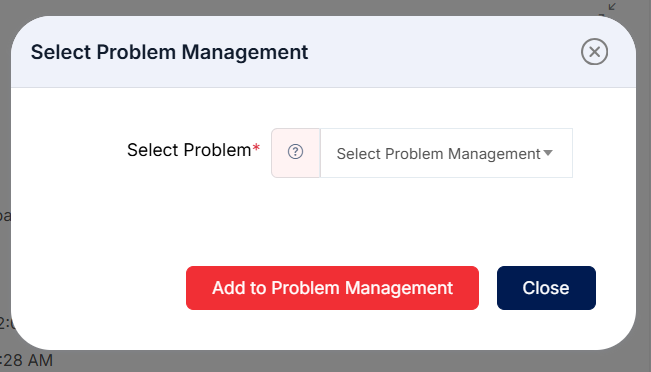
Figure 2.2.23: Select Problem Management dialog
Note: If no suitable problem exists yet, create one in Problem Management first (section 2.4).