How to Update the Agent
Updating the Mac Agent
Automatic Updates
The Mac Agent is designed to update itself automatically. Whenever a new version of the agent is available on the server, the agent fetches it and applies the update during the scheduled cron job. No manual action is required in normal circumstances.
Manual Update (on demand)
If you want to update the agent manually when a newer version is available on the server, simply restart the agent using the following commands in the macOS Terminal:
** sudo rm /tmp/macagent_last_run
** sudo launchctl bootout system /Library/LaunchDaemons/com.mac.agent.plist
** sudo launchctl bootstrap system /Library/LaunchDaemons/com.mac.agent.plist
At this point, the agent will auto‑update immediately.
Update Logs
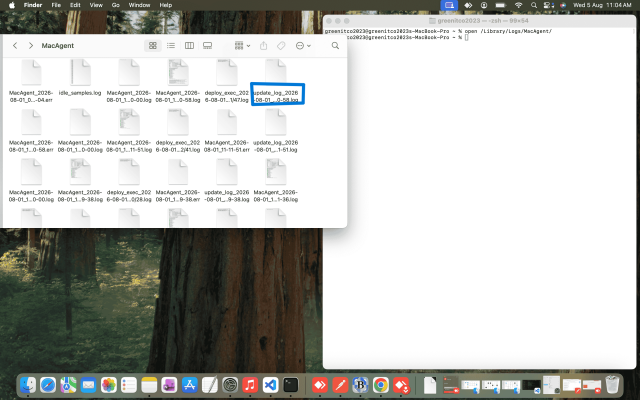
When the agent updates successfully — or if the update fails — you can review all related logs in:
/Library/Logs/MacAgent/