My Items
Assets which are assigned to you includes the device, license, accessory and consumables will appear here. Choose the different tabs to view the relevant details. The entire history of the assets will appear in the history tab.
Go to the left sidebar and select My items
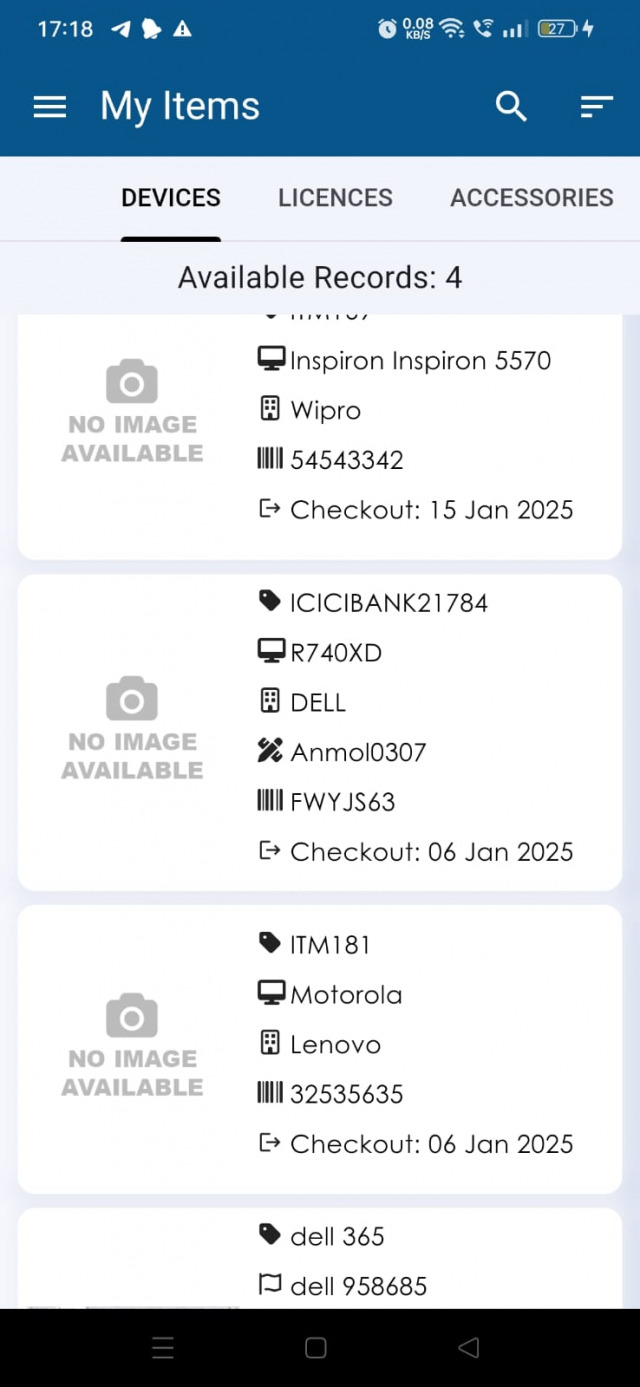
In device tab you can also check the device details by tap on any particular device
Device:- Corresponding checkout accessories of the device will appear here
Accessory:- Corresponding checkout accessories of the device will appear here
Consumables:- Corresponding checkout consumables of the device will appear here
Licence:- Corresponding check out license of the device will appear here
History:- Entire check in, check out history of the device will appear here
Document:- : Documents related to this asset can be appear here