Endpoint Agent Discovery (Windows, macOS, Linux)
Product: NEXTMEGABYTE (Greenitco ITAM) · Module: IT Asset Management (ITAM) · Audience: Administrator, Technician
Agent-based discovery is recommended for organizations that do not use Microsoft Active Directory, or as a backup when users travel frequently or rarely connect to the domain.
A lightweight agent is installed once on each device. It then collects hardware, software and inventory information automatically and synchronizes it with the portal at regular intervals.
Supported platforms: Windows, macOS and Linux.
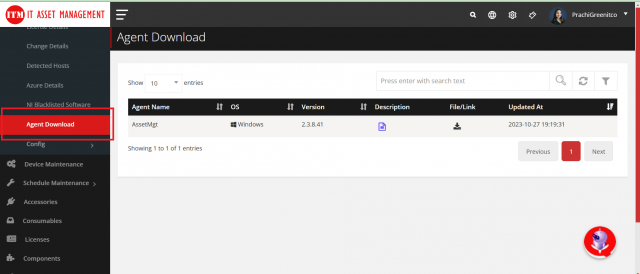
Menu path: left side menu → Network Inventory → Agent Download
Download the agent
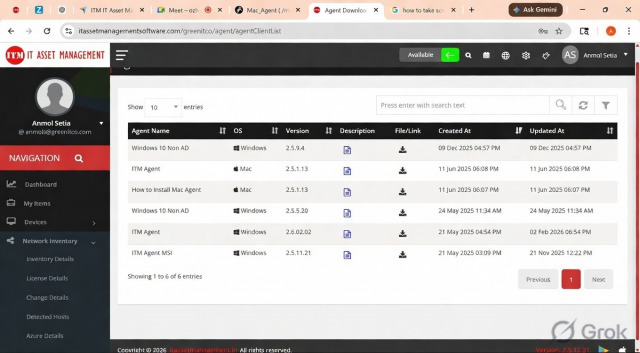
- Open Network Inventory → Agent Download.
- Select the operating system of the target device.
- Download the agent package.
- Install it on the device (see below). The agent starts collecting and uploading inventory automatically.
Install the Windows agent
- Unzip the downloaded file.
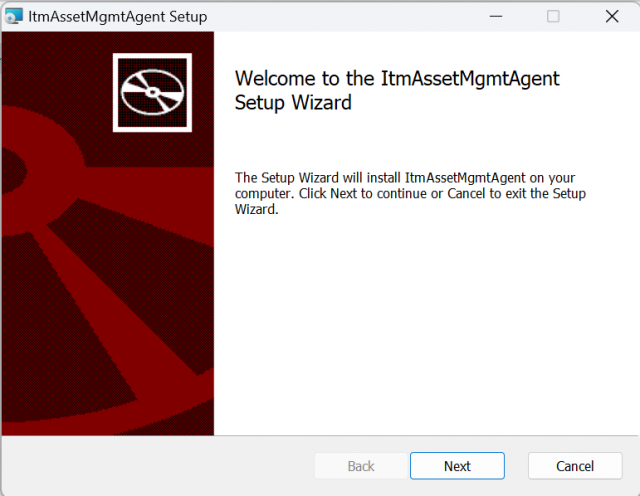
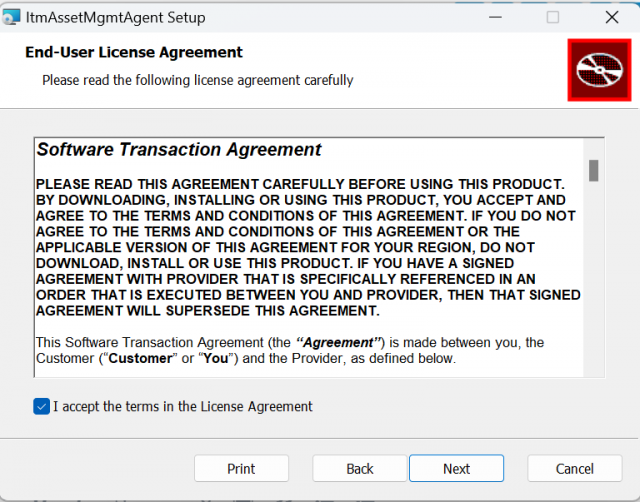
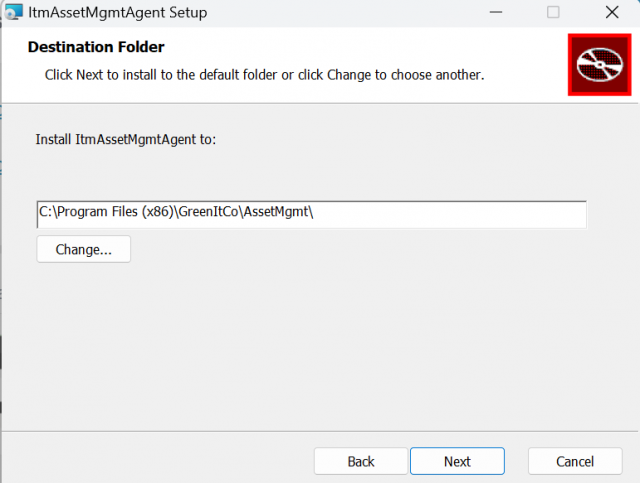
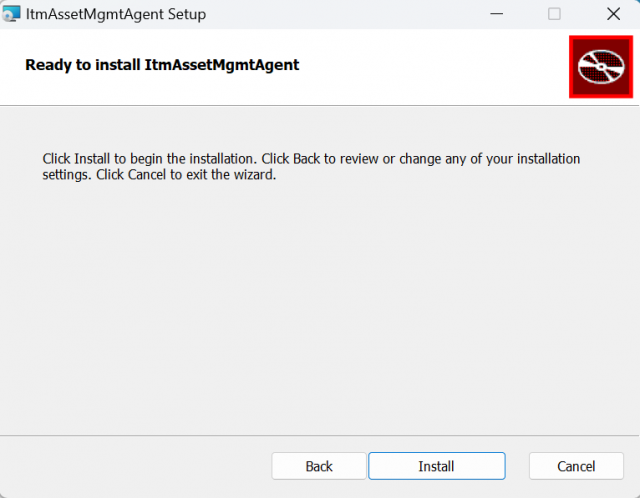
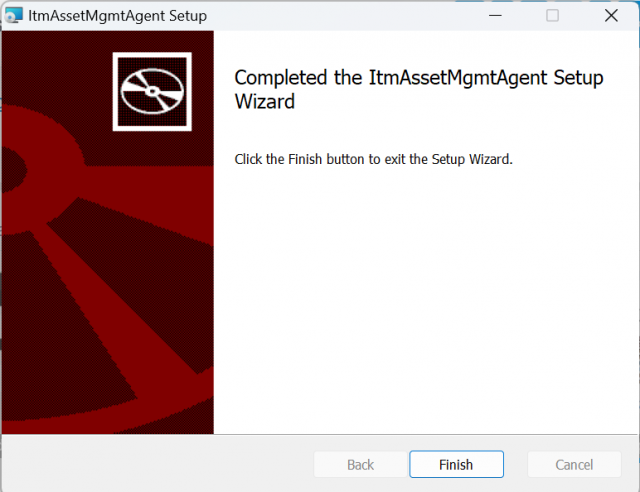
- Run the installer and follow the steps shown in the installation wizard.
- Complete the wizard. The agent starts automatically.
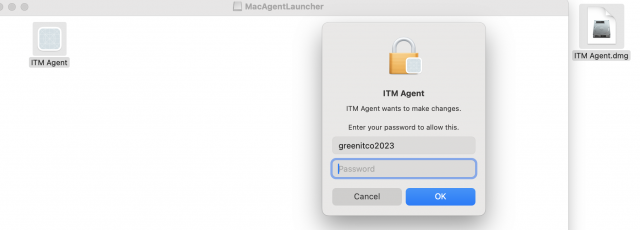
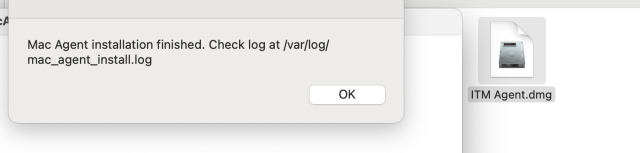
Install the macOS agent
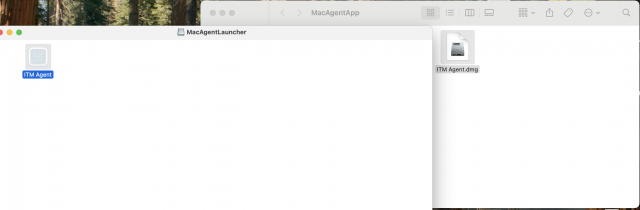
See macOS Agent for installation, log checks, troubleshooting, updates and uninstallation.
Check that the device appears in the portal
- Open Network Inventory → Inventory Details.
- Find the device. All devices with a running agent are listed here.
- Select the info icon to see system, hardware, storage, installed applications, memory, operating system and network details.
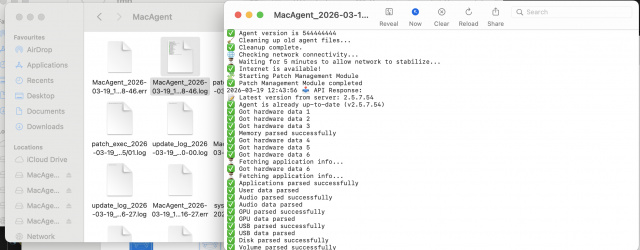
Most devices appear 3 to 5 minutes after installation, provided the device has internet access.