Other Mobile Features
Product: NEXTMEGABYTE (Greenitco ITAM) · Module: Mobile App · Audience: All users
Buzzer notifications
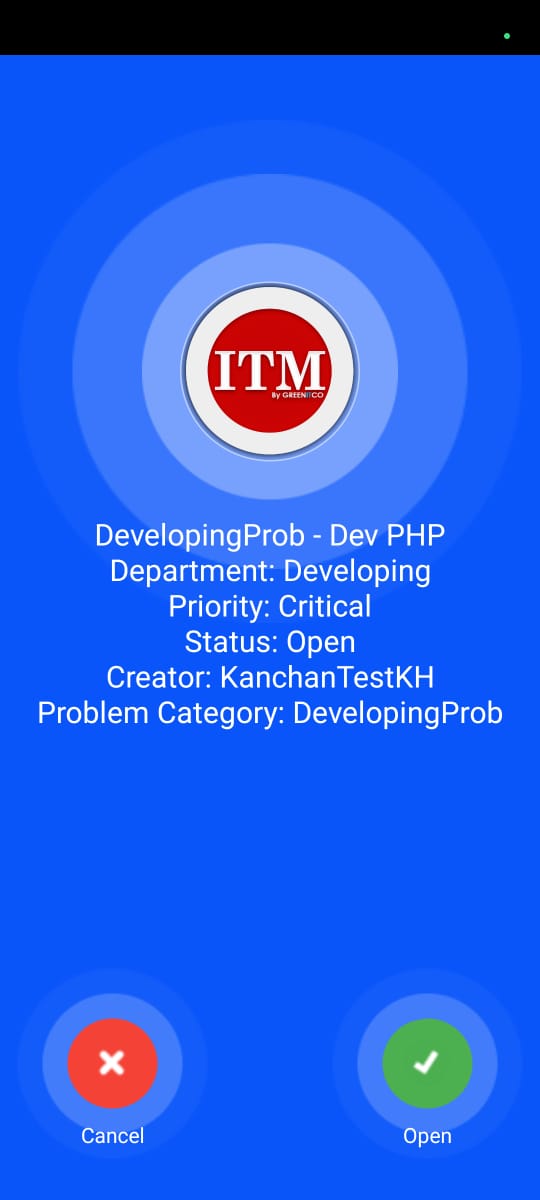
When a High or Critical priority ticket, or a VIP ticket, is assigned to a technician, that technician receives a buzzer notification with the ticket details. Tap Open to go straight to the ticket.
Switch company
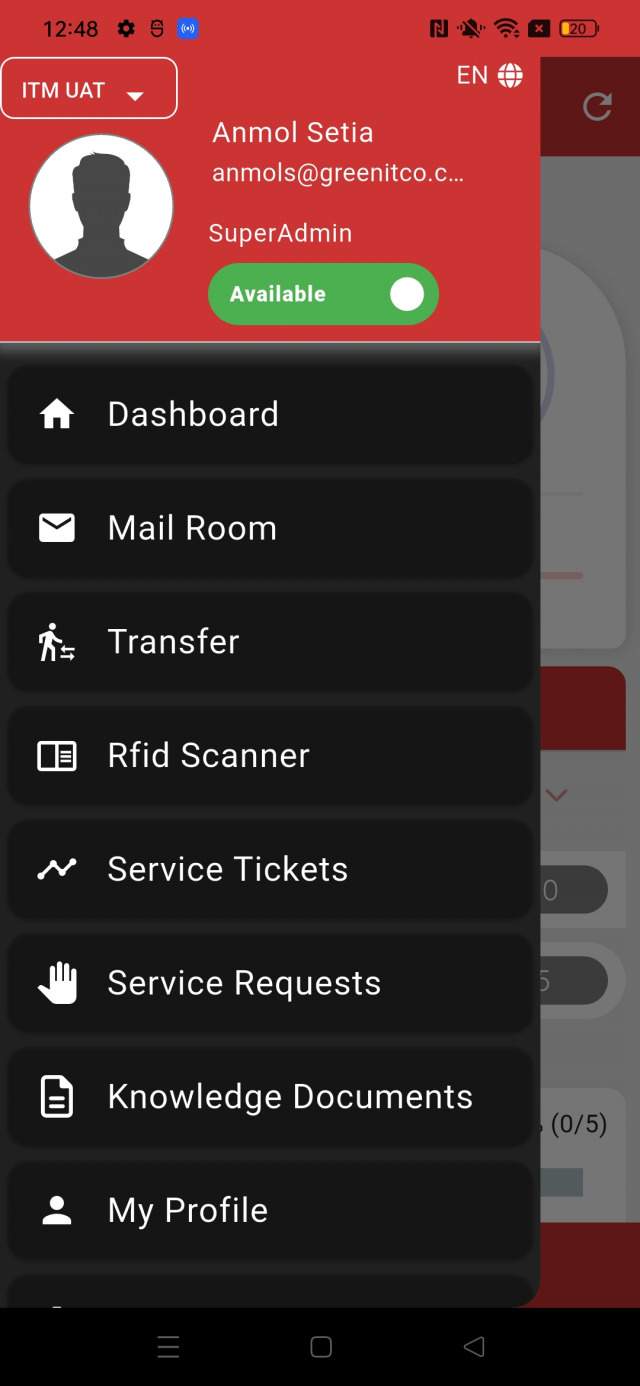
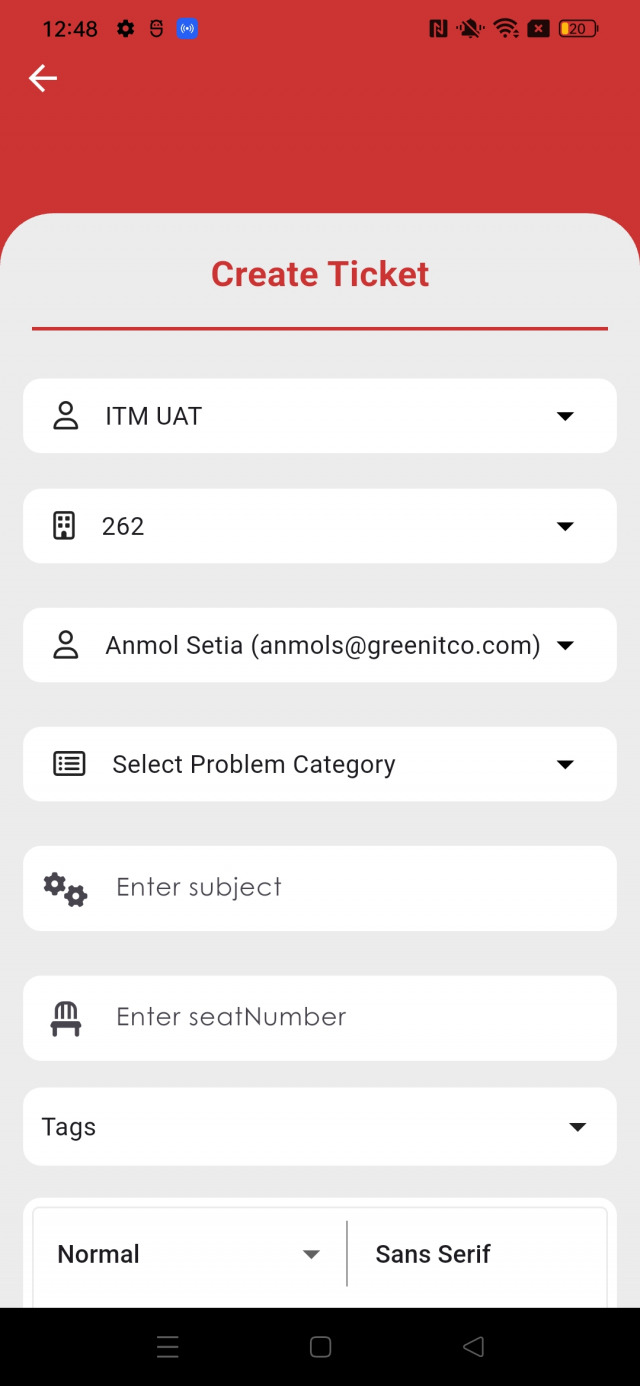
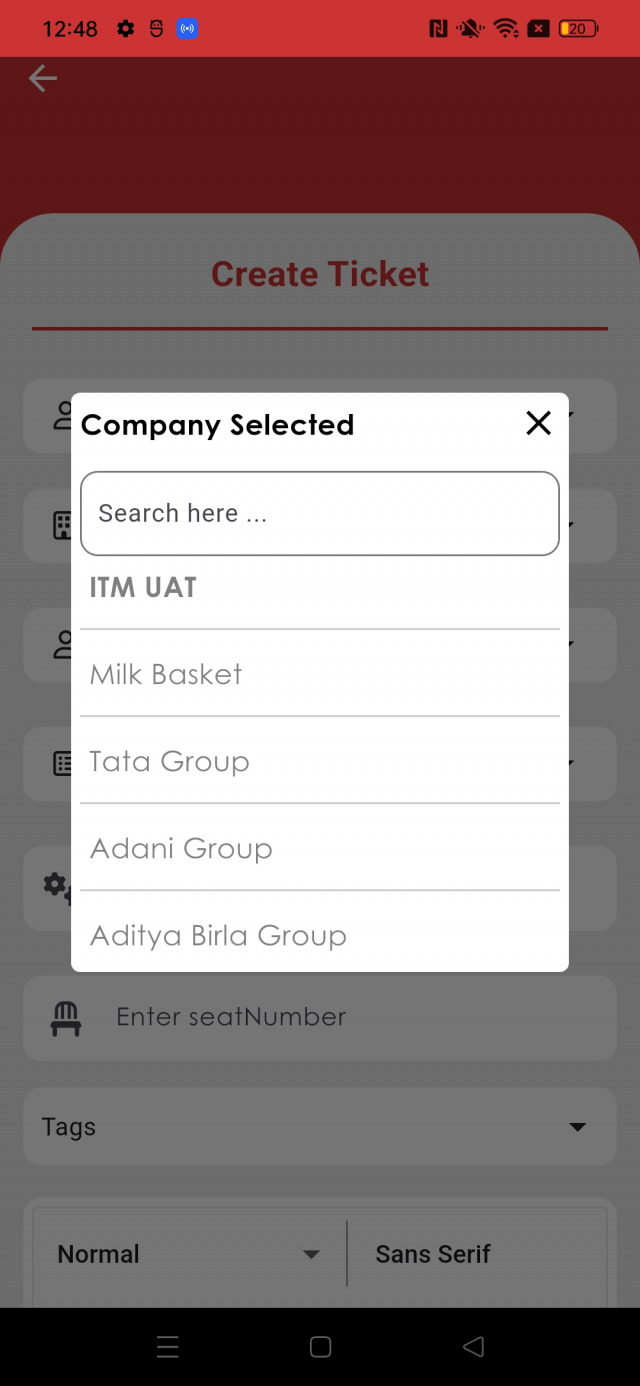
If you work with several companies, select the company in the company dropdown in the side menu. All modules (tickets, assets, devices, reports) then show data for that company only. When creating a ticket, the order is Company → Department → Problem Category → Sub Problem Category.
Approve change requests
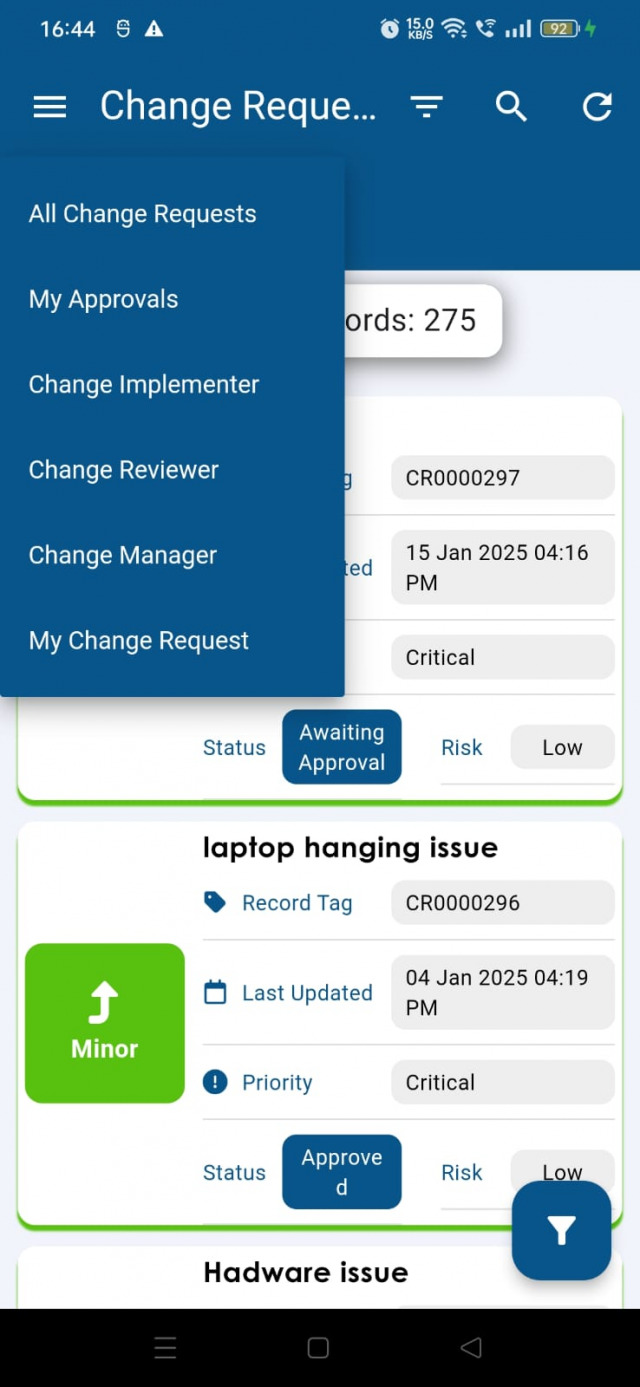
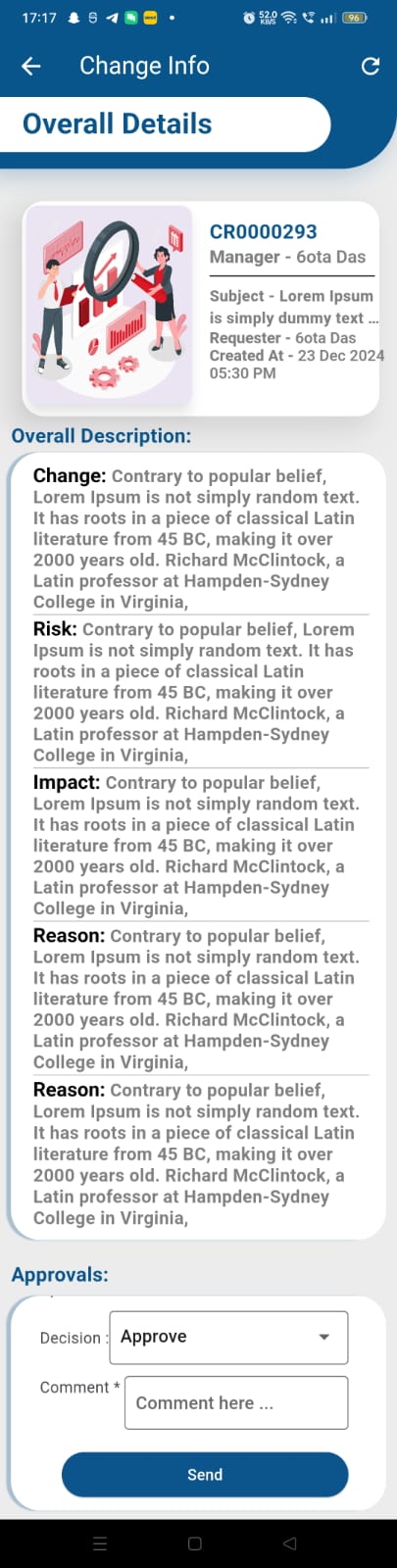
Open Change Requests → My Approvals, open the request and approve or reject it.
Knowledge articles
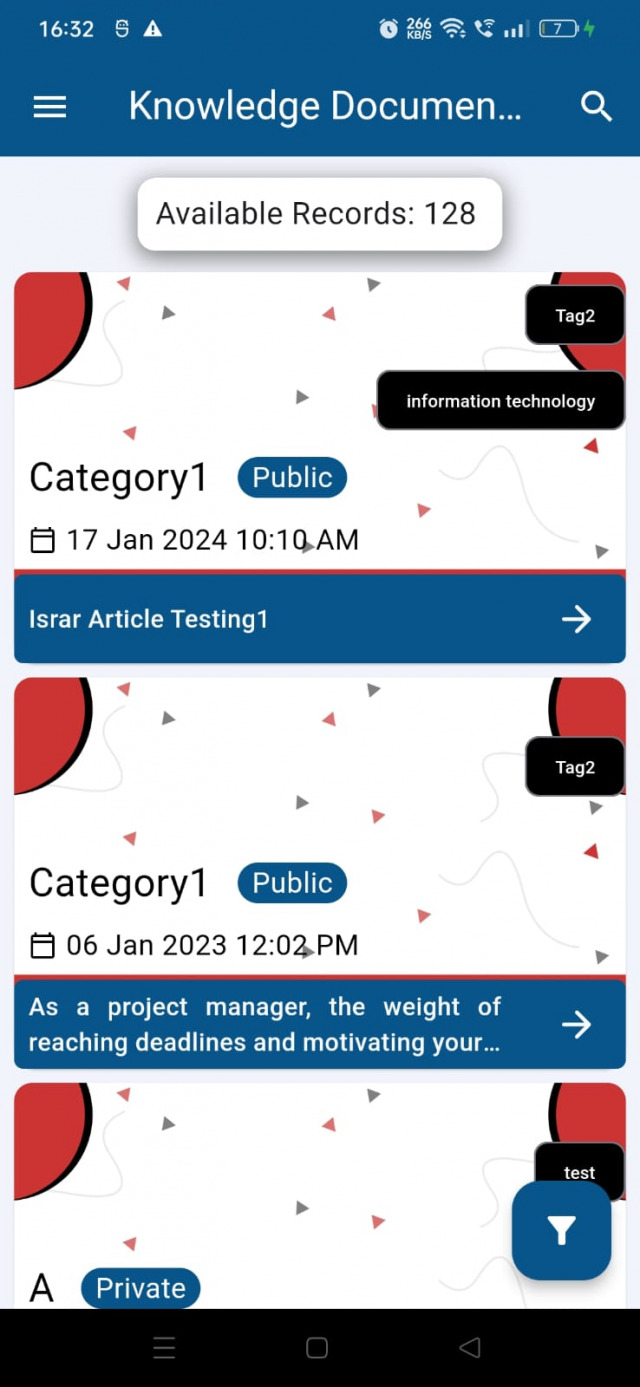
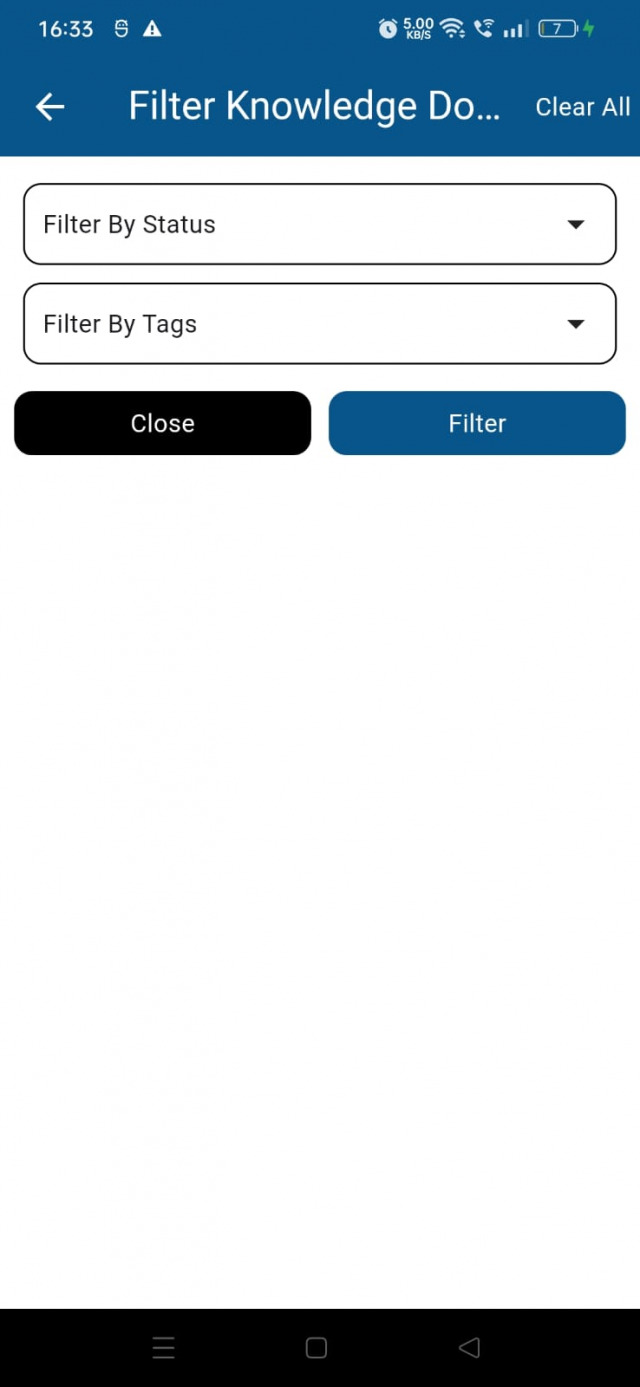
Open Knowledge Document to see articles. Tap an article to read it. Filter by status (Public, Private, Only Admin/Technician) and tags.

My profile
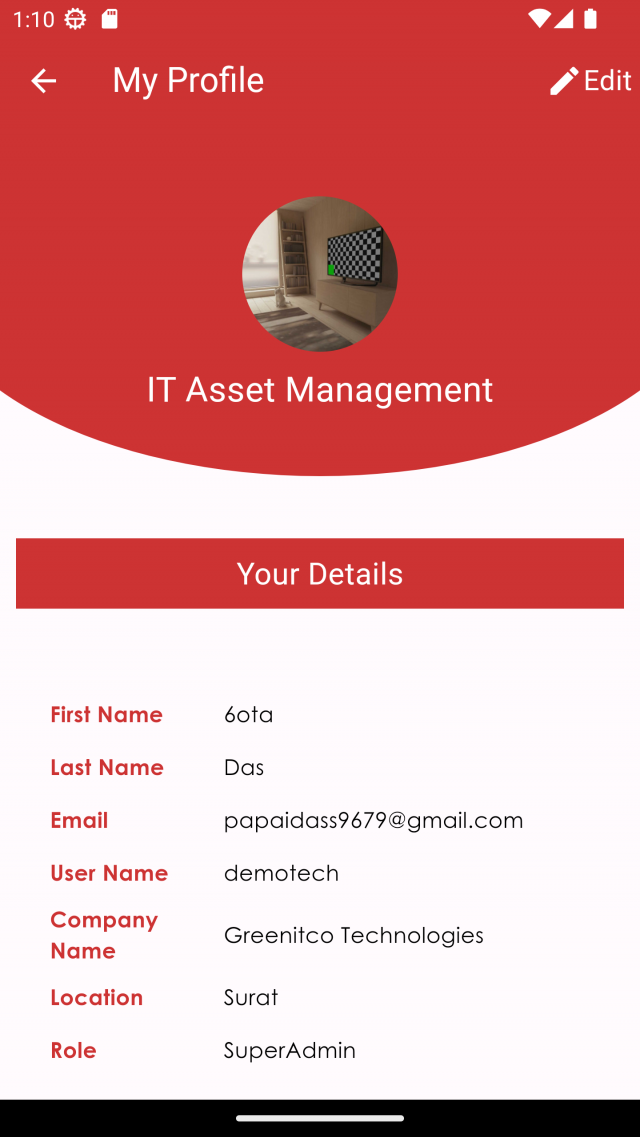
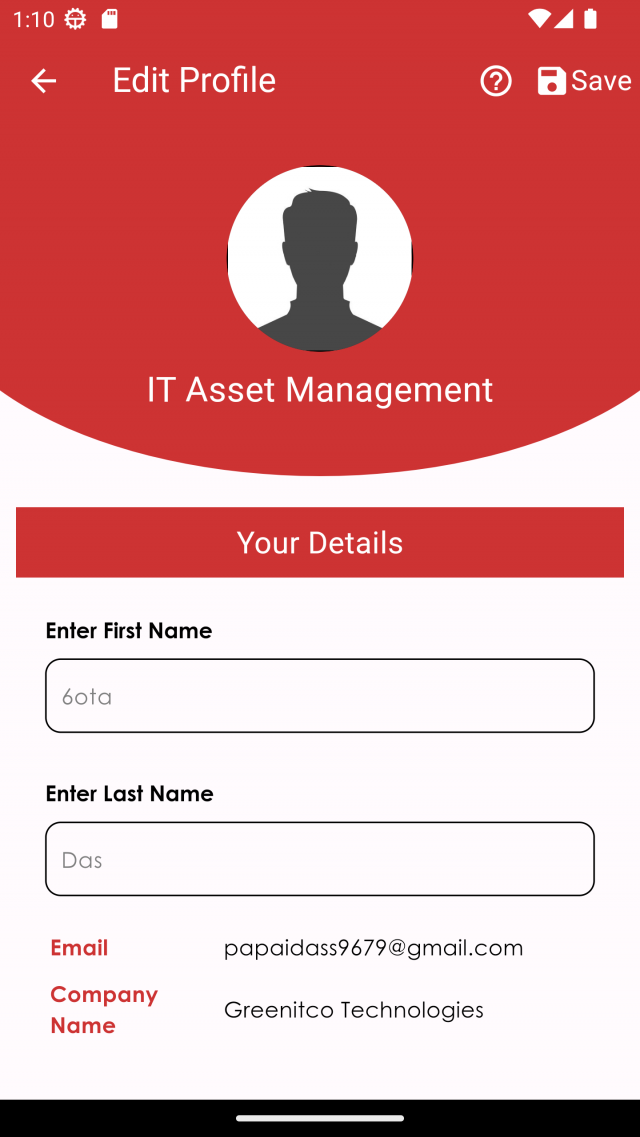
Open My Profile to see your full name, email, username, company, location and role. Tap Edit to change your first name, last name and profile picture, then tap Save.
Settings
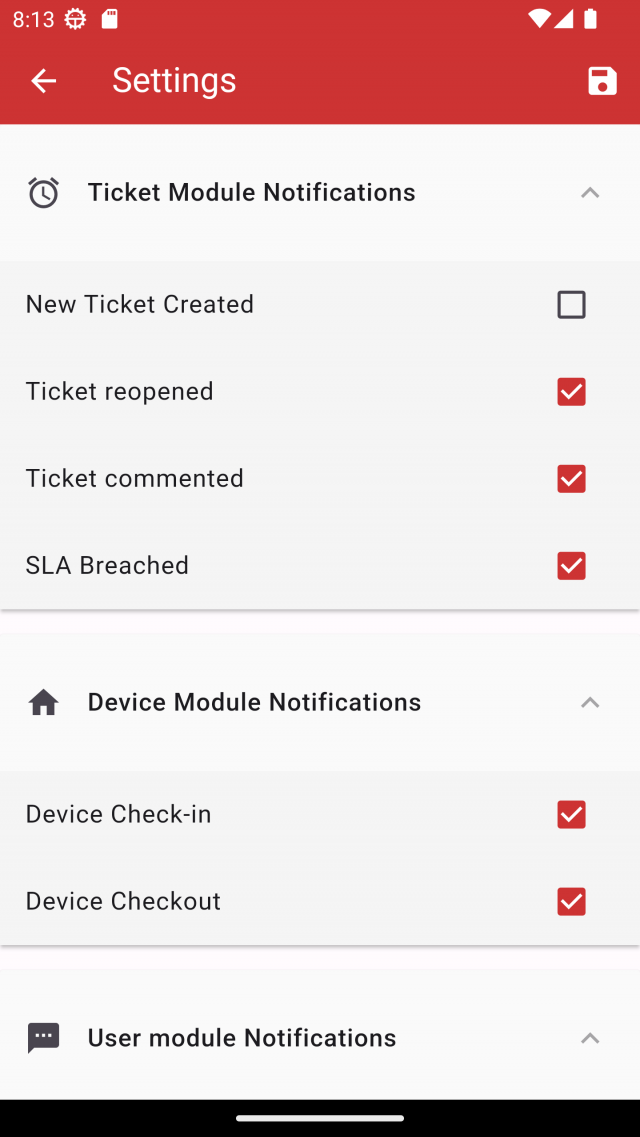
Open Settings, change the options and tap Save.