Live Monitoring (Website Monitoring)
Product: NEXTMEGABYTE (Greenitco ITAM) · Module: Live Monitoring (ITOM) · Audience: Administrator, Technician
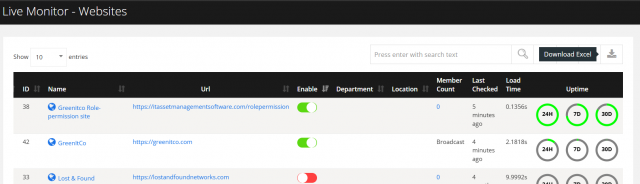
Live Monitor provides real-time monitoring of systems, websites and devices. It shows current status, detects outages and performance problems, sends automatic alerts and keeps history, helping maintain uptime. Monitored objects can include servers, websites, applications, network devices, IoT devices, CCTV cameras, printers and storage.
Menu path: left side menu → Live Monitor → Website Monitor
Add a website
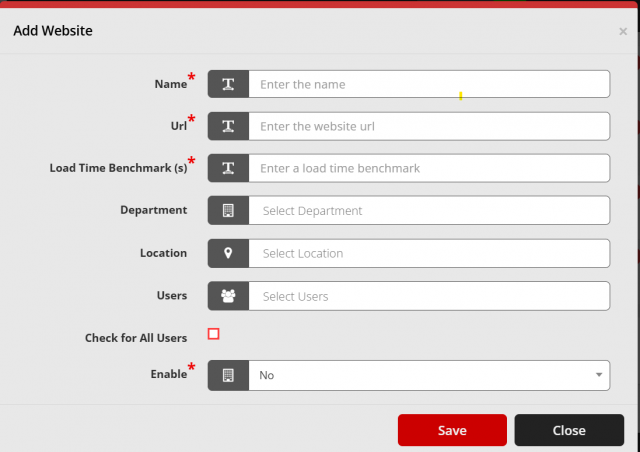
- Select Add (plus icon).
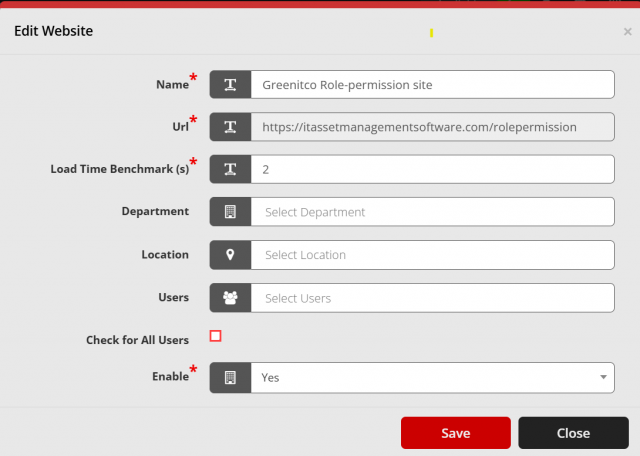
- Fill in the fields and select Save.
| Field | Description |
|---|---|
| Name | Name of the website |
| URL | Full website address |
| Load Time Benchmark (s) | Maximum acceptable load time in seconds, used for performance alerts |
| Department | Only users of this department can see the website |
| Location | Only users of this location can see the website |
| Users | Specific users allowed to view the website |
| Check for All Users | Show the website to all users, overriding department and location |
| Enable | Turn monitoring on or off |
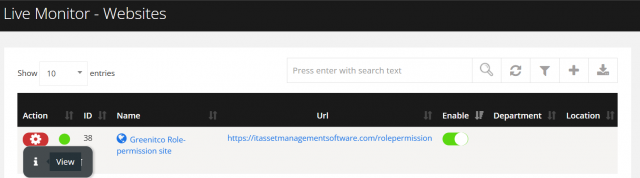
Edit, delete or download
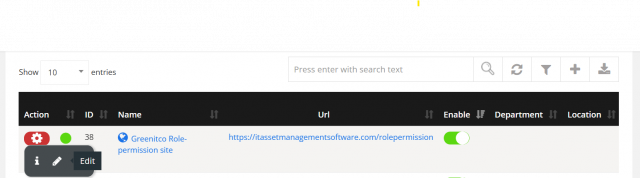
- Edit: open the action menu, select the pencil icon and save.
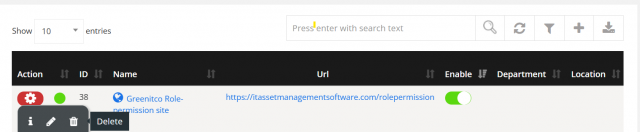
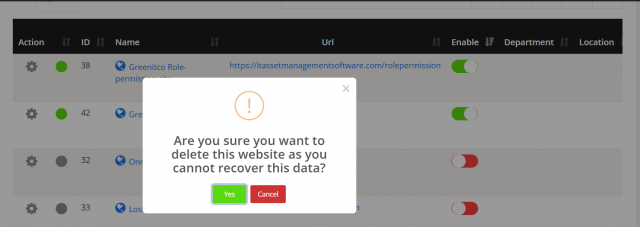
- Delete: open the action menu, select the trash icon and select Yes.
- Download: select the download icon to export the list.
Website details
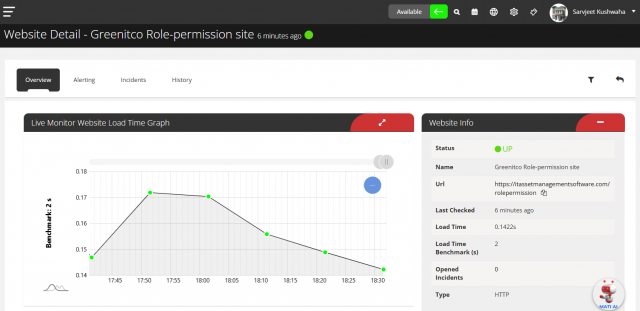
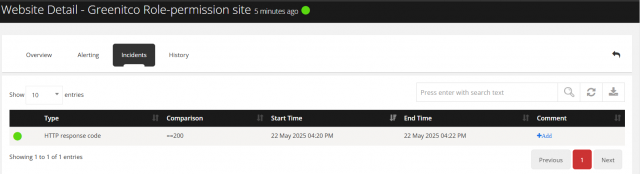
Open the action menu and select Info (info icon).
| Tab | Shows |
|---|---|
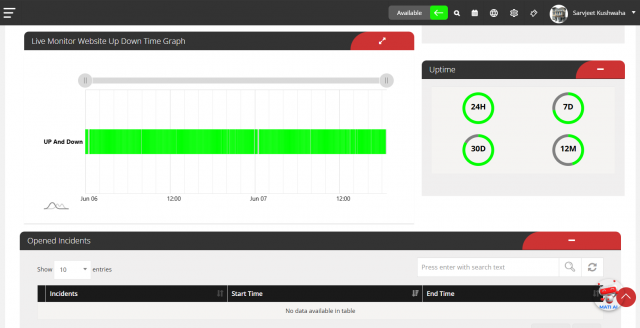
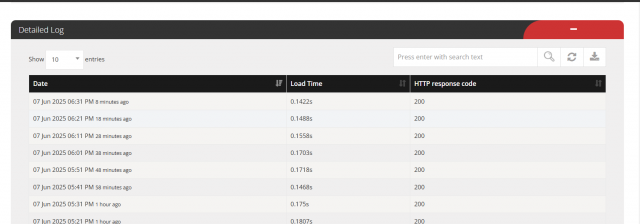
| Overview | Uptime, response times, recent changes and alerts |
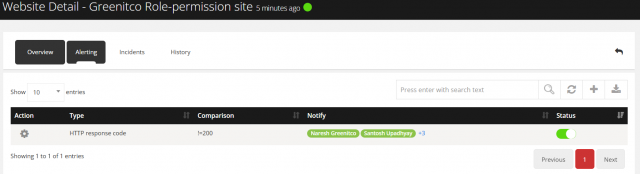
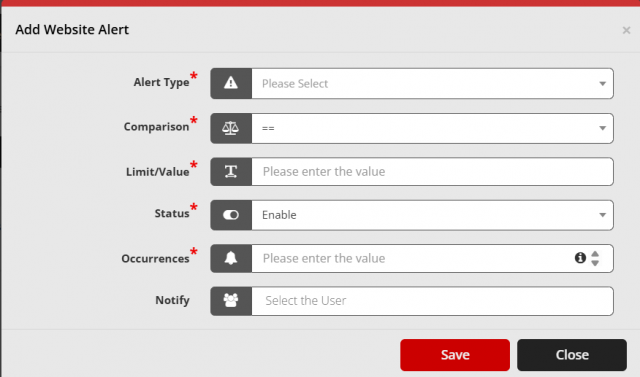
| Alert | Users who receive email alerts. Select Add (plus icon) to add a recipient |
| Incidents | Detected downtime, errors and performance problems |
| History | Past activity, incidents, uptime and latency trends |