Introduction
- What it is — Email to Ticket lets users raise a ticket simply by sending an email to your support mailbox — no need to open the portal.
- How it works — The portal reads the support mailbox, creates a ticket for each new email, and replies to the sender automatically.
- Why it matters — It saves users time, ensures no request is missed, and keeps every email conversation tracked as a ticket.
- What you need — A configured support mailbox and the email-to-ticket account settings (set up by an administrator under Ticket Configuration).
Note: Each incoming email becomes a separate ticket. Replies from the portal keep the same ticket thread, so the full conversation stays in one place.
Add an outgoing mail server
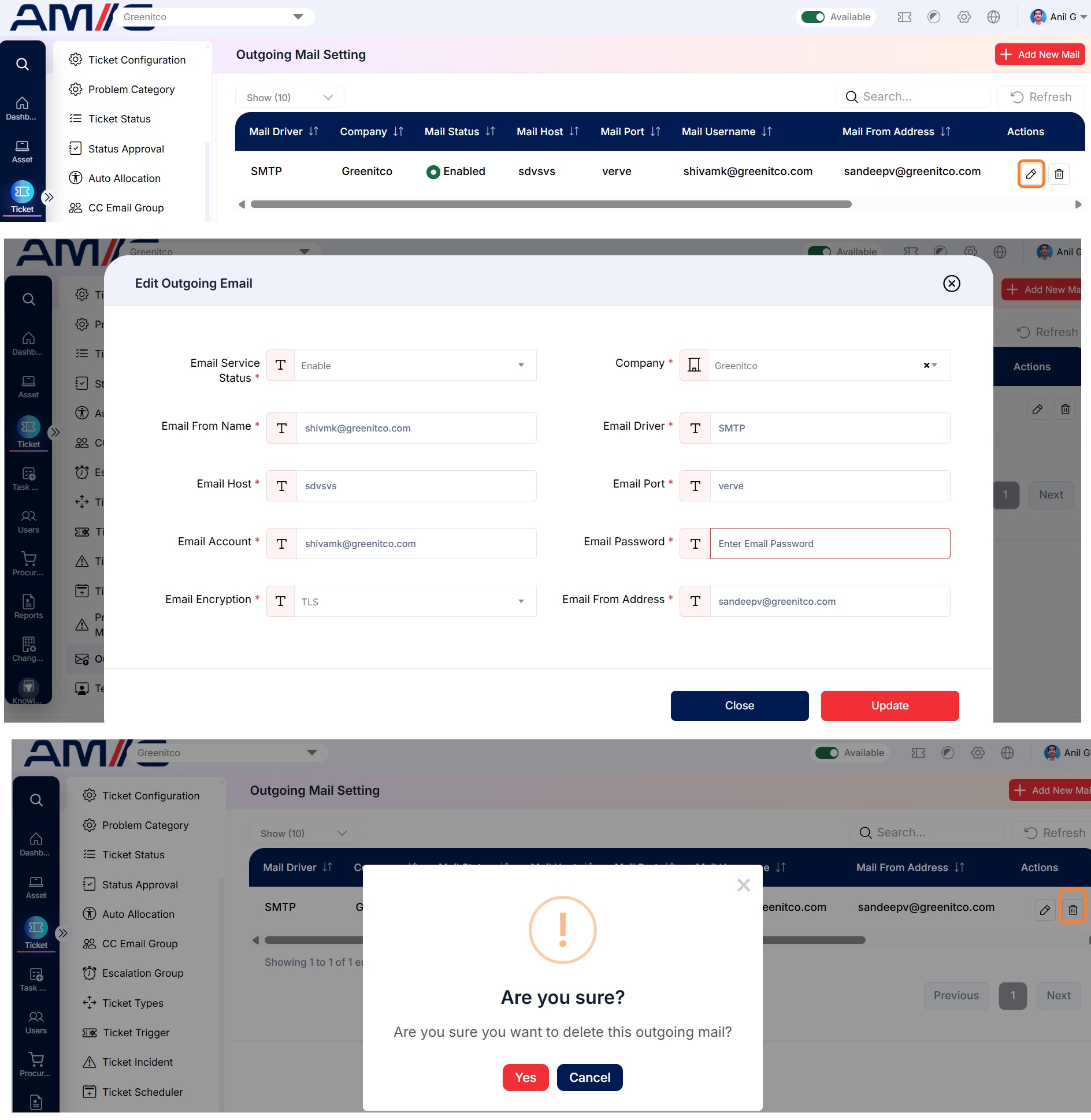
Menu path: Service Tickets → Outgoing Mail Setting → Add (plus icon)
| Field | Description |
|---|---|
| Status | Enable or disable the email service |
| Email From Name | Display name on outgoing emails |
| Email Driver, Host, Port | SMTP server details |
| Email Username, Password | Mailbox credentials |
| Encryption | SSL, TLS or none |
| Email From Address | Sender address |
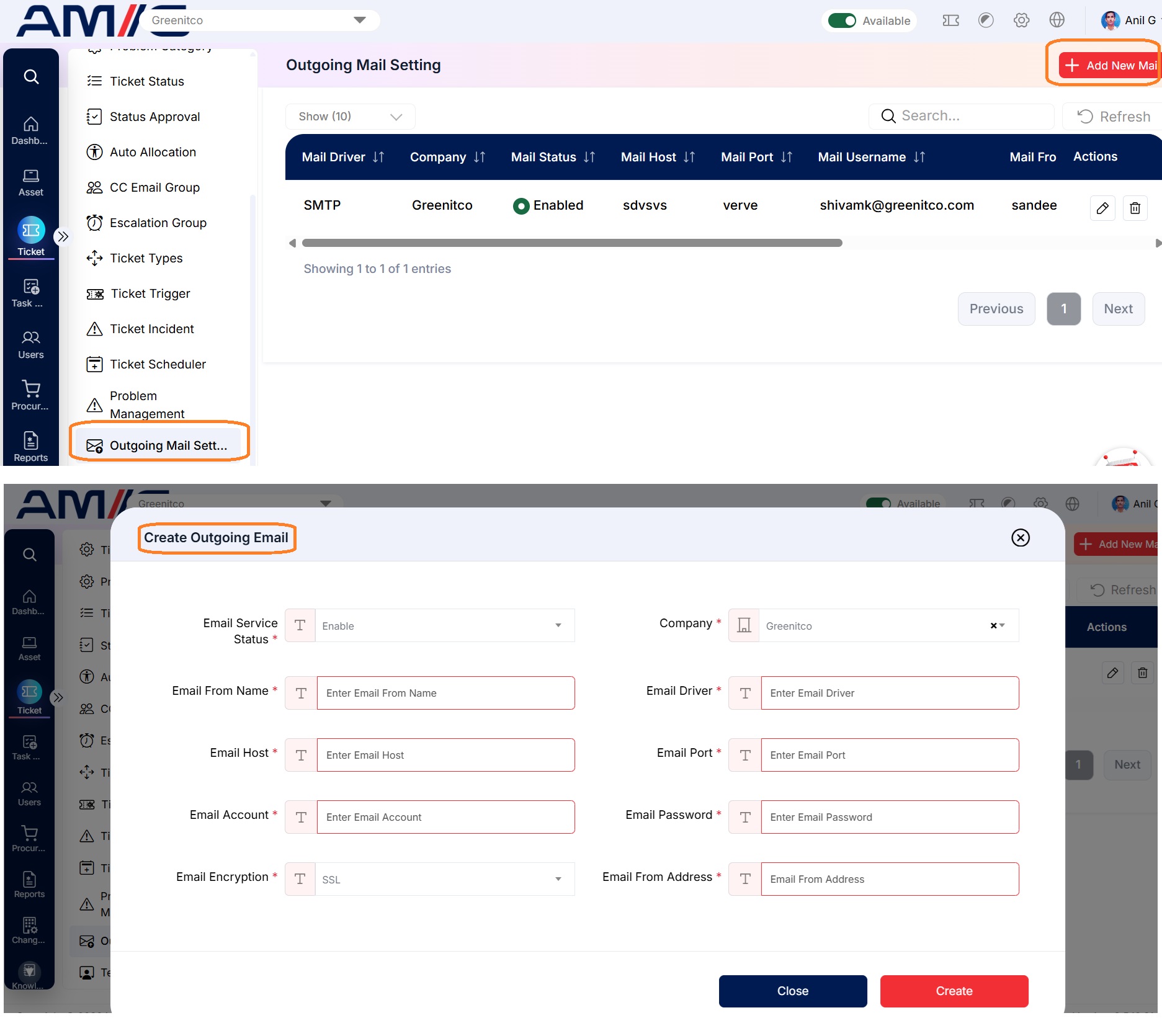
Select Save. Use the pencil icon to edit and the trash icon to delete a setting.
Add an email-to-ticket mailbox
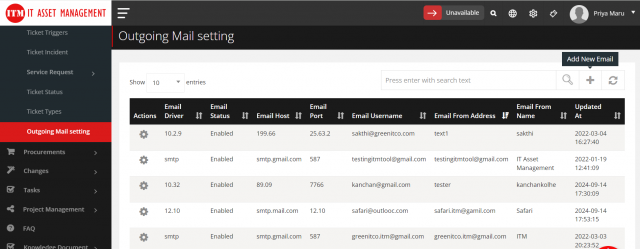
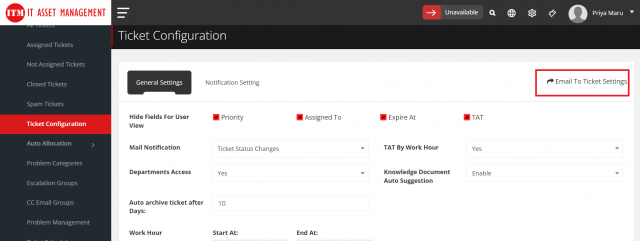
- Open Service Tickets → Ticket Configuration and select Email to Ticket Settings (top right).
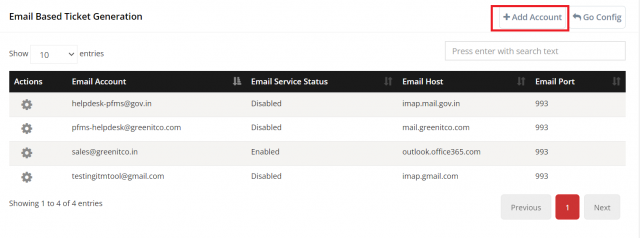
- Select Add Account (plus icon).
- Enter the mailbox details, select the Department and Problem/Request Category, and select the outgoing mail server.
- Select Save.
Use Add Alias Account to route an alias address to a department and category. Only enabled problem categories are listed.
How emails become tickets
| Scenario | Result |
|---|---|
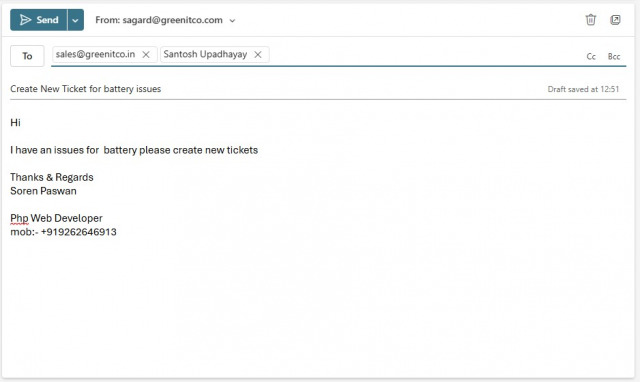
| Email sent To the support address | A ticket is created and a confirmation is emailed to the sender |
| Email sent To several addresses including the support address | A ticket is created |
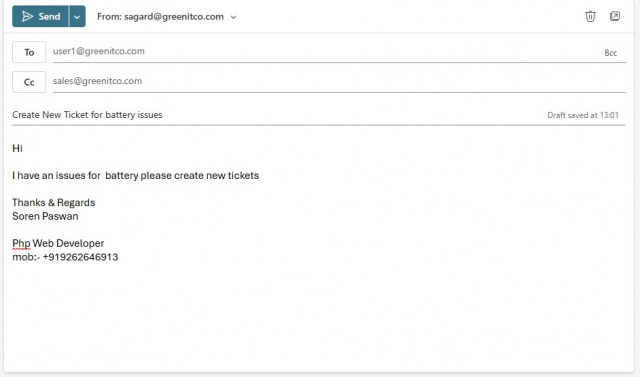
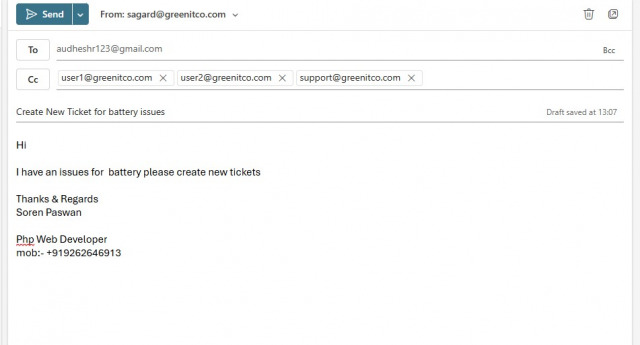
| Support address in CC | A ticket is created |
| Support address in CC with several other addresses | A ticket is created |
| User replies to all on the ticket email | The reply is added as a comment on the ticket |
| The category requires approval | A service request is created and sent for approval; the ticket is created after approval |