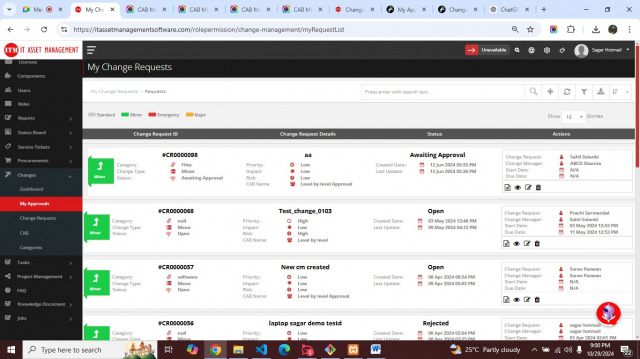
Change Requests
Product: NEXTMEGABYTE (Greenitco ITAM) · Module: Change Management · Audience: All users
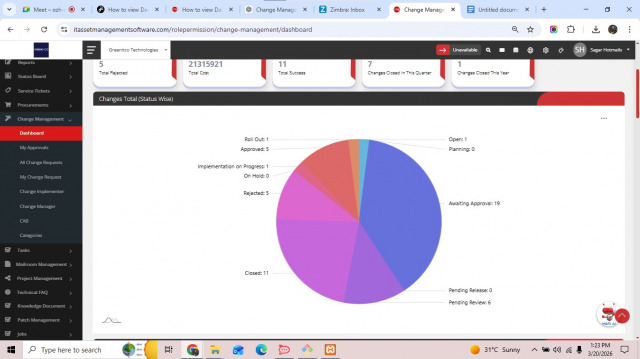
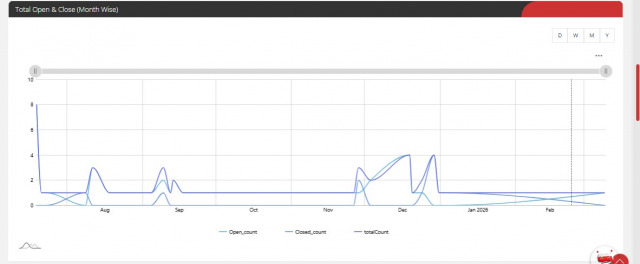
Change dashboard
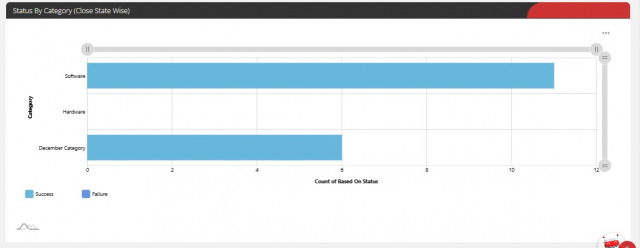
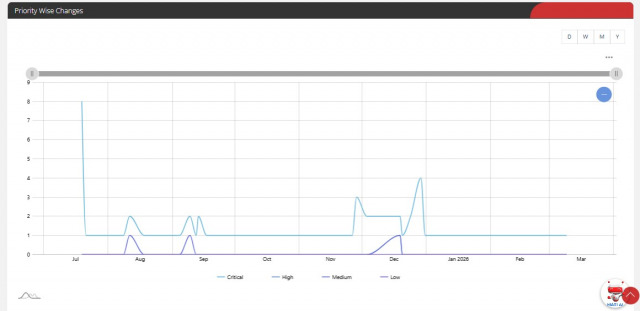
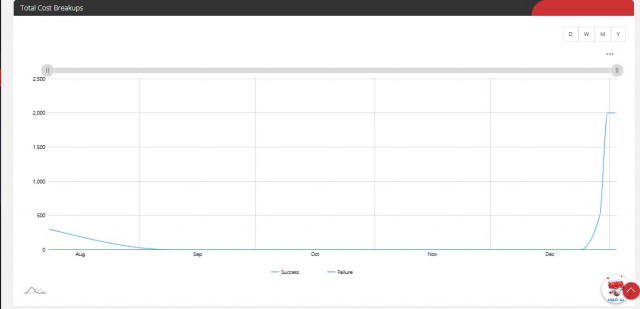
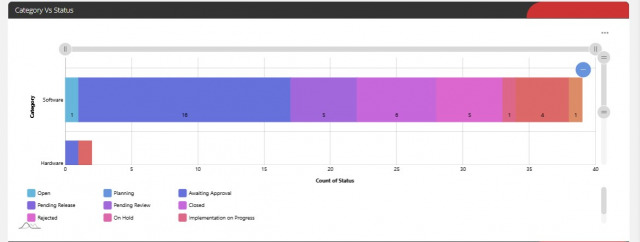
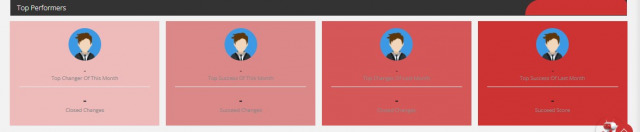
Menu path: Changes → Dashboard. Shows change counts and charts by status, category, priority, cost and top performers.
Raise a change request
- Open Changes → Change Requests and select Add (plus icon).
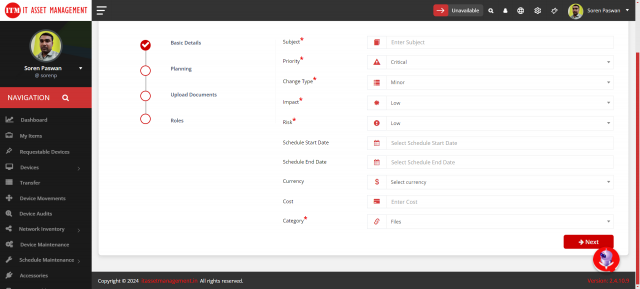
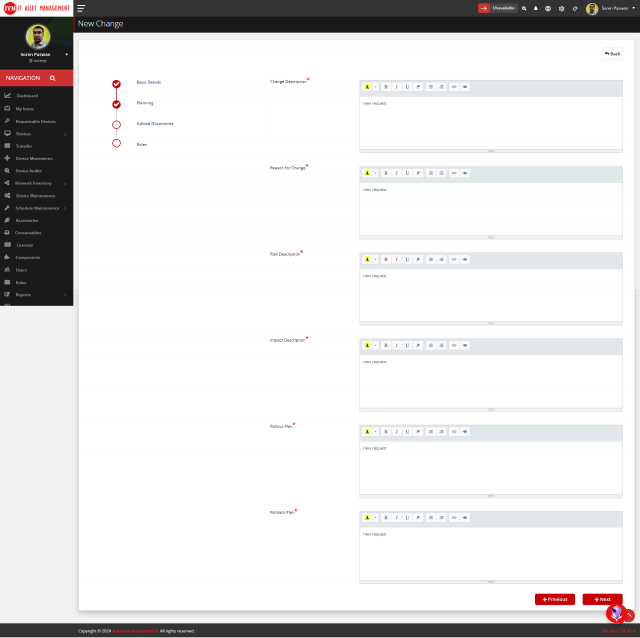
- Complete the four steps and select Submit:
- Basic Details
- Planning
- Upload Documents
- Roles
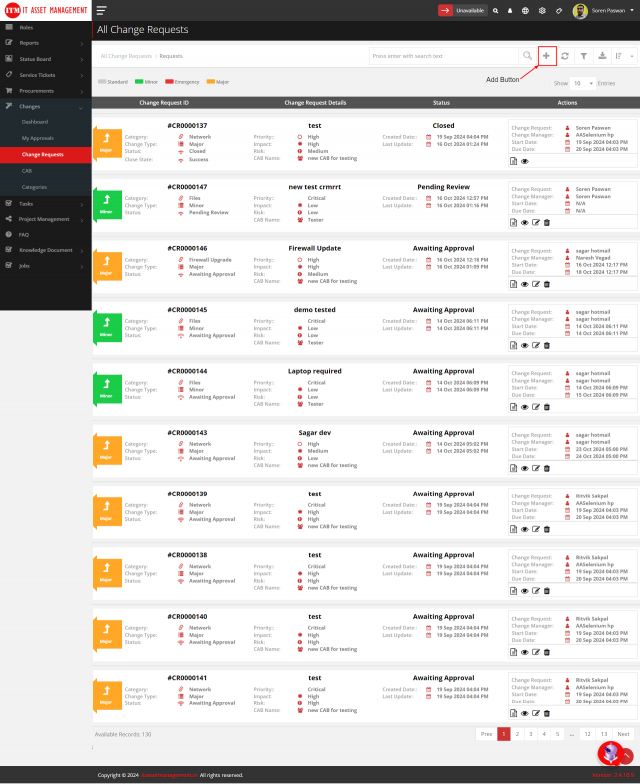
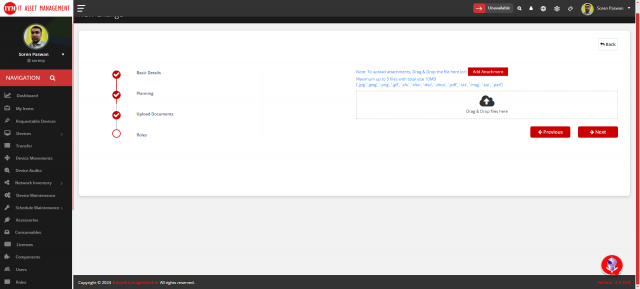
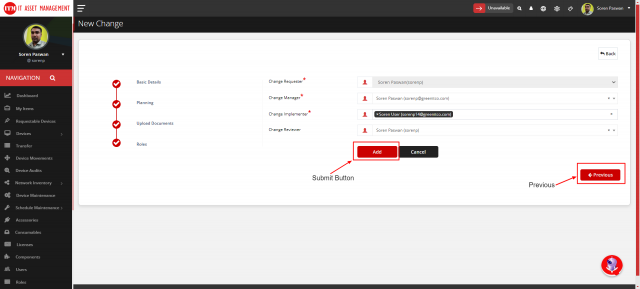
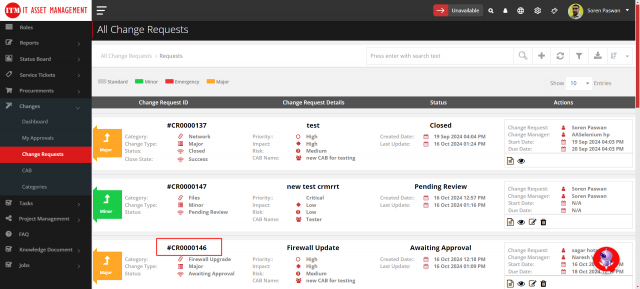
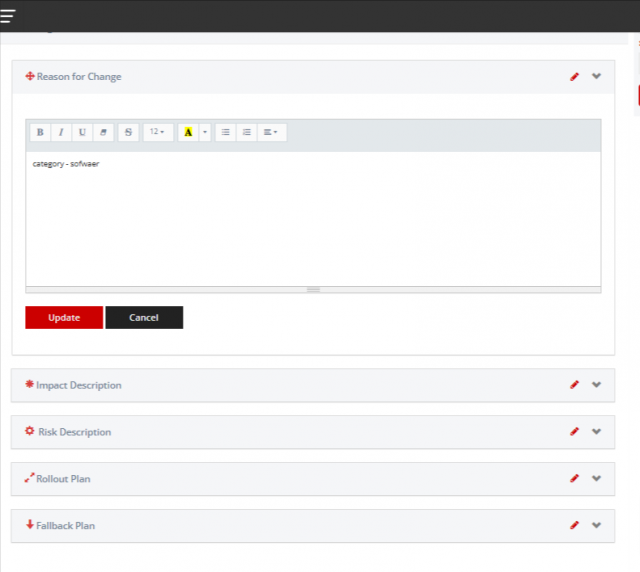
The request appears in the list.
Change request detail page
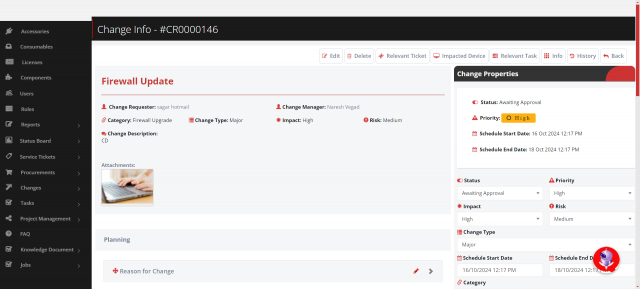
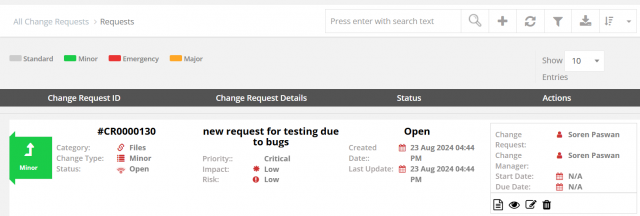
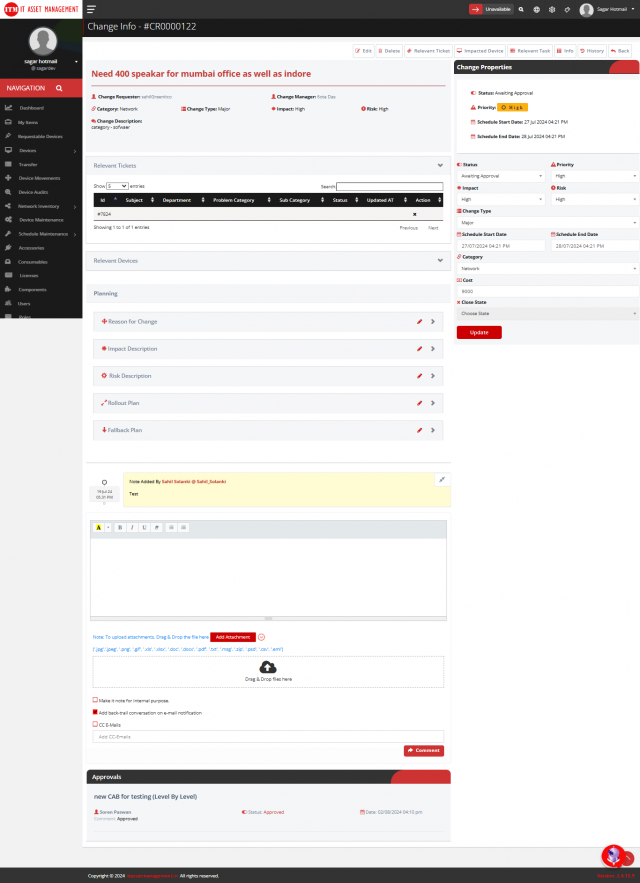
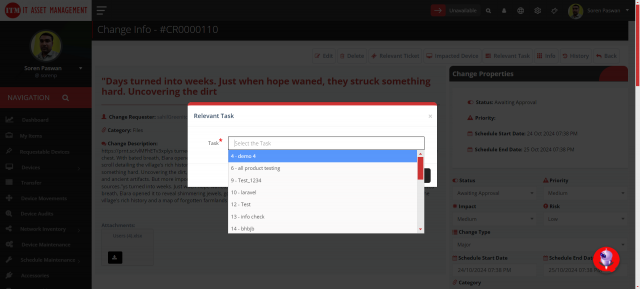
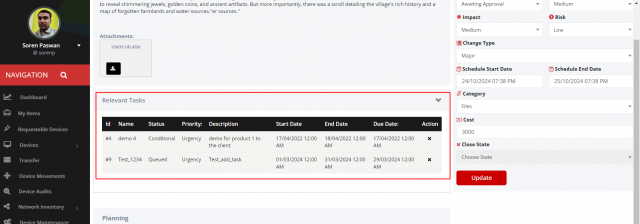
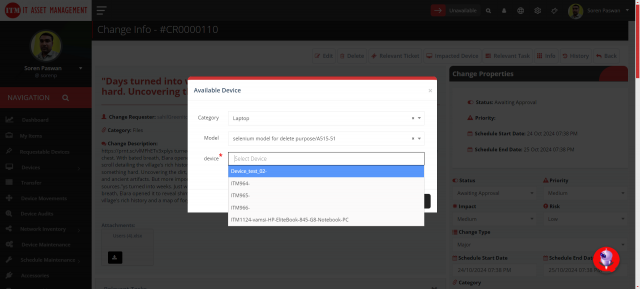
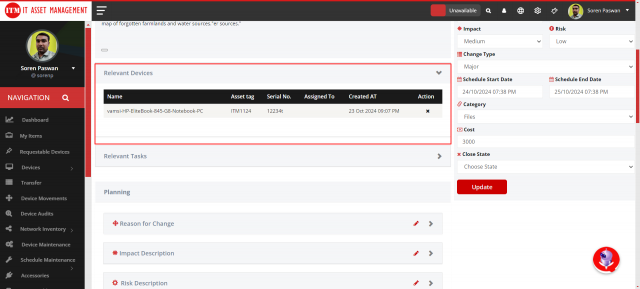
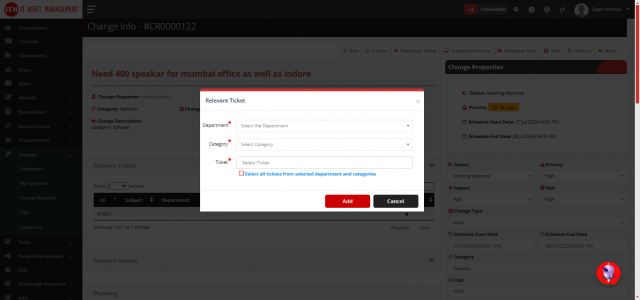
Open Changes → Change Requests and select the request ID (or the eye icon). The toolbar has Edit, Delete, Relevant Ticket, Impacted Device, Relevant Task, Info, History and Back.
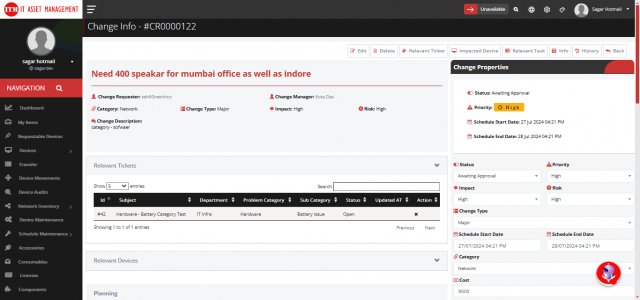
| Action | Use |
|---|---|
| Relevant Ticket | Link open tickets affected by the change |
| Impacted Device | Link devices affected by the change |
| Relevant Task | Link tasks needed to implement the change |
| History | See every change to the request |
Planning
| Field | What to record |
|---|---|
| Reason for Change | Why the change is needed, objectives and benefits |
| Impact Description | Affected modules, processes, users and resources |
| Risk Description | Possible risks, their level and mitigation |
| Rollout Plan | Phases, milestones and stakeholder communication |
| Fallback Plan | Steps to revert, backups and tested rollback |
Comments
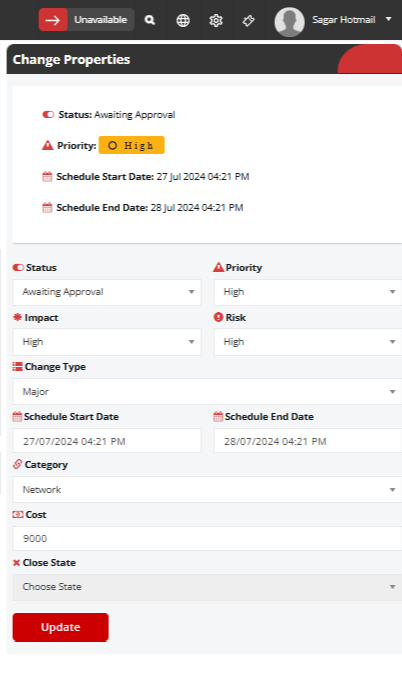
Add comments with attachments. Select Add back-trail conversation on e-mail notification to include the history, and CC E-mail to notify selected addresses.
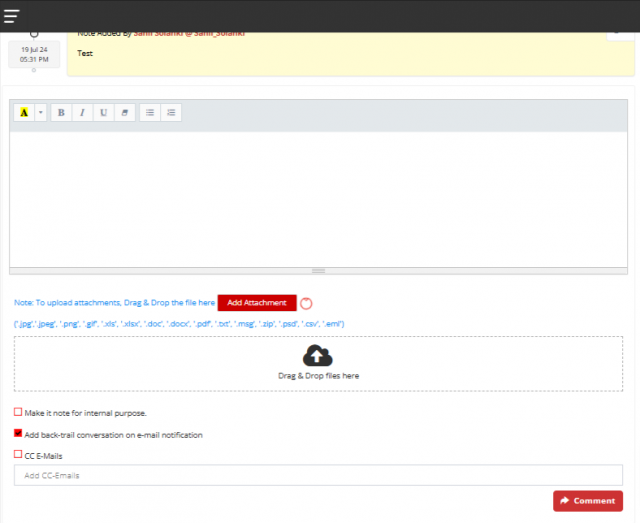
Change properties
| Property | Values |
|---|---|
| Status | For example Open, In Progress, Pending Approval, Approved, Rejected, Completed |
| Priority | Low, Medium, High, Critical |
| Impact | Minor, Moderate, Major, Critical |
| Risk | Low, Medium, High, Very High |
| Change Type | For example Enhancement, Minor, Standard, Major, Emergency |
| Schedule Start / End Date | Planned implementation window |
| Category | Area affected |
| Cost | Estimated cost |
| Close State | Success or Failure |
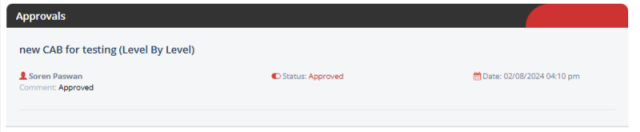
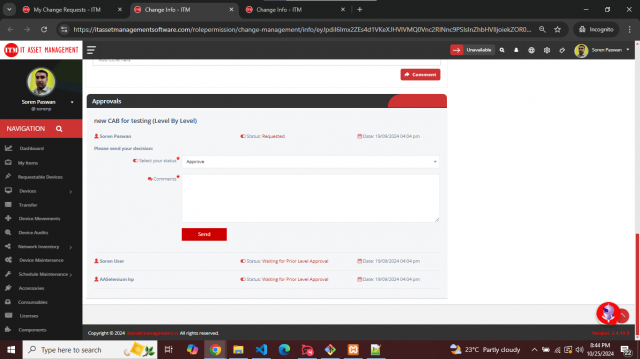
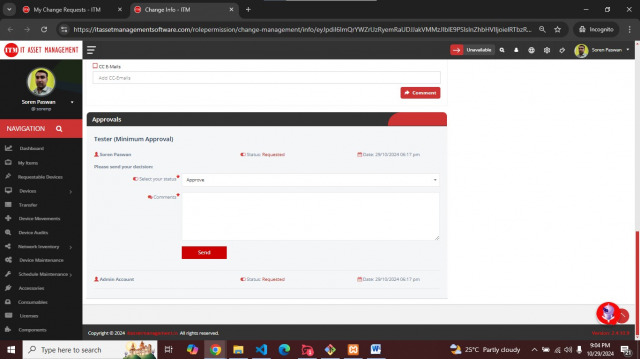
Approve a change
- Open Changes → My Approvals and select the subject.
- Approve or reject with a justification. When approving, state any conditions (for example testing or a phased rollout).