Introduction
Bulk Delete is the operation that removes multiple asset records from active inventory in a single action. It is the multi-record counterpart to single-record Delete, designed for scenarios where a group of assets is obsolete, duplicated, incorrectly imported, or otherwise no longer needed in the system.
Because deletion is a destructive operation, Bulk Delete is typically restricted to administrators, guarded by confirmation steps, and—in most systems—implemented as a soft delete so records can be recovered via Restore.
Navigation Path: Sidebar > Assets > Asset Details
- Select Bulk Delete (trash icon in the toolbar).
- Select Download Format and enter the serial numbers of the devices to delete. Each serial must exist in the Asset list.
- Choose the file and select Delete.
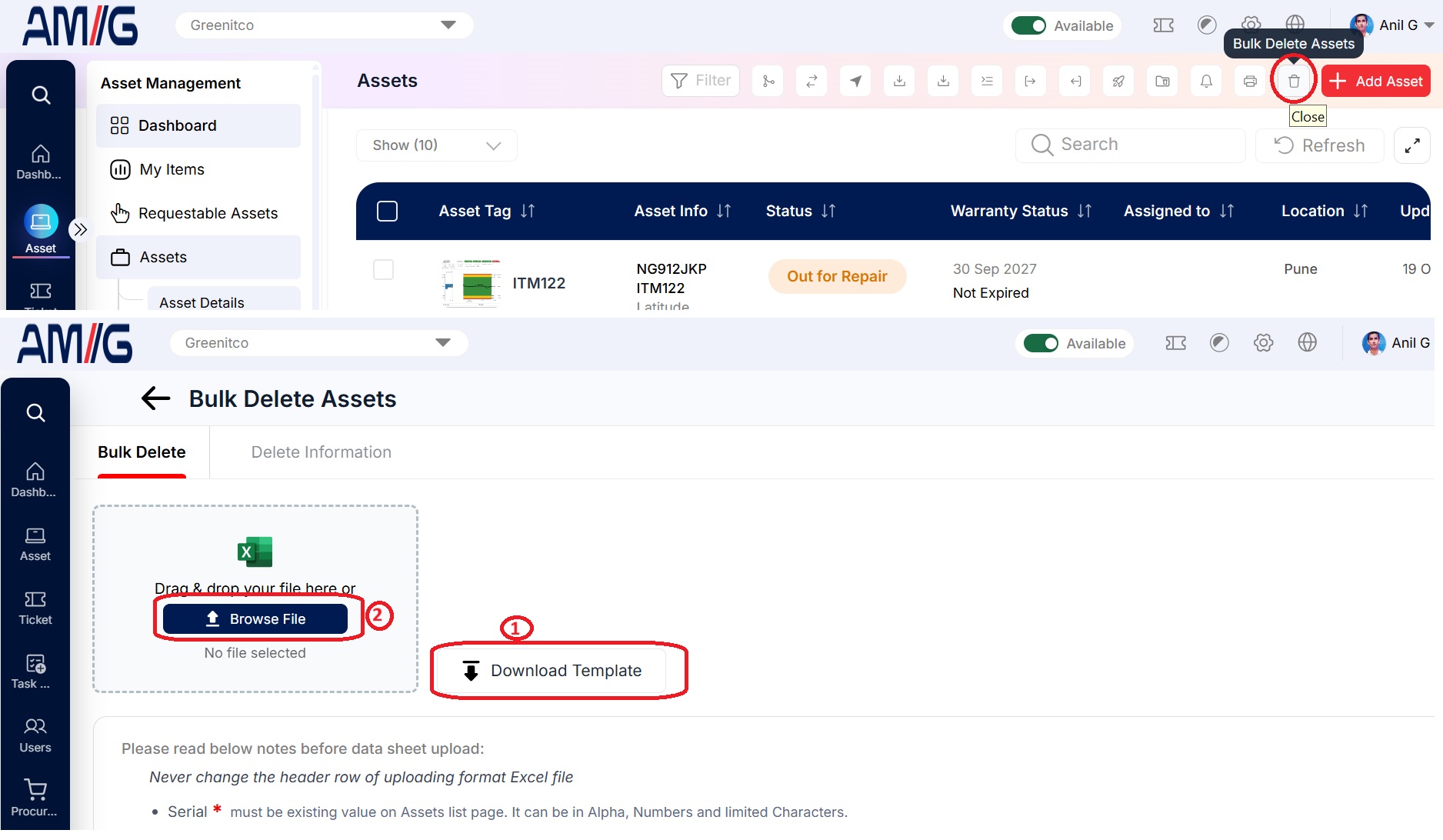
Never change the first (header) row of the template. Deleted Assets can be restored from Deleted Assets. See Edit, Clone, Delete and Restore.
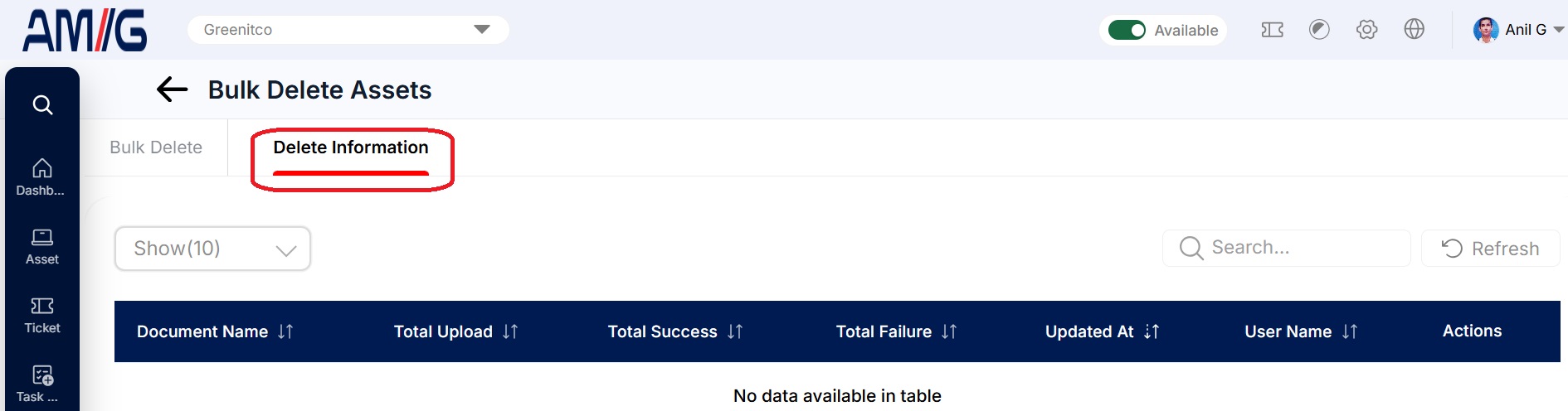
The Asset Delete Information tab lists each attempt with its date, counts by status and error messages.