Network Inventory Configuration
Product: NEXTMEGABYTE (Greenitco ITAM) · Module: IT Asset Management (ITAM) · Audience: Administrator
Menu path: left side menu → Network Inventory → Config
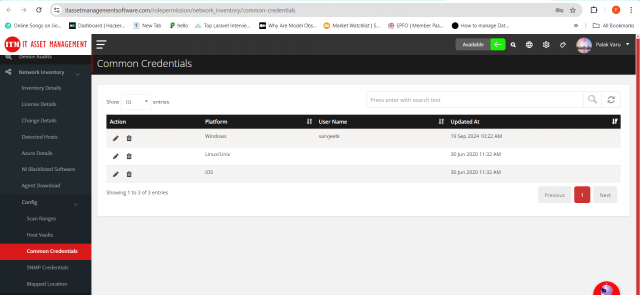
Common credentials
Open Network Inventory → Config → Common Credentials to view the credentials used for discovery.
Scan ranges
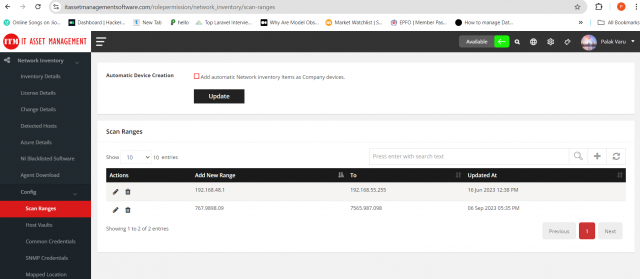
A scan range discovers all devices within an IP range automatically.
- Open Network Inventory → Config → Scan Ranges and select Add New Range.
- Enter the IP range and select Save.
- Use the pencil icon to edit or the trash icon to remove a range.
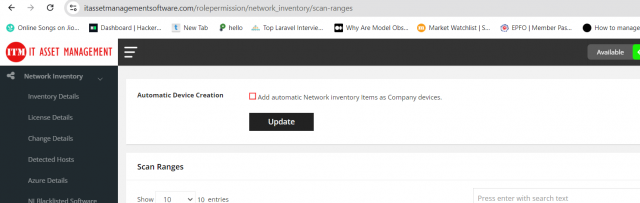
- To add discovered network inventory items to the device list automatically as company devices, enable the option at the top and select Update.
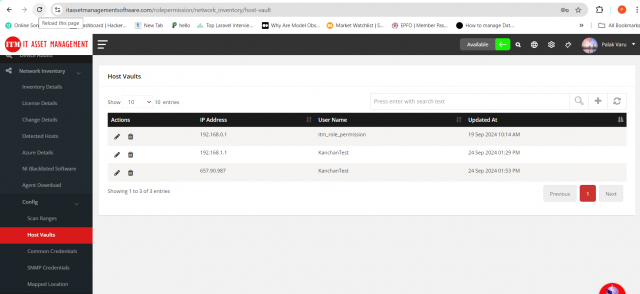
Host vaults
- Open Network Inventory → Config → Host Vaults and select Add Host Vault.
- Enter the IP address, Username and Password of the host.
- Select Save.
SNMP credentials
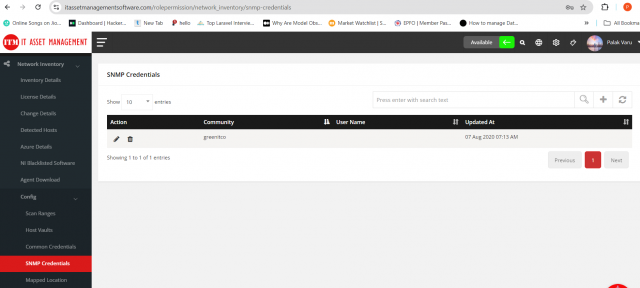
- Open Network Inventory → Config → SNMP Credential and select Add SNMP.
- Enter the Community, User Name and Password.
- Select Save.
Mapped locations
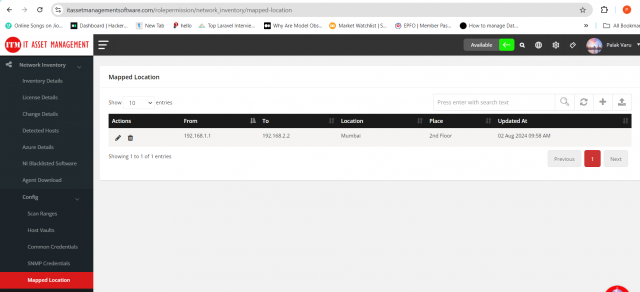
Mapped locations assign discovered devices to a location based on their IP range.
- Open Network Inventory → Config → Mapped Location and select Add New Location.
- Enter the IP range and choose the Location and Place.
- Select Save.