

Introduction
Blocked IP and MAC Addresses is a security control within the asset management (or network management) application that lets administrators deny network access to specific devices by their IP address, MAC address, or both. It is used to isolate rogue, compromised, unauthorized, or non-compliant devices from the network until the issue is resolved.
Blocking works at the network-identity level: an IP address identifies a device's logical network location, while a MAC address identifies the physical network interface. Blocking one or both prevents the device from communicating on the network, regardless of whether it appears in the asset inventory.
The blocked IP/MAC list records IP addresses and MAC addresses that must be blocked. Users set in Settings → Device Settings → Block Device Intimation Users are notified about blocked devices.
Menu path: left side menu → Devices → Blocked IP/MAC
Add a blocked IP or MAC address
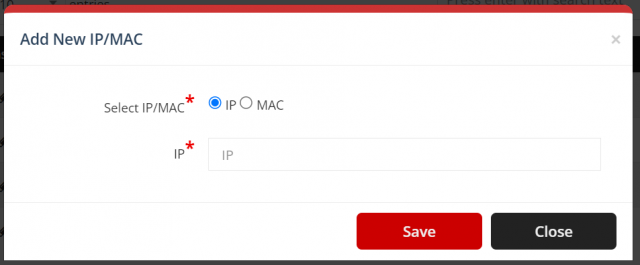
Select Add (plus icon), enter the address and select Save.

Edit or remove a blocked address
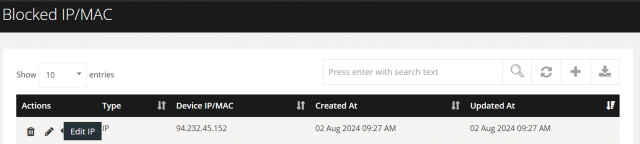
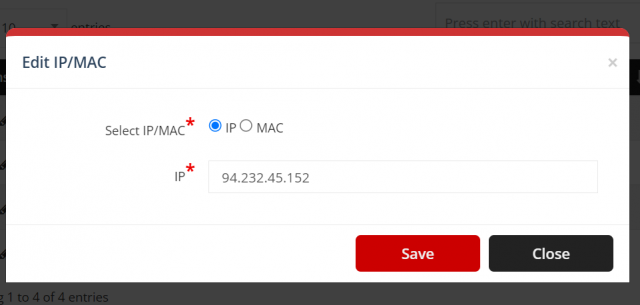
- Edit: open the action menu, select the pencil icon, change the address and select Save.
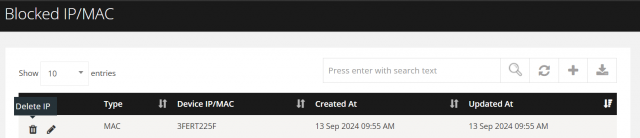
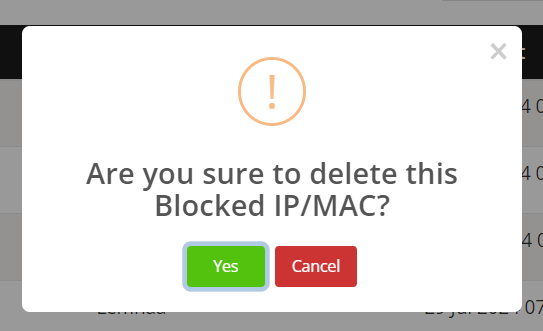
- Remove: open the action menu, select the trash icon and select Yes.
Download the blocked list
Select Download (download icon) to export the list to Excel.
