Knowledge Base (Knowledge Documents)
Product: NEXTMEGABYTE (Greenitco ITAM) · Module: Knowledge Management · Audience: All users
The knowledge base stores articles that answer questions, explain procedures, give troubleshooting steps and record best practices for IT, HR, customer support and internal processes. The home page shows Popular and Latest articles.
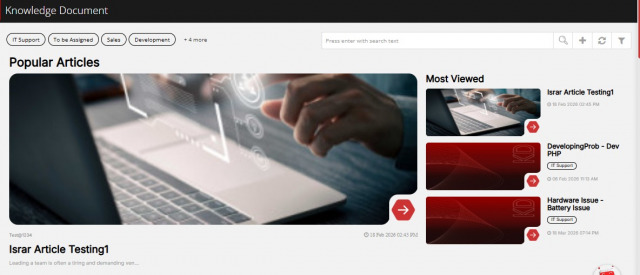
Menu path: left side menu → Knowledge Document
Add an article
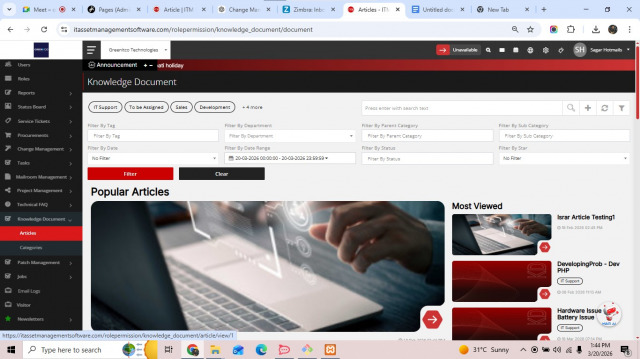
- Open Knowledge Document → Articles and select Add (plus icon).
- Fill in the fields and save.
| Field | Description |
|---|---|
| Title | A clear heading, for example How to troubleshoot common network issues |
| Department | The team that owns the article |
| Parent Category | The category the article belongs to |
| Tags | Search keywords, for example network, troubleshooting, connectivity |
| Article Status | Public (everyone), Private (internal users only) or Only Admin/Technician |
| Article Image | Cover image |
| Content | The article body |
.png)
Find, view, edit and delete articles
- Filter by department, category, status and tags. Example: filter by IT Support and Public to find password-reset articles.
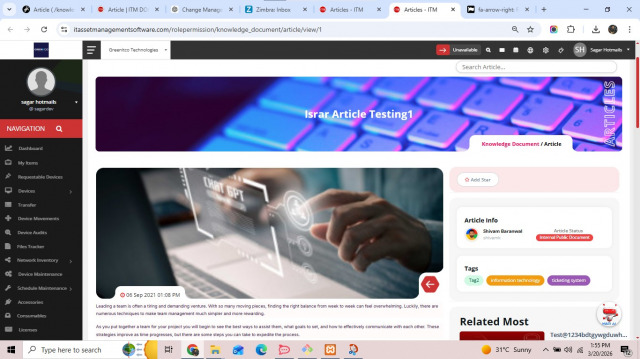
- View: select the arrow icon.
- Edit: select the pencil icon.
- Delete: select the trash icon.
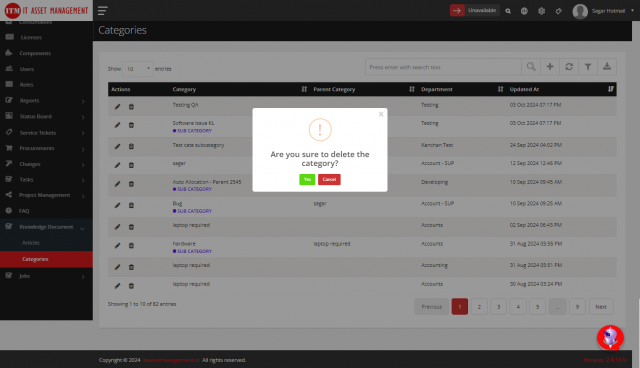
Article categories
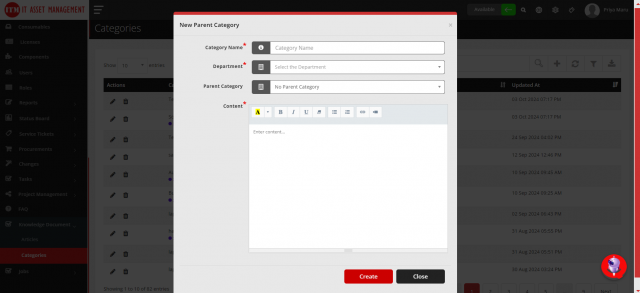
Menu path: Knowledge Document → Categories → Add (plus icon)
Enter the Title, Department, Parent Category and Content (an overview of the category). Delete with the trash icon.
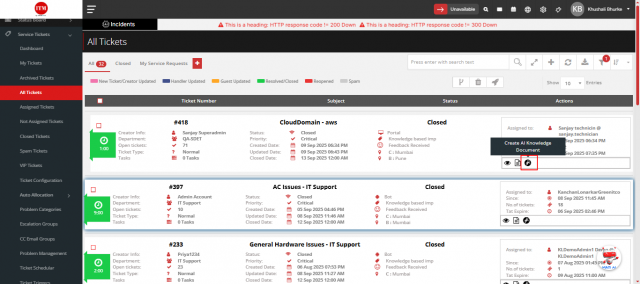
Generate an article with AI from a resolved ticket
- Open Service Tickets → All Tickets. The ticket must be resolved or closed.
- In the Action column, select Create AI.
- The form shows content generated from the ticket description and comments. Edit it as needed.
- Select Convert.
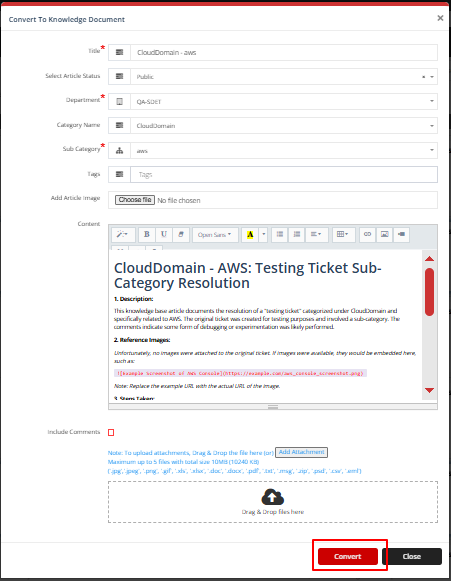
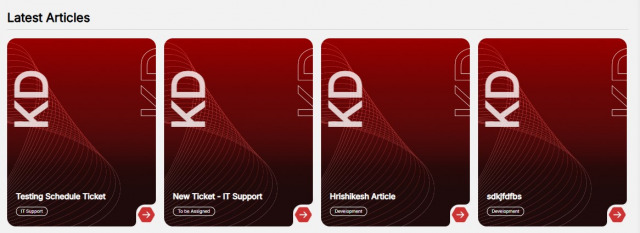
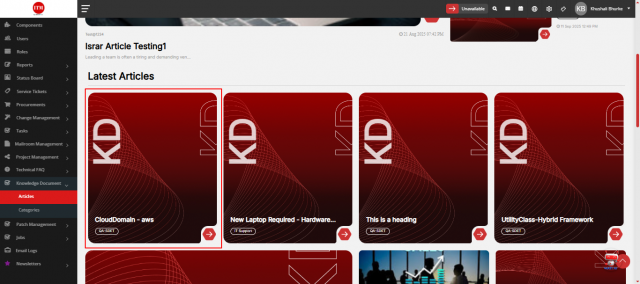
The article appears in Knowledge Document → Articles → Latest Articles.
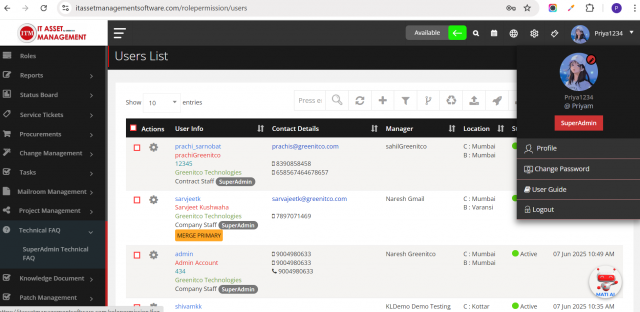
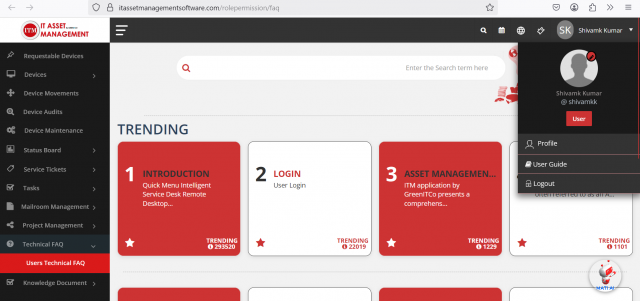
Technical FAQ
Menu path: left side menu → Technical FAQ
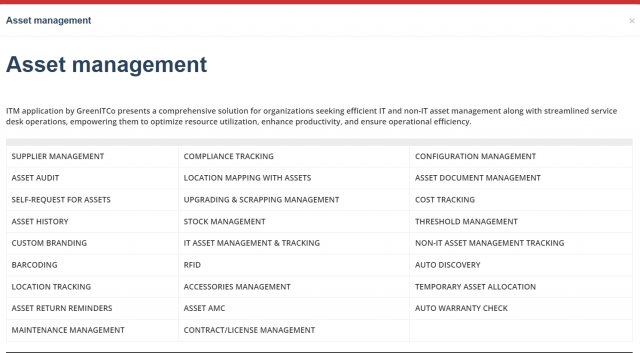
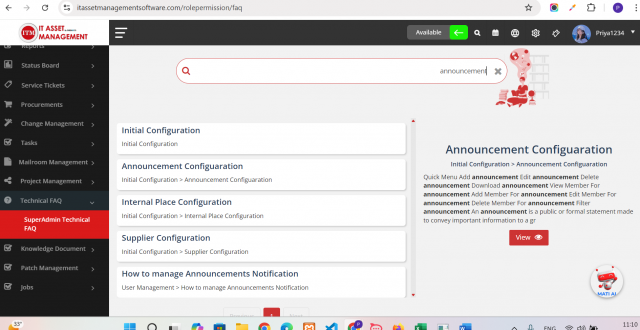
The FAQ list is filtered by your role (for example SuperAdmin or User FAQs). Select a card to read it, use the search bar to find a module (for example Announcement) and select View for details.