User Portal and Workspace
Product: NEXTMEGABYTE (Greenitco ITAM) · Module: Getting Started · Audience: User
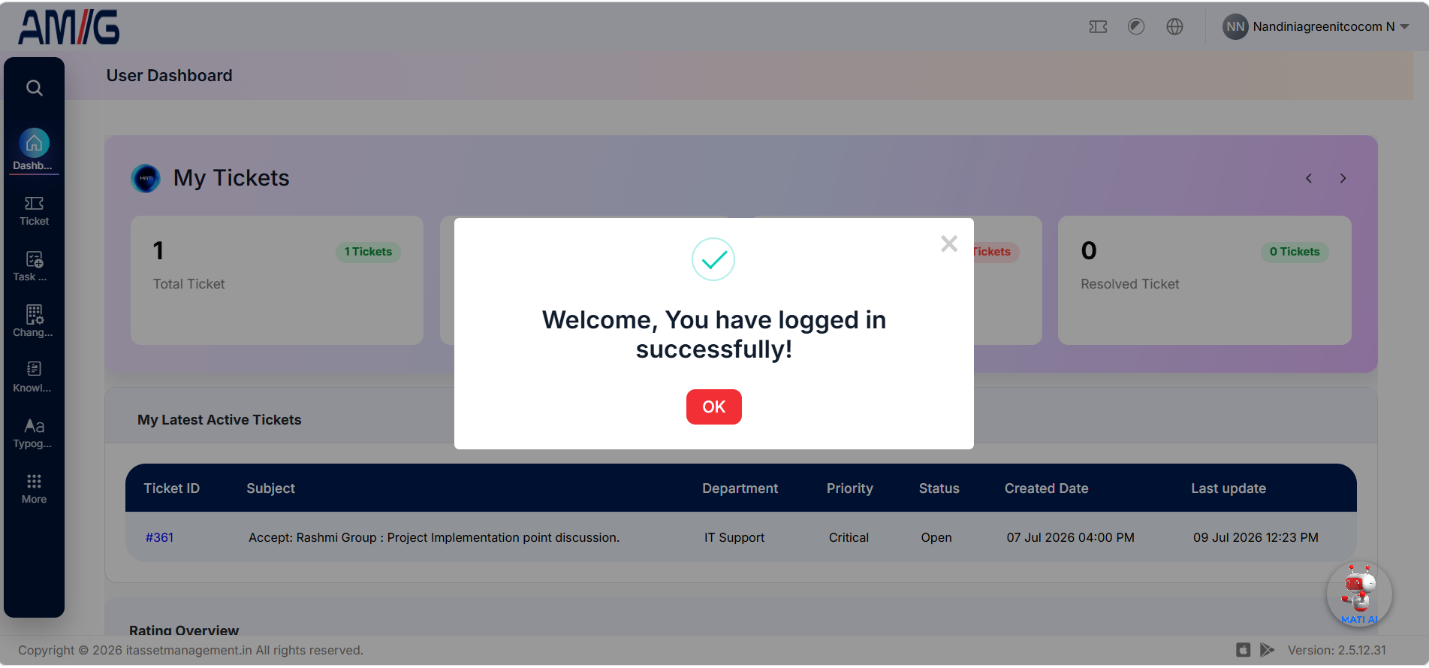
After signing in, users are taken to the portal dashboard. The modules shown depend on the role and permissions assigned to the user account.
Modules available to the User role
| Module | What the user can do |
|---|---|
| Dashboard | View summary widgets and information |
| My Items | See devices, accessories, consumables and licenses assigned to them. See My Items |
| Gate Pass | View all, own and expired gate passes |
| Files Tracker | Track physical files |
| Licenses | View and sync licenses |
| Service Tickets | Log tickets, view My Tickets and Archived Tickets |
| Procurements | View procurement requests |
| Change Management | View change requests |
| Tasks | View tasks assigned to them |
| Technical FAQ | Read frequently asked technical questions |
| Knowledge Document | Read knowledge base articles |
| Email Logs | View email records |
| Visitor | Register and view visitors |
| Newsletters | Read newsletters |
The modules and functions available to a user depend on the access assigned to the User role. Administrators change this in Role-Based Permissions.
Page layout
Every portal page has five areas:
| Area | Position | Purpose |
|---|---|---|
| Header | Top | Logo, Log Ticket, Dark Mode, Language and the user profile menu |
| Side menu | Left | Navigation to the modules you can access |
| Dashboard content | Centre | Widgets and the content of the selected page |
| MATI AI | Assistant panel | Ask questions and get help from the AI assistant |
| Footer | Bottom | Version and support information |
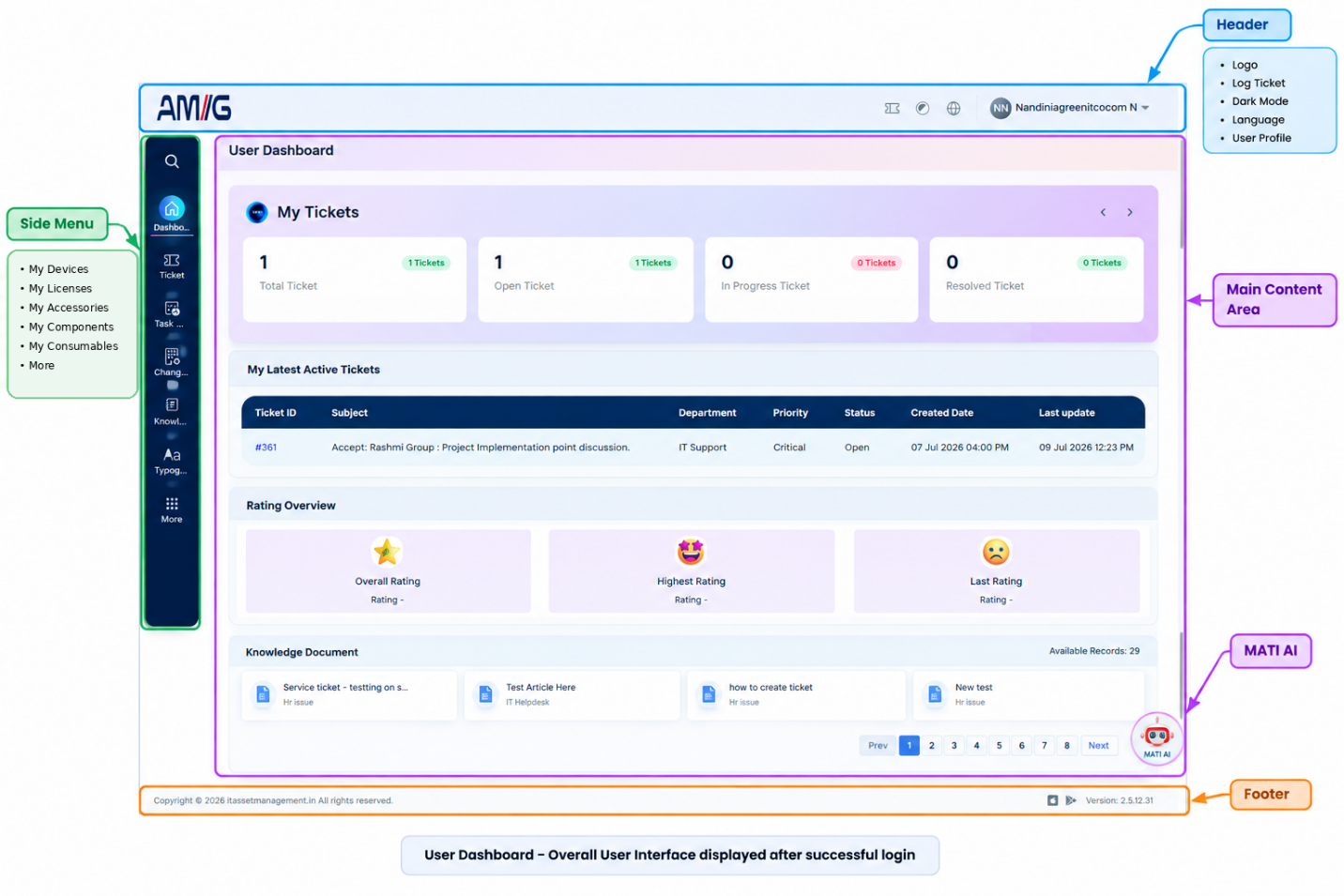
See Navigation for how to use each area.
Filter the dashboard
The dashboard shows a short summary of portal information. You can filter it to analyze data by geography and asset type:
- Open the Dashboard.
- Select the filter icon in the top-right corner.
- Filter by Country, City and Category.
Geographic filters show regional usage, orders, assets and consumables, and help track location-based performance.