Contract Agreement Configuration
Product: NEXTMEGABYTE (Greenitco ITAM) · Module: Configuration · Audience: Administrator
Contract management records the agreements under which assets are leased, rented or maintained. It helps ensure compliance, reduce risk and keep vendor relationships transparent. A device with Device From = Project Device must reference a contract agreement.
Contract management in NEXTMEGABYTE supports a contract repository, renewal reminders, compliance tracking, approval workflows, an audit trail of changes, financial tracking and access control for contract documents.
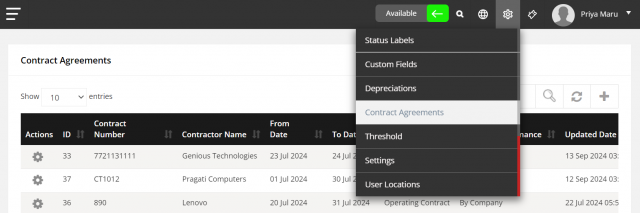
Menu path: header cog icon (Config) → Contract Agreements
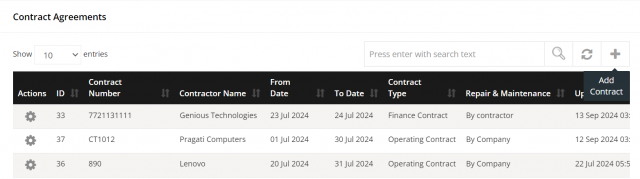
Add a contract
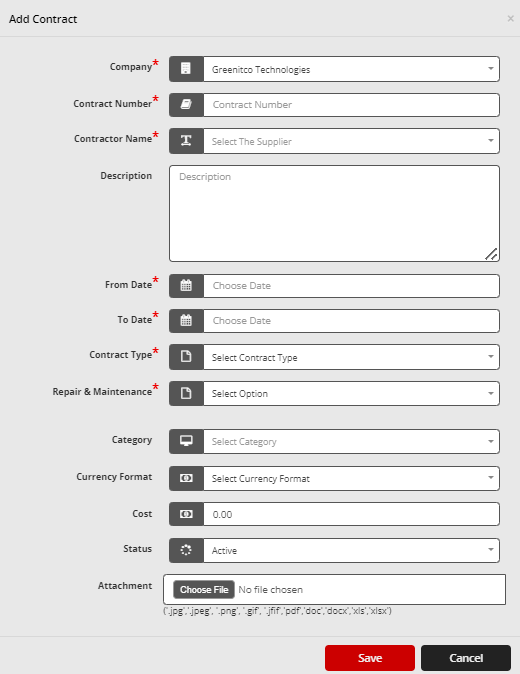
- Open Config → Contract Agreements and select Add Contract (plus icon).
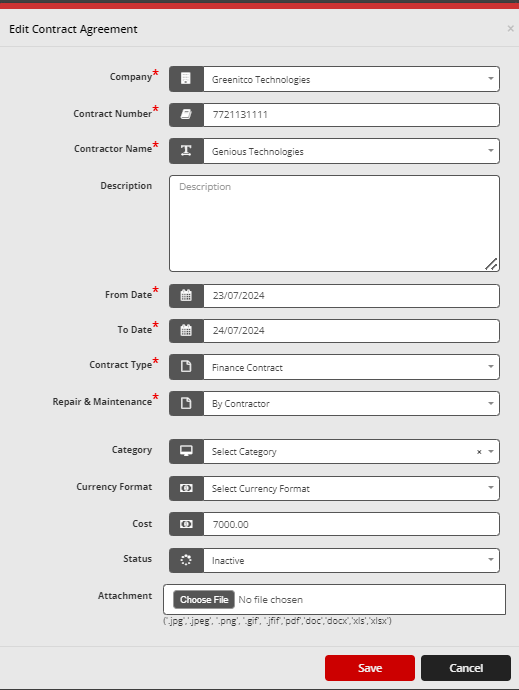
- Select the Company.
- Enter the Leaser Name, Contract Period and Lease Type.
- Select who is responsible for Repair and Maintenance.
- Select Save.
Edit or delete a contract
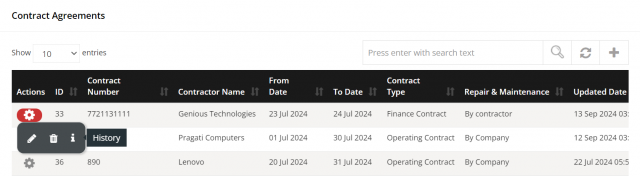
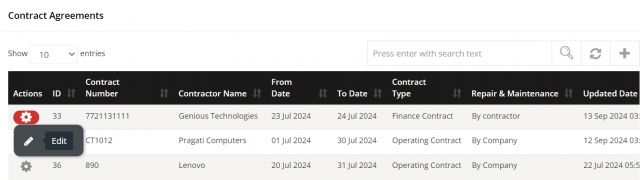
- Edit: select the pencil icon, change the details and select Save.
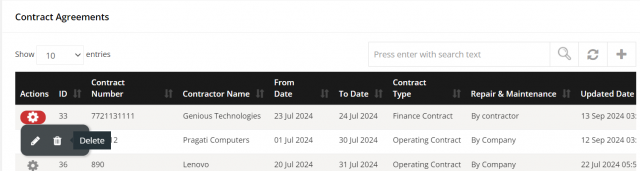
- Delete: select the trash icon and select Yes to confirm.
View contract history
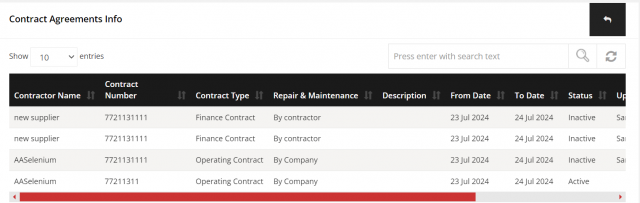
Select History (info icon) to see when the contract was changed, by whom and what changed.