

Go to Sidebar > Users > Roles & Permissions. You will see a list of all roles in your system.
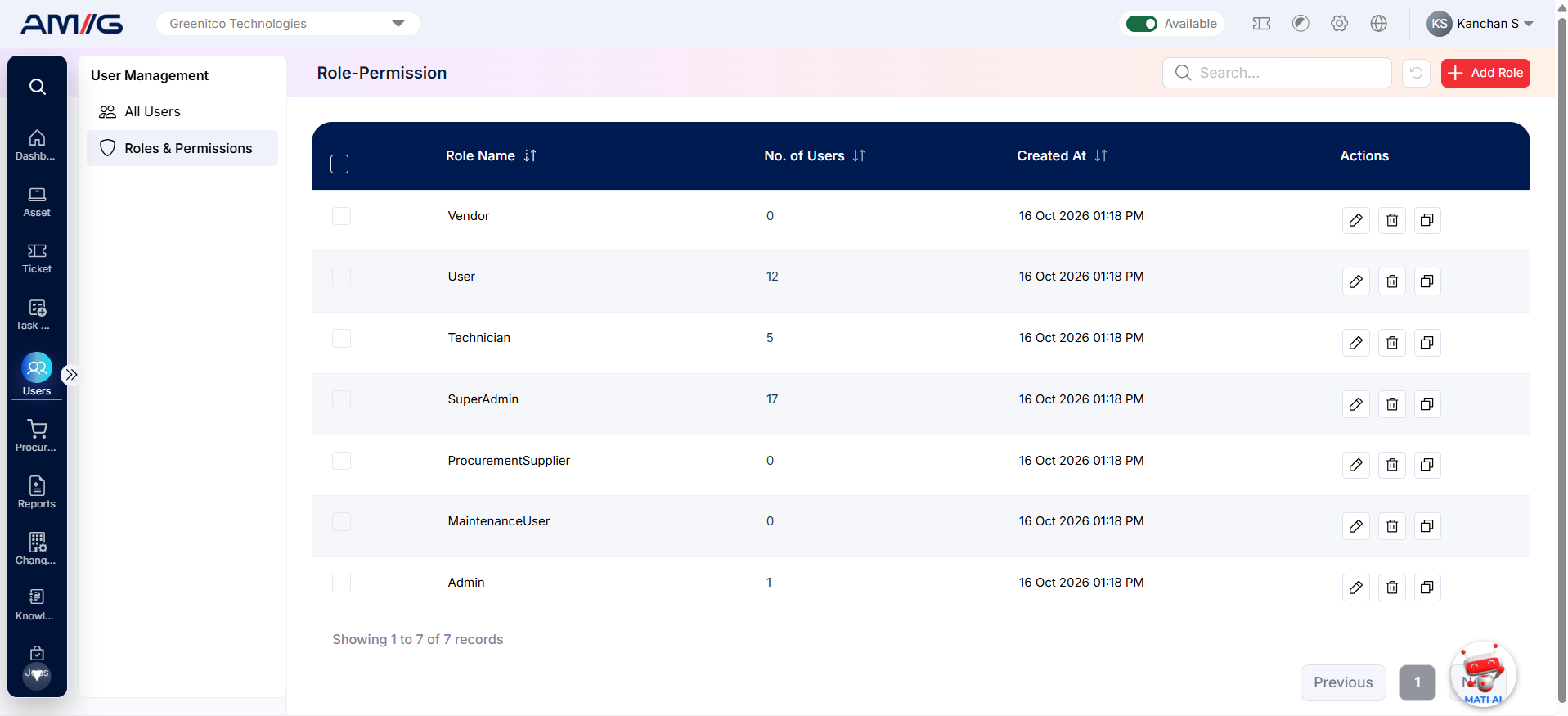
Figure: Roles & Permissions list
Table: Columns and controls on the roles list
| Column / Control | What it shows or does |
|---|---|
| Role Name | The name of the role. |
| No. of Users | How many users currently have this role. Check this before changing or deleting a role. |
| Created At | When the role was created. |
| Actions | Icons to Edit, Delete or Clone the role. |
| Add Role | Button at the top-right to create a new role. |
| Search / Refresh | Find a role by name, or reload the list. |