Assets on Mobile
Product: NEXTMEGABYTE (Greenitco ITAM) · Module: Mobile App · Audience: All users
Devices
Menu path: side menu → Devices
| Task | How |
|---|---|
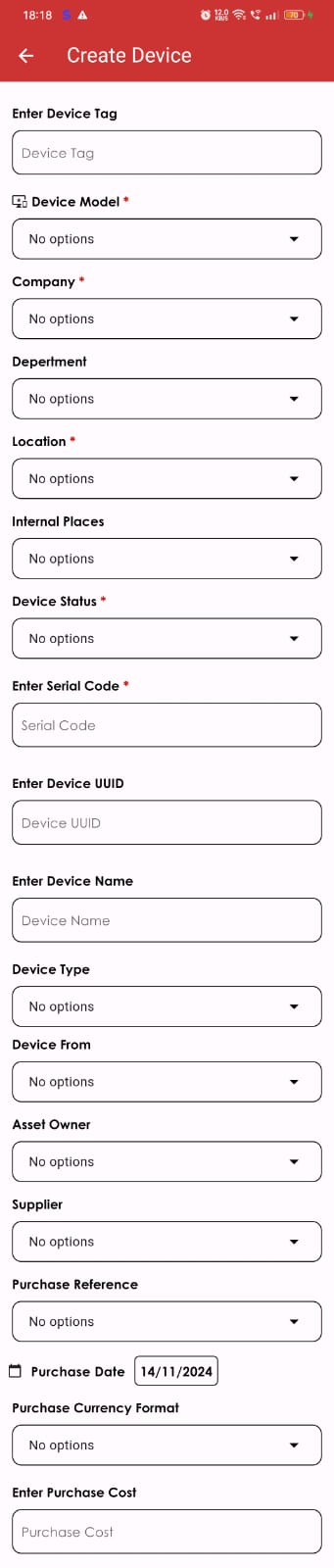
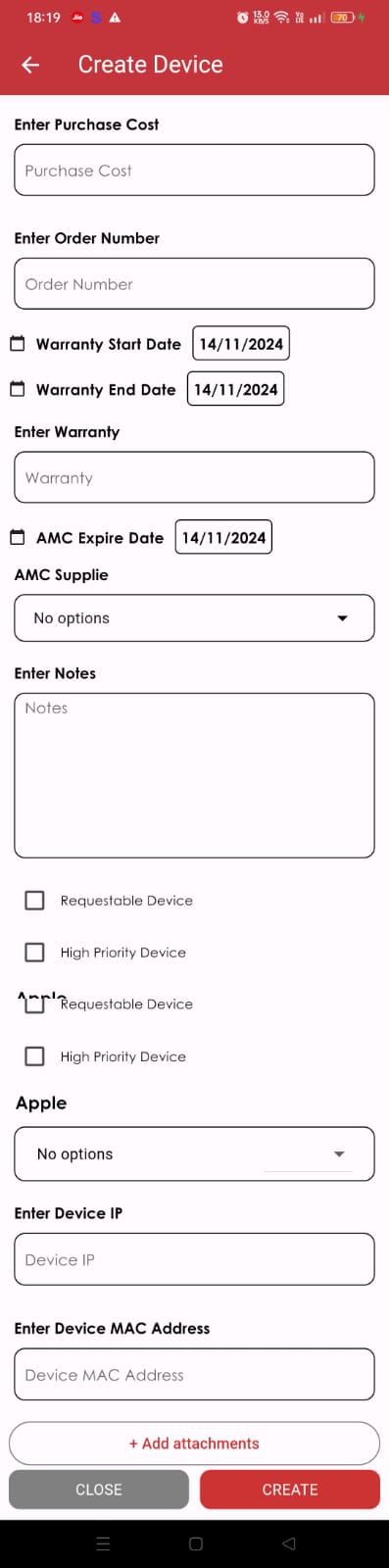
| Add a device | Tap +, fill in the details and tap Create. Leave Device Tag empty for automatic generation. Set Asset Owner, Requestable and High Priority as needed |
| Edit a device | Open the device, tap Edit Device, change the details and save |
| Clone a device | Open the device, tap the copy icon, change the asset tag and serial number and save |
| Delete a device | Swipe the device left and tap Yes |
| Check out | Open the device, tap Check-out, choose a user or internal place and the expected check-in date, and save |
| Check in | Open the device, tap Check-in, choose the new status and tap CheckIn |

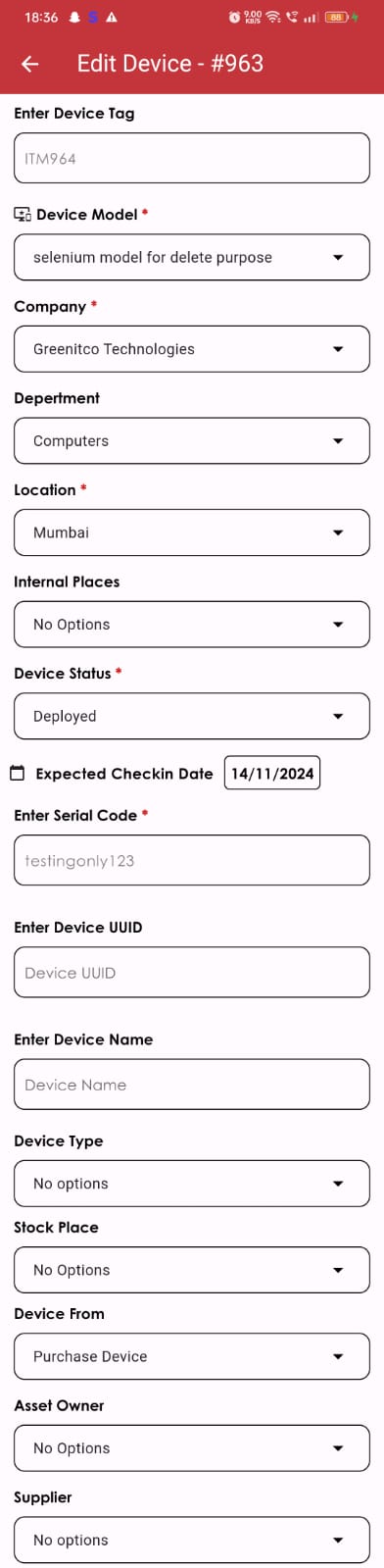
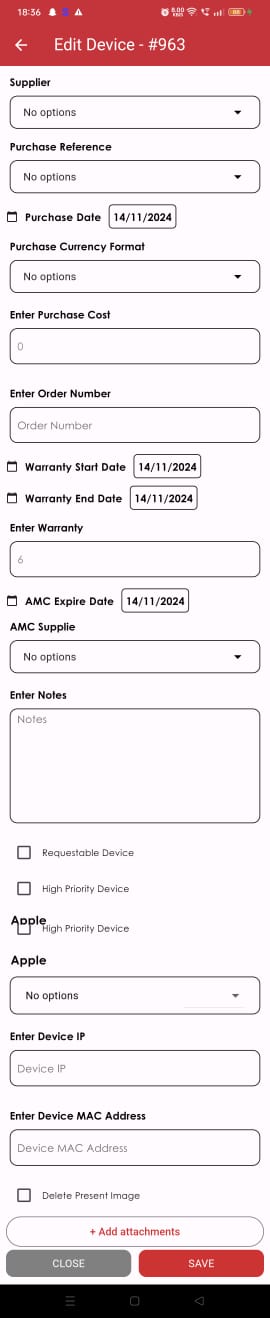
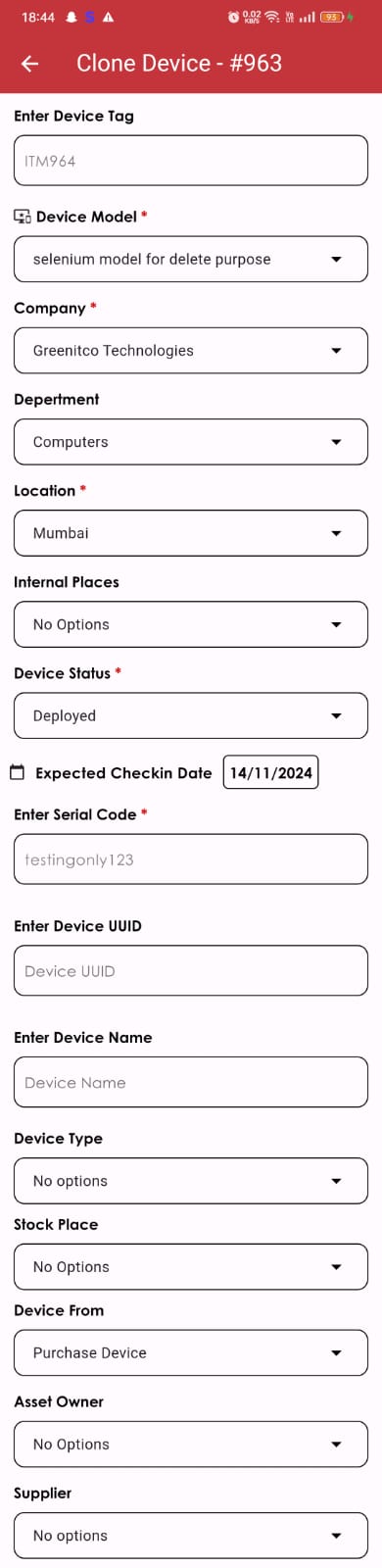
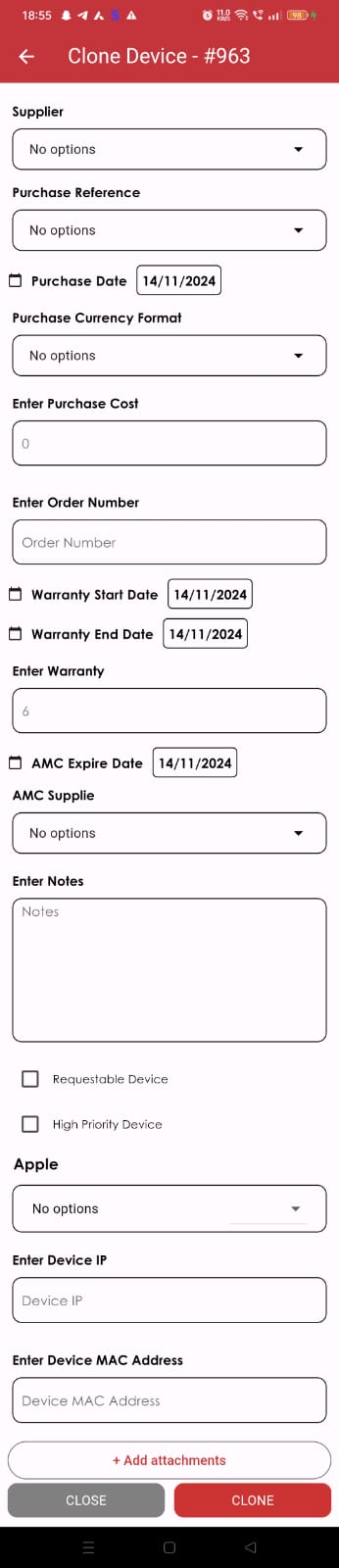
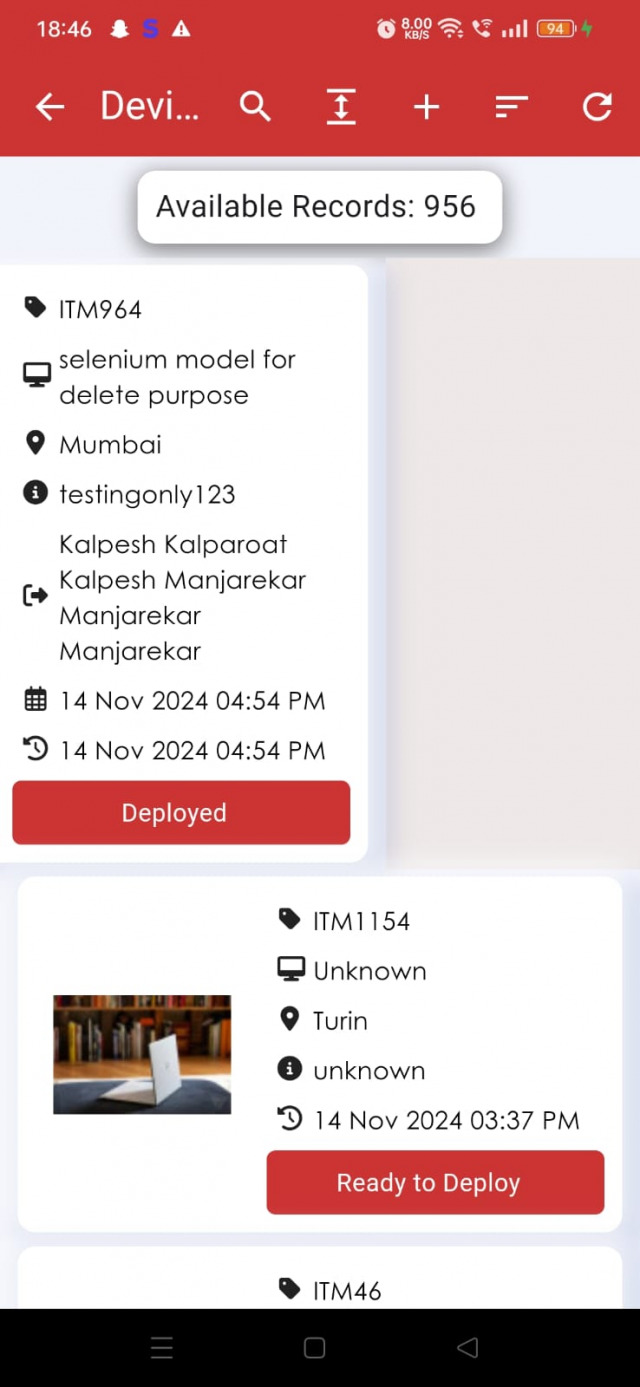
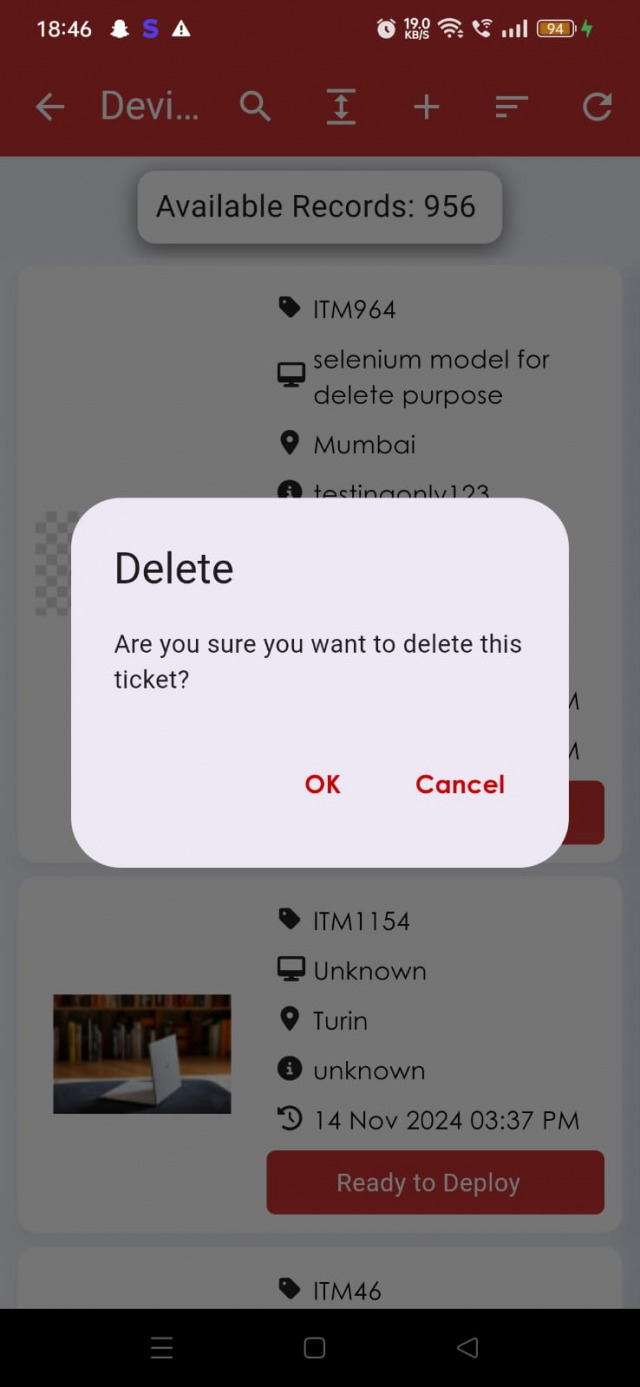

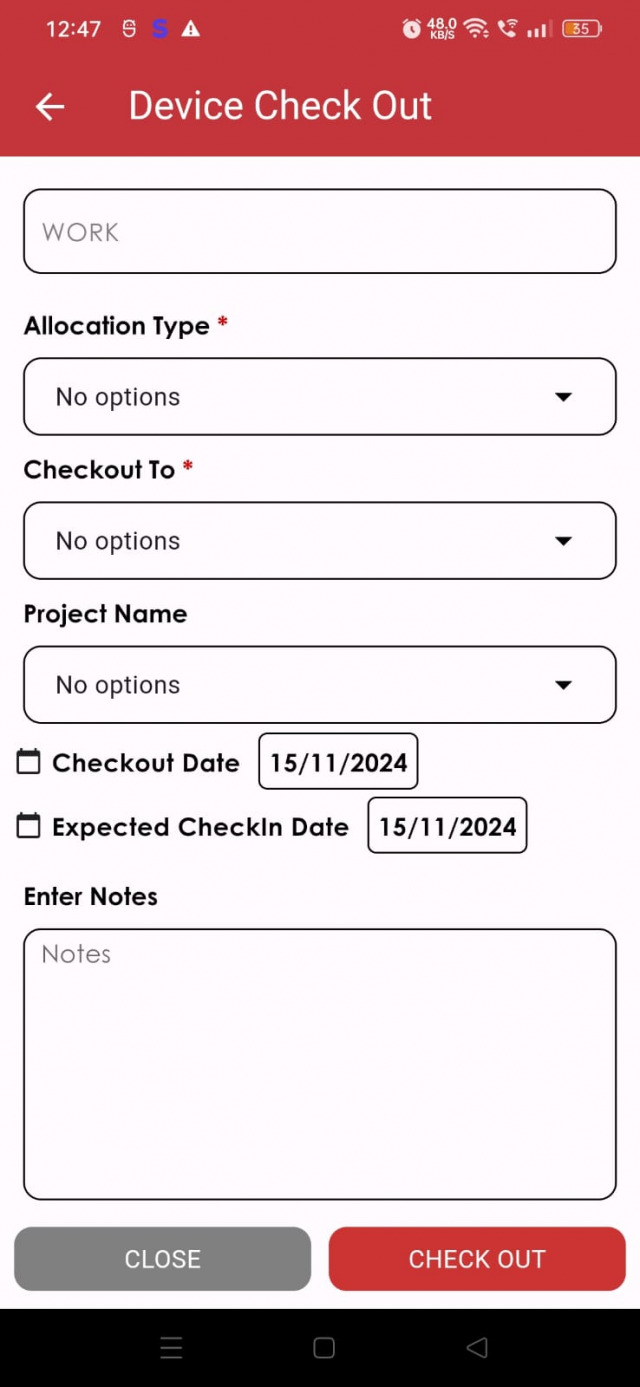
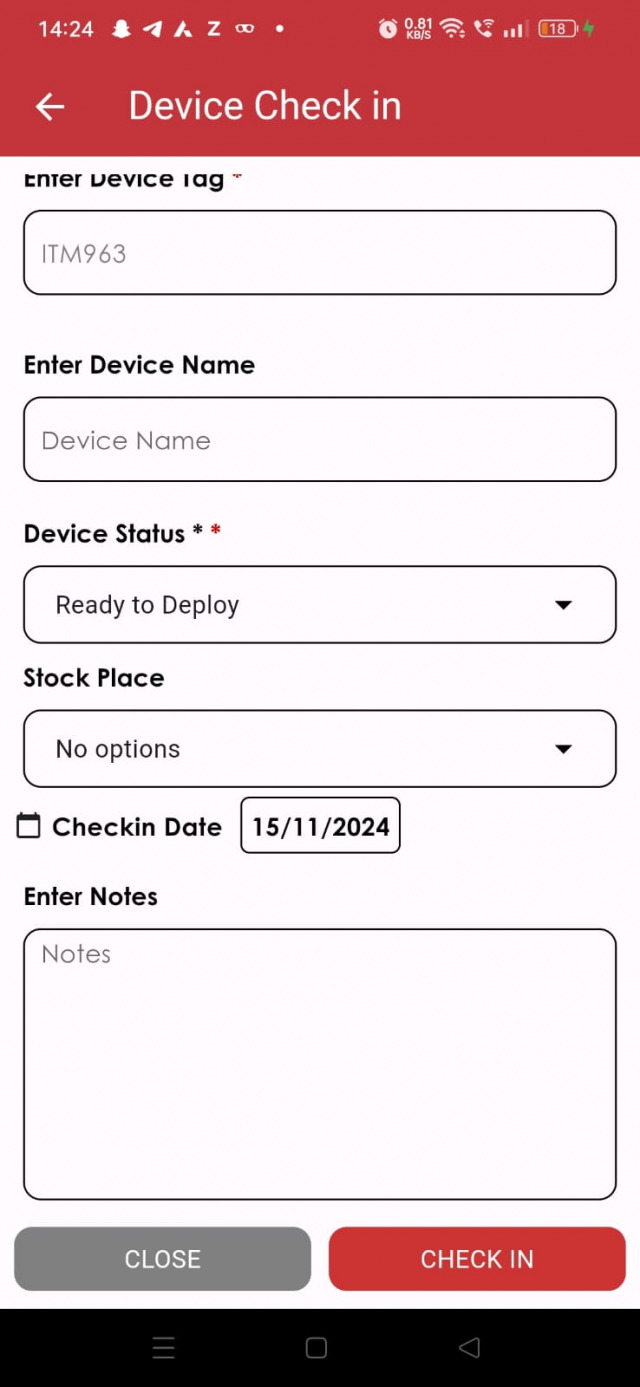
For check-in statuses, see Check In Devices.
Request a device
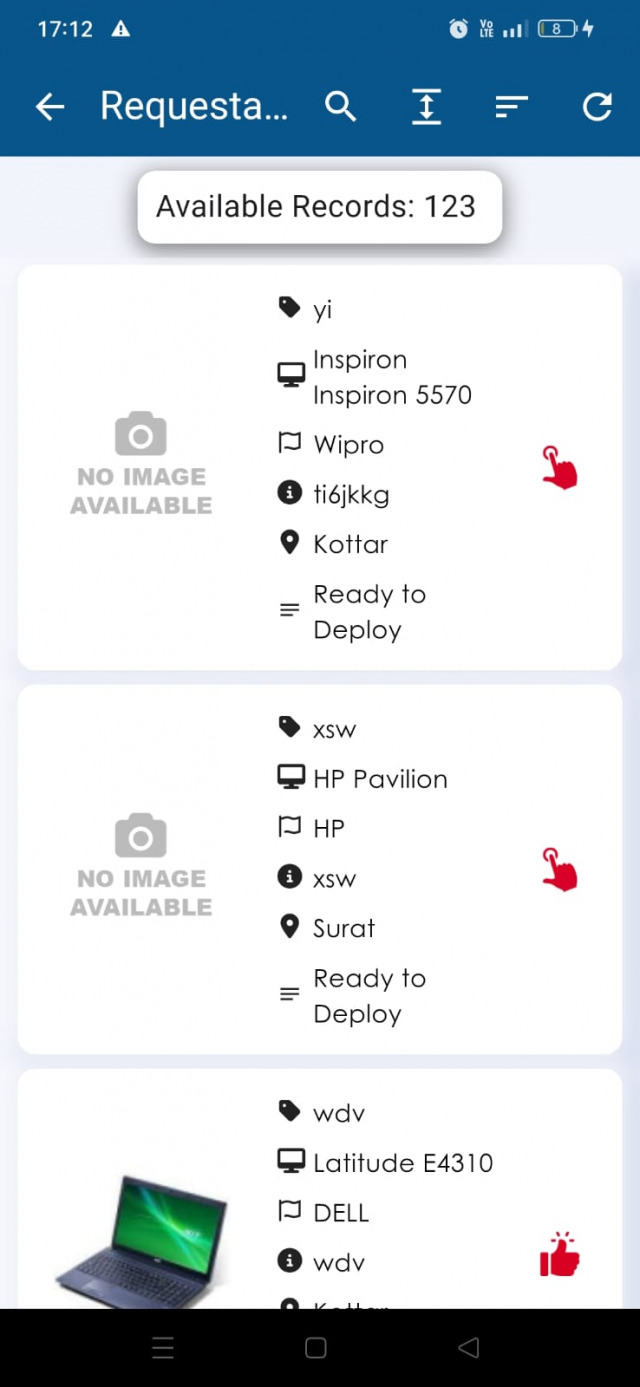
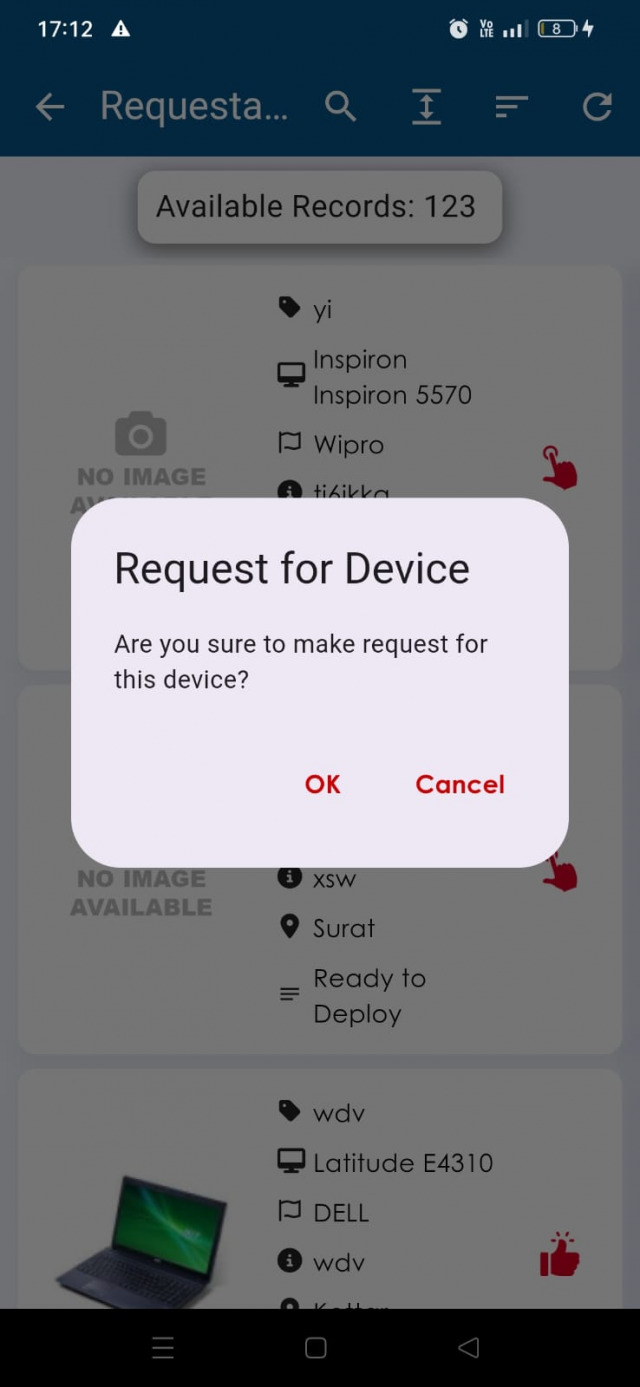
Open Requestable Devices, tap the hand icon for the device and tap Yes.
My Items
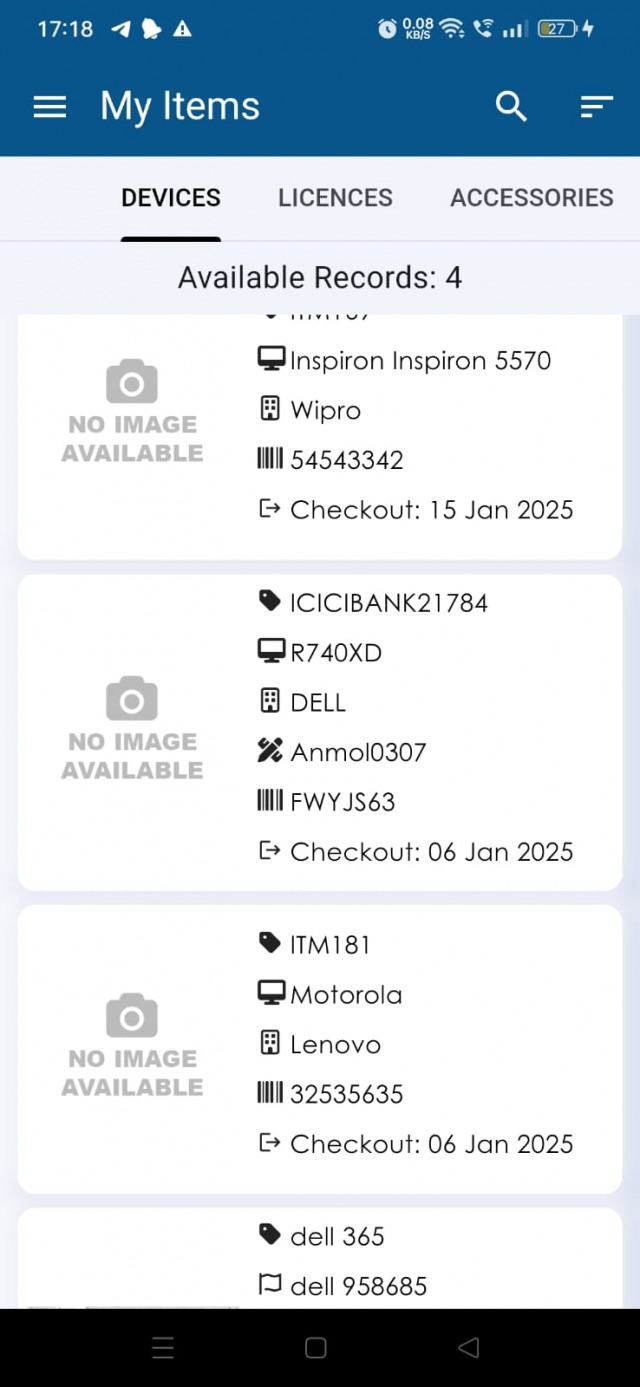
Open My Items to see your devices, accessories, consumables, licenses, history and documents. Tap a device to see its details.
Scheduled maintenance
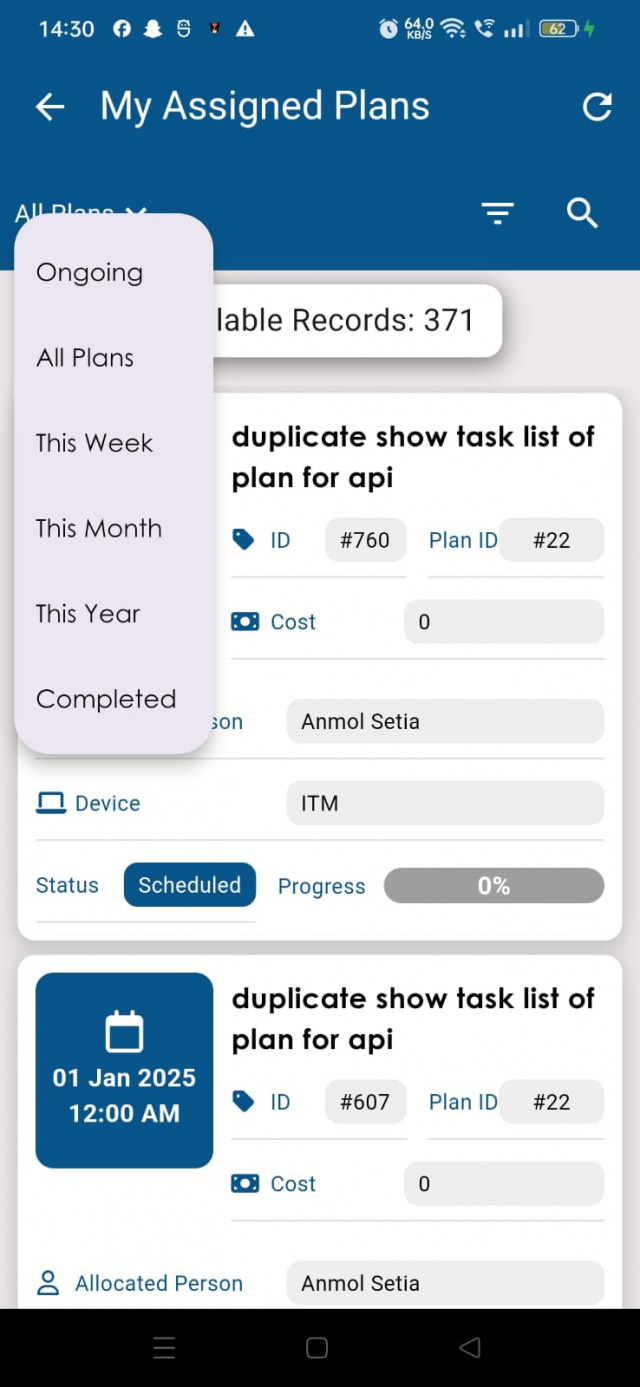
- Open Schedule Maintenance → All Plans. Tabs: Ongoing, This Week, This Month, This Year, Completed and All Plans.
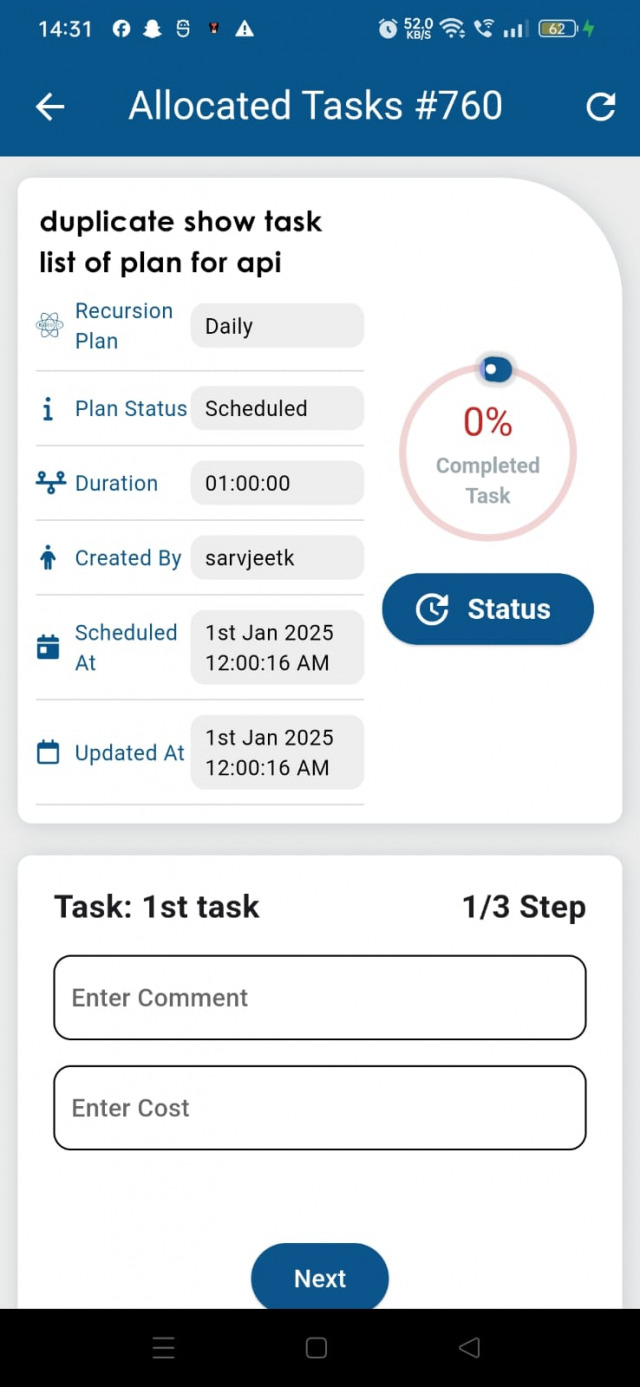
- Tap a plan and open Task Details.
- Update each task in order to complete the maintenance.