Scheduled Report Emails (Report Email Trigger)
Product: NEXTMEGABYTE (Greenitco ITAM) · Module: Reports and Analytics · Audience: Administrator
Report email triggers send selected reports automatically by email. Reports added here are emailed daily at 8:00 AM to the chosen users.
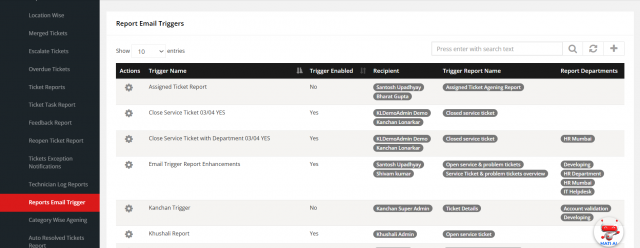
Menu path: Reports → Service Ticket → Report Email Trigger
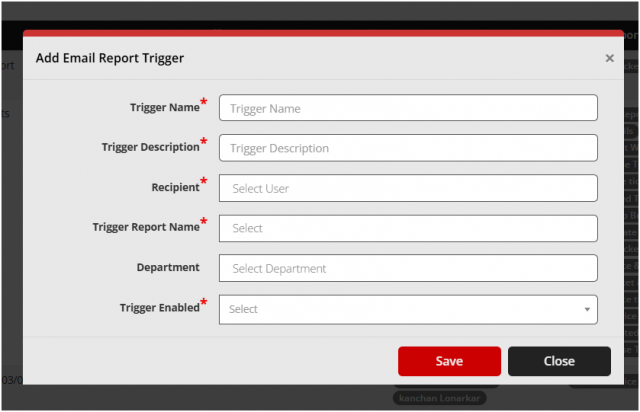
- Select Add (plus icon).
- Select the report(s) and the user(s) who should receive them.
- Save.
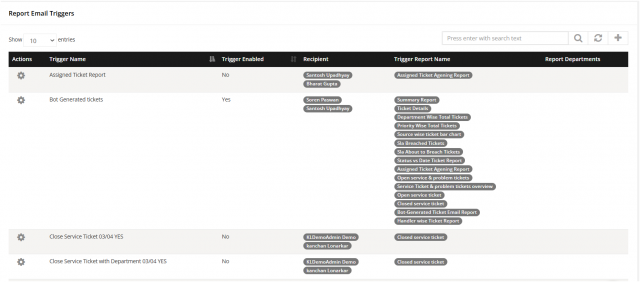
Use Edit and Delete in the Actions column to change or remove a trigger.