Introduction
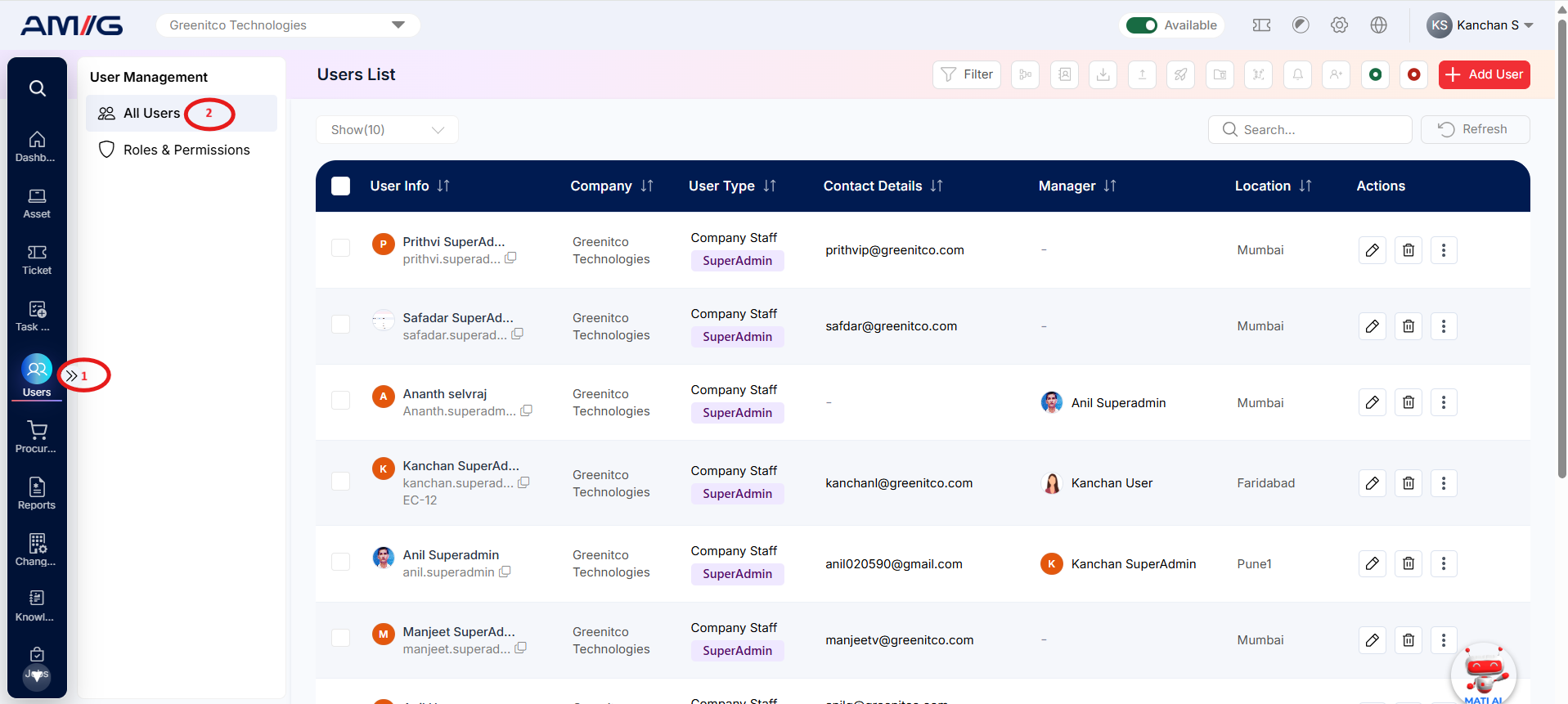
The Users section is the central place to manage all user accounts in AMG (Asset Management Global). It maintains a centralised record of user information, including personal details, company, department, location and access permissions.
This section helps administrators manage user accounts, control portal access and ensure that each user has the appropriate role and access based on their responsibilities.
From here, you can:
- Create new users or clone an existing user to save time when setting up similar accounts.
- Update user details, including their role, company and department.
- Import multiple users at once using an Excel file.
- Search and filter users to quickly locate specific accounts.
- Send login credentials to users.
- Merge duplicate user accounts to maintain accurate user records.
- Send announcements to communicate important information to users.
Navigation Path: Sidebar > Users > User Management > All Users