Frequently Asked Questions
Product: NEXTMEGABYTE (Greenitco ITAM) · Module: FAQ · Audience: All users
General
Can NEXTMEGABYTE integrate with existing monitoring tools? Yes. Integrations use REST APIs, webhooks and prebuilt connectors. See API Documentation.
How are SLAs enforced? With priority-based timers, escalation rules and automatic notifications. See Problem Categories and Escalation.
Can workflows be customized without code? Yes. Approval teams, dynamic forms, ticket triggers and statuses are configured in the portal.
How is asset ownership tracked across teams? Each asset records its company, department, location, owner and assigned user, and every change is kept in its history.
What reporting options are available? Default reports, custom reports, scheduled report emails and real-time dashboards with role-based access. See Reports.
Ticket and service desk
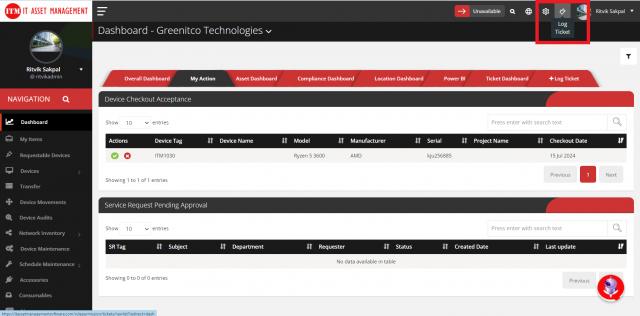
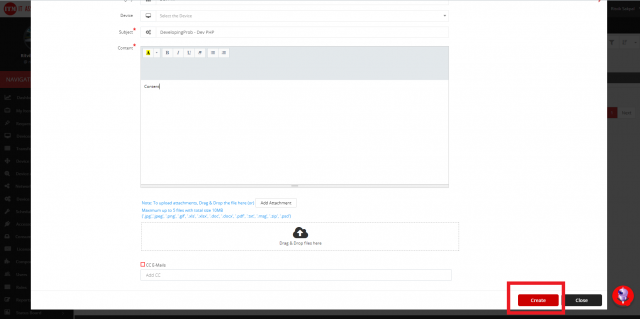
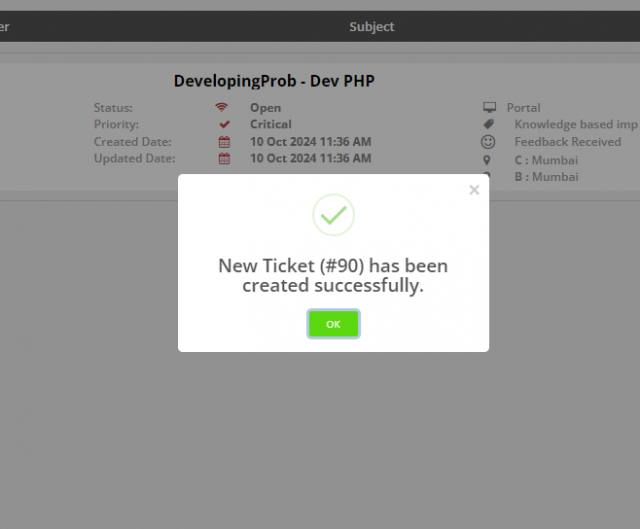
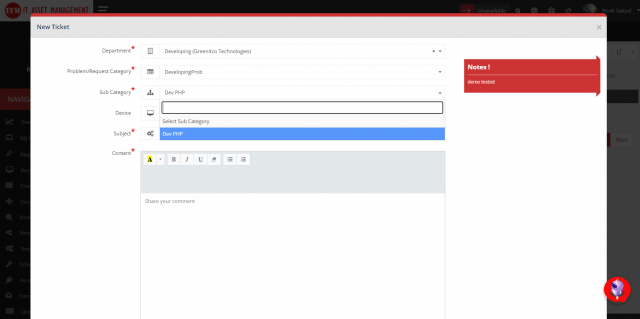
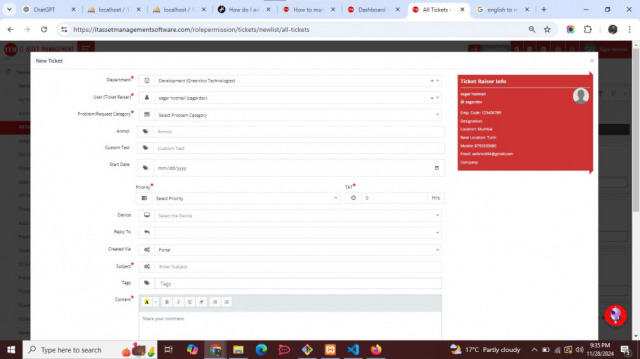
How do I raise a ticket? Select Log Ticket at the top right, choose the department, category and sub-category, enter a subject and description, and select Create. See Create and Work on Tickets.
How do I transfer a ticket to another department? Open the ticket, select Transfer, choose the department, category and sub-category, fill in any form and the reason, and select Transfer.
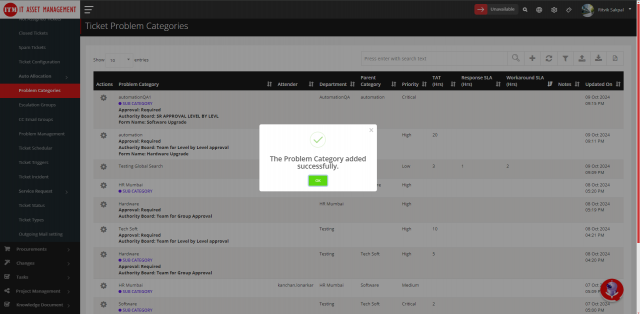
How do I create a problem category? Open Service Tickets → Problem Categories, select Add, enter the name, department and priority, set Authority Approval (and the Authority Board and form if required) and select Create. See Problem Categories.
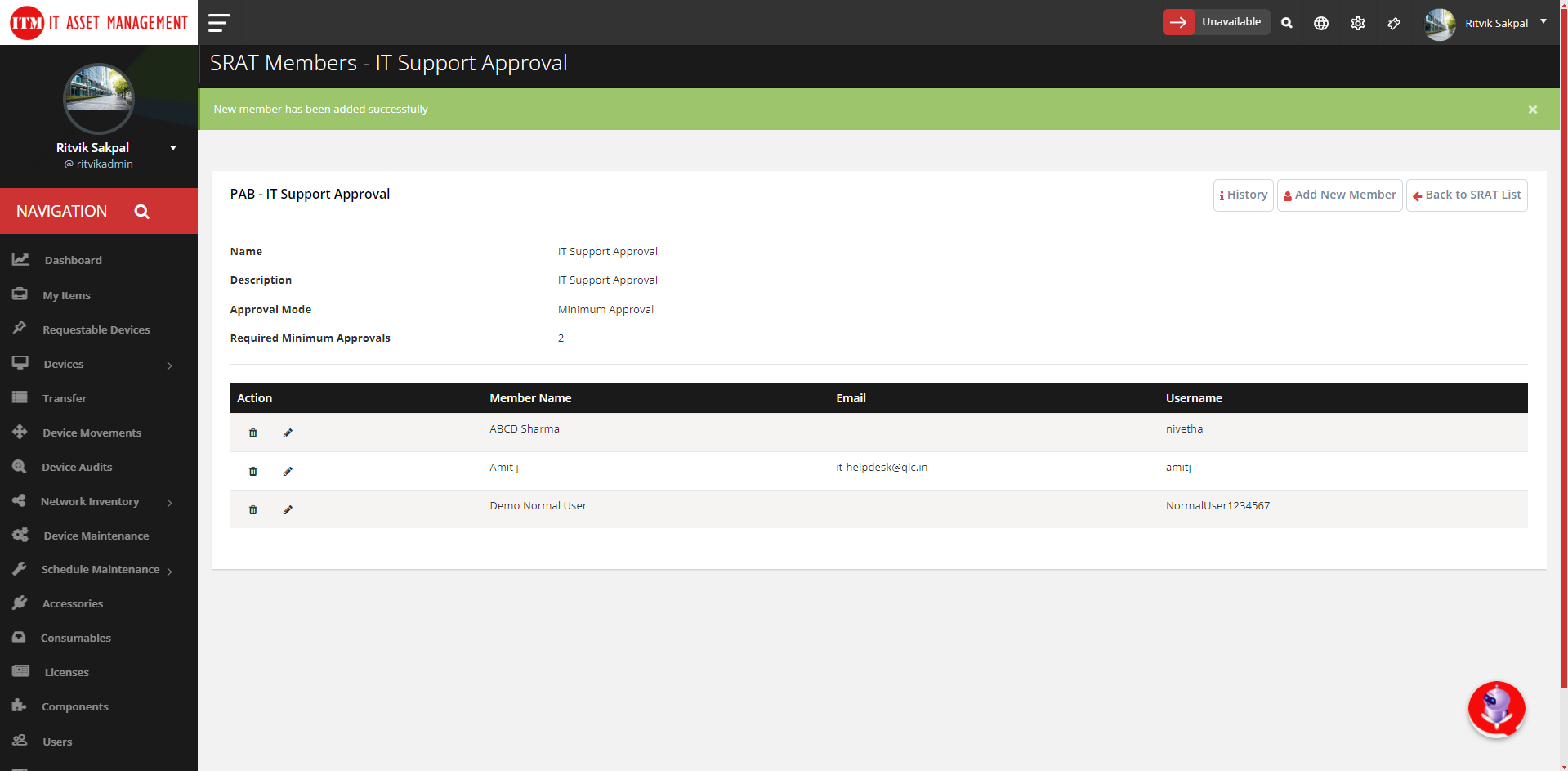
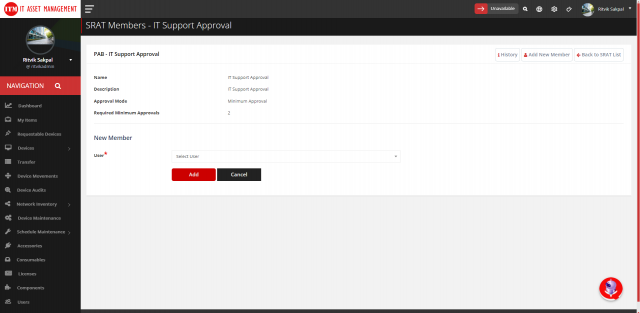
How do I create a Service Request Approval Team (SRAT)? Open Service Tickets → Service Request → SR Approval Team, select Add, enter the name and description, choose the approval mode and select Add. Then add members from the member list and select the SRAT in the problem category's Authority Board. See Service Requests.
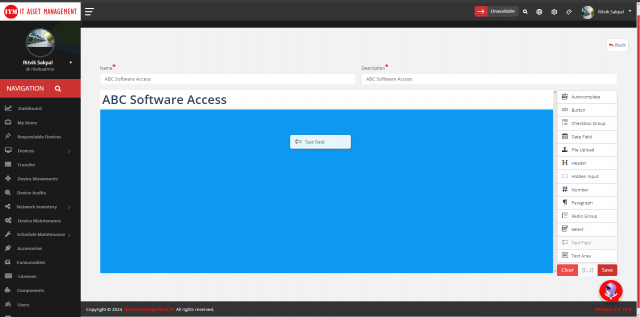
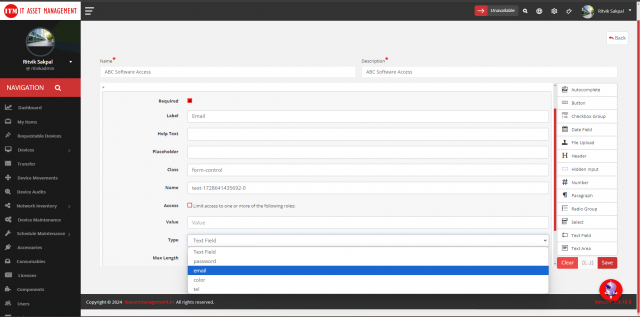
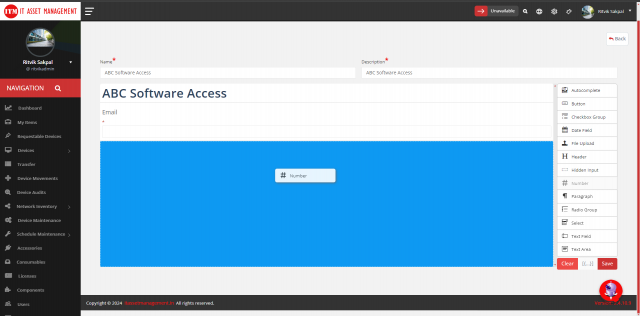
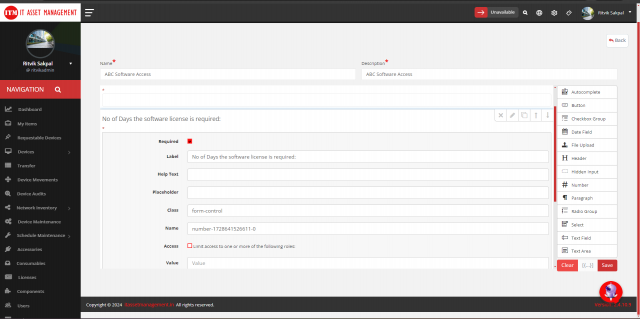
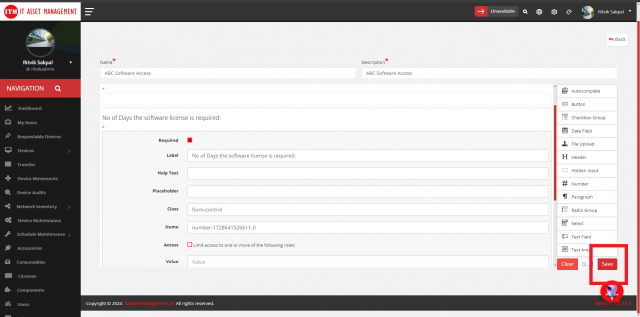
How do I create a dynamic form? Open Service Tickets → Service Request → Dynamic Form, select Add New Form, enter the name and description, drag elements onto the form, select Edit on each element to set its label and details, and select Save. Attach the form to a problem category. See Dynamic Forms.
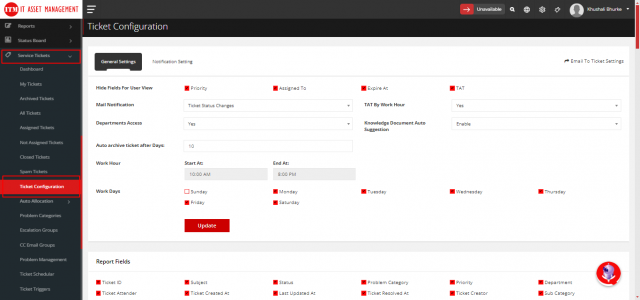
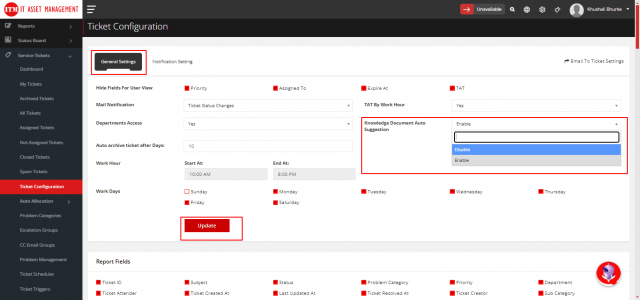
Where do I turn knowledge article pop-ups on or off during ticket creation? Service Tickets → Ticket Configuration → General Settings → Knowledge Document Auto Suggestions, then Update.
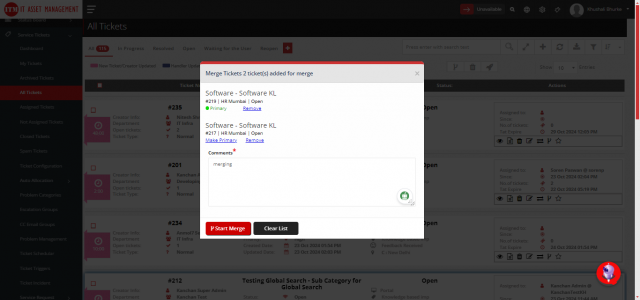
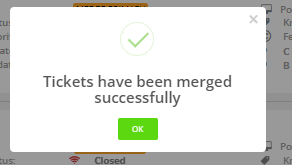
How do I merge tickets? Tickets must be from the same user and department. In All Tickets, select the tickets, select Merge, open Merge List, fill in the details and select Start Merge. See Merge Tickets.
How do I make a user a technician? In Users, select Edit for the user, set the role to Technician, open User Permissions, allow Service Tickets access and select Save Changes. Then set their departments in Ticket Handler Limits.
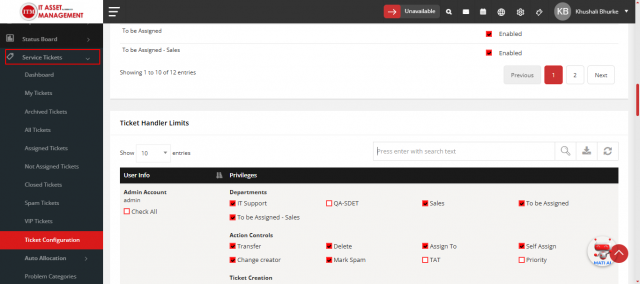
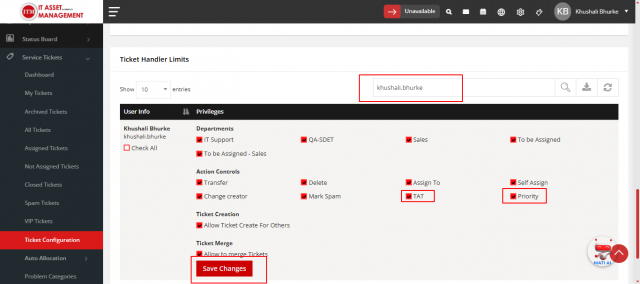
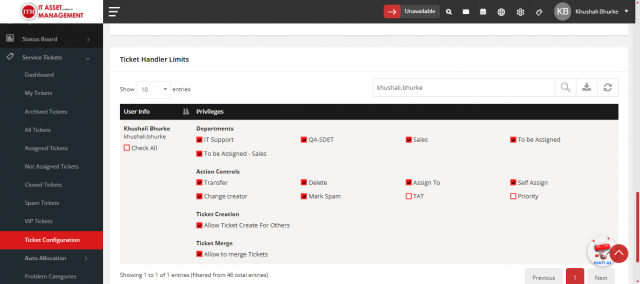
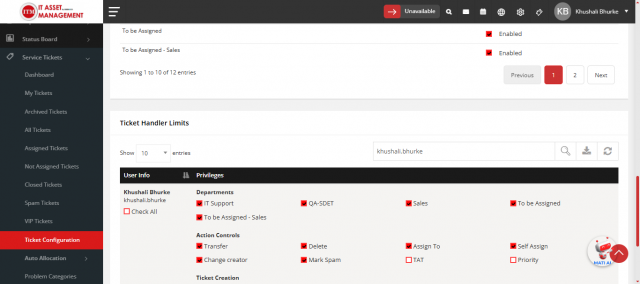
How do I give a technician access to a department? Service Tickets → Ticket Configuration → General Settings → Ticket Handler Limits, search for the user, select the departments and select Save Changes.
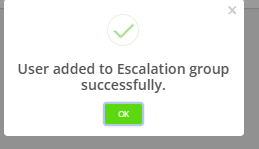
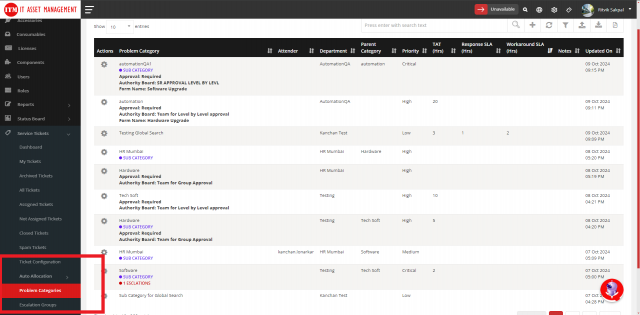
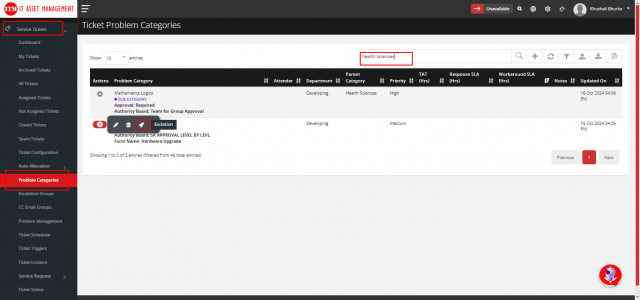
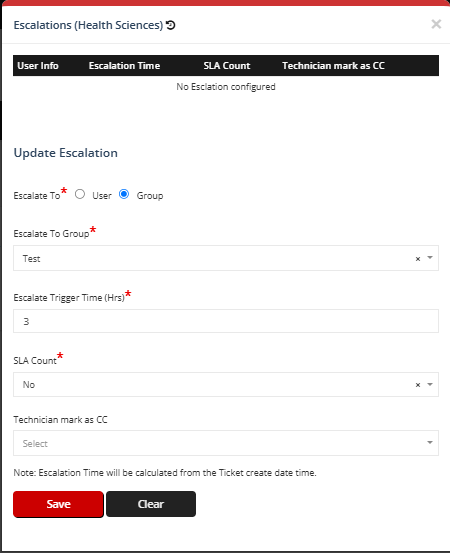
How do I create an escalation group? Service Ticket → Escalation Group → Add, fill in the details and save. Use Manage Users → Add Group Users to add members. Then in Problem Categories, select Escalation for the category, choose Group and select your group.
How do I set up auto allocation? Create an allocation group (Service Tickets → Auto Allocation → Allocation Groups → Add), add members with Max Ticket/Hr, Max Ticket/Day and Location Access, then edit the problem category and select the group.
You cannot change the department of a problem category that has open tickets. Create a new category instead.
How do I set working hours and holidays? Working hours and days: Service Tickets → Ticket Configuration → General Settings → Work Hours / Work Days. Holidays: Config → Holidays → Add.
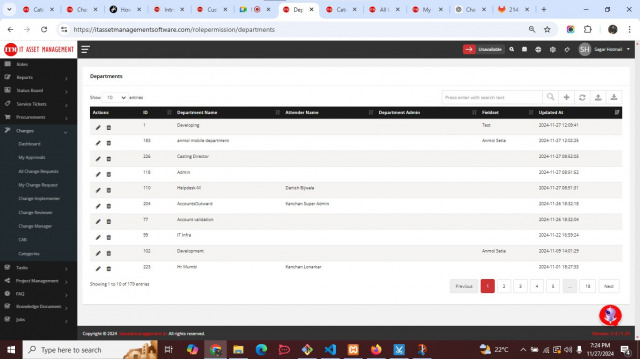
How do I add custom fields to tickets? Create a custom fieldset, then in Config → Departments edit the department and select the Custom Fieldset. When a ticket is created for that department, the fields are shown.
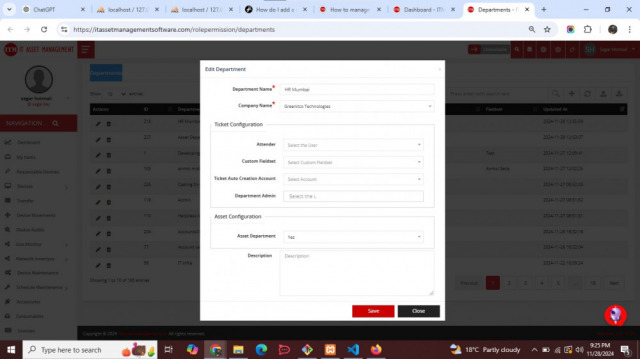
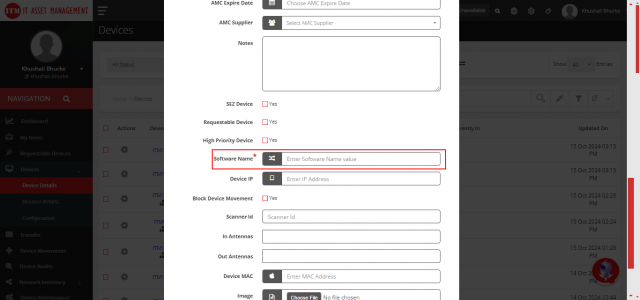
How does department head approval work? Create an SRAT with Department Head Approval, select it in the problem category's Authority Board, make sure the requester has a department, and assign the department head in Config → Departments.
How do I delegate my service request approvals? Open your profile, select Edit, open Delegation, select the user and Save.
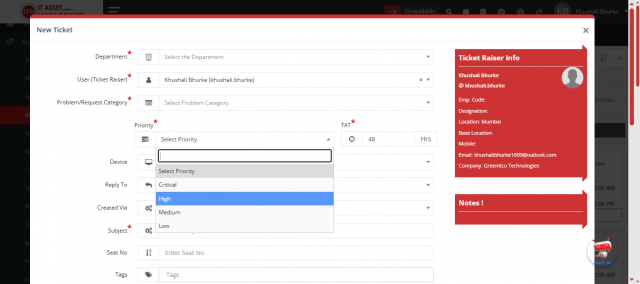
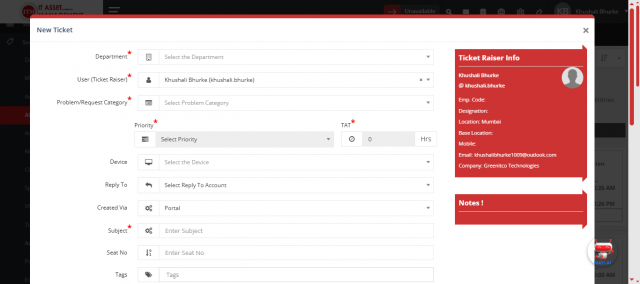
How do I stop users from changing TAT and priority when creating tickets? In Ticket Handler Limits, clear the TAT and Priority check boxes for the user. The values then come from the category.
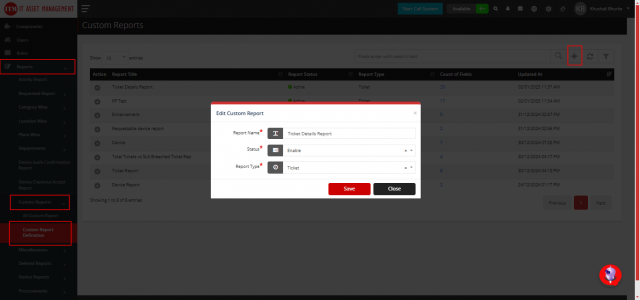
How do I create a custom report? Reports → Custom Report Definition → Add: enter the name, enable it, choose the report type and save. Use the hammer icon to choose fields. View it in All Custom Reports. See Custom Reports.
Assets
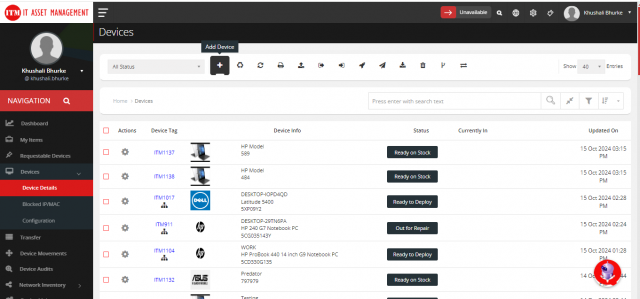
Who can add devices? Users with the Admin or Super Admin role (or the DeviceAdd permission). See Add a Device Manually.
How do I restore a deleted device? In Device Details, select View Deleted Devices, open the device's action menu, select Restore Device and confirm with Yes.
How do I print QR code or barcode labels for assets? In Device Details, open each device's action menu and select Add for Label Print / Transfer. Open Device for Label Print / Transfer, select Print Label, fill in the options and select Print.
How do I record the resale of a device? In Device Details, open the action menu, select Resale, fill in the details and save.
How do I add a custom field to devices?
- Config → Custom Field → Add Field Set: enter the name and select the module.
- Add Custom Field: fill in the details and save.
- Open the field set, select Add Field, choose whether it is required, set the order, select the field and save.
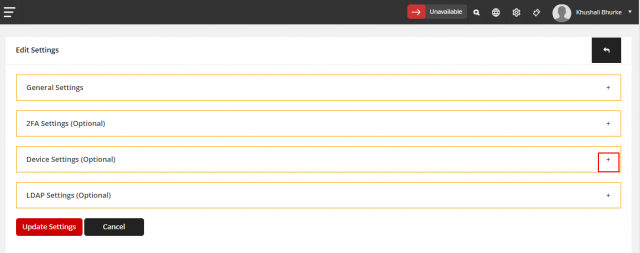
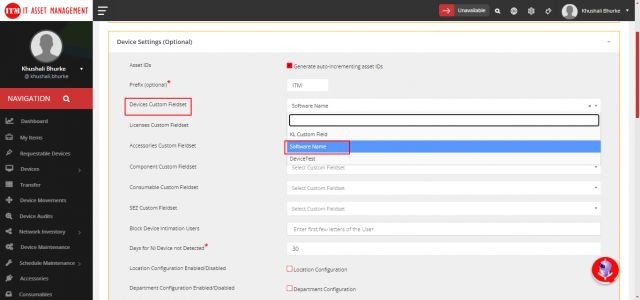
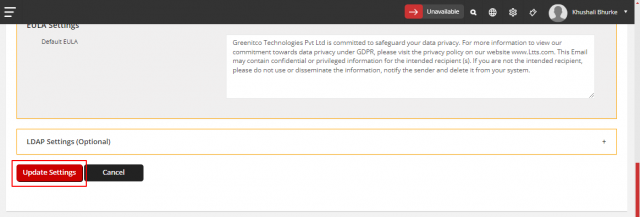
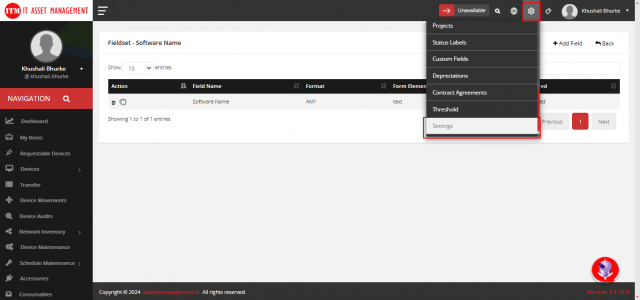
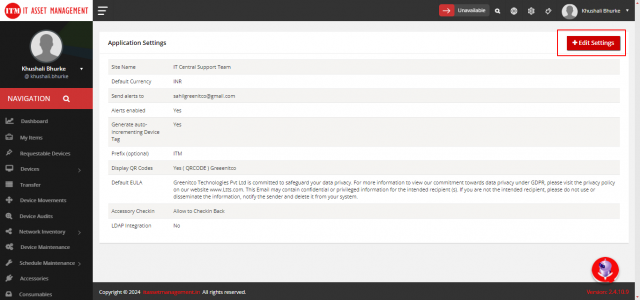
- Config → Settings → Edit Settings → Device Settings: add the field under Device Custom Fields and select Update Settings. The field appears in the Add New Device form.
How do I give a user extra roles? Open the user's info page, open the Permission tab, select +, select the roles and select Update Role.
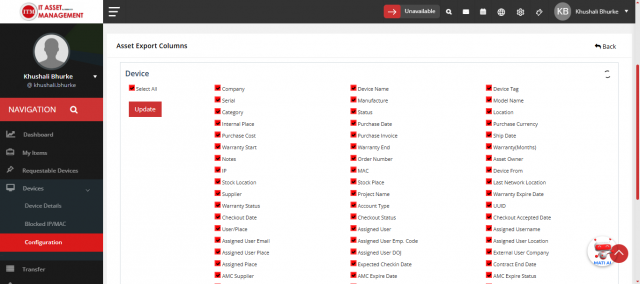
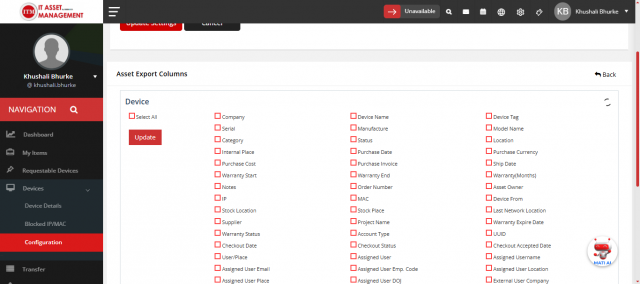
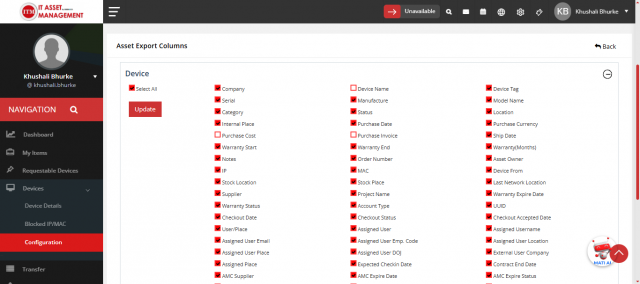
How do I remove columns from the asset export? Devices → Configuration → Asset Export Columns: clear the fields you do not want and select Update. Exports from the device list then include only the selected fields.
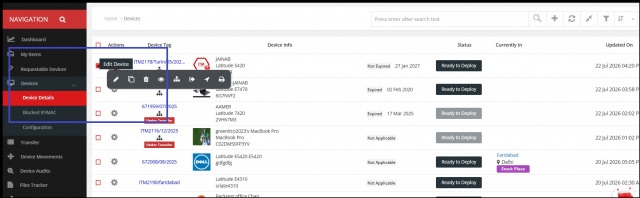
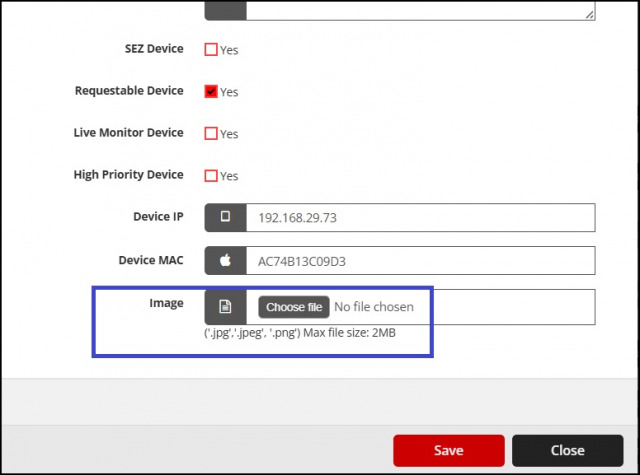
Can I add images to assets? Yes. Edit the device and upload the image at the bottom of the form.
Change management
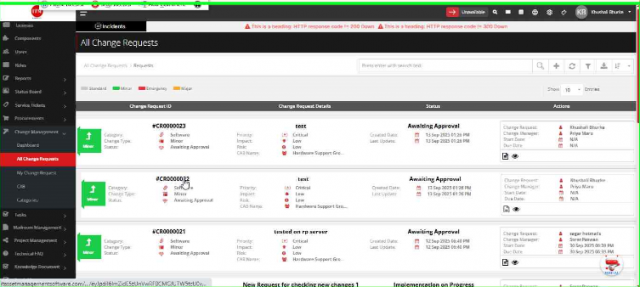
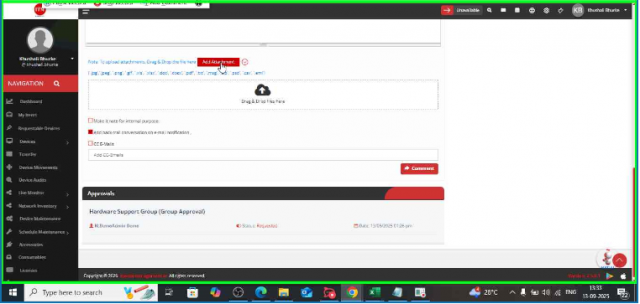
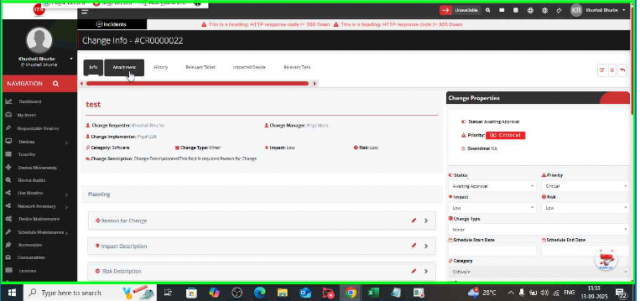
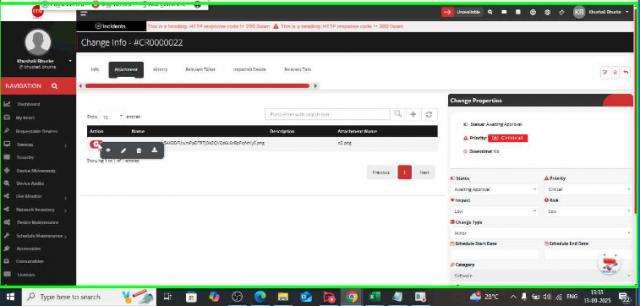
How do I attach and view documents on a change request? Attach files when creating the change request or later from its detail page. To view or download them, open the change request and select Attachment in the top toolbar.