Change Advisory Board (CAB)
Product: NEXTMEGABYTE (Greenitco ITAM) · Module: Change Management · Audience: Administrator
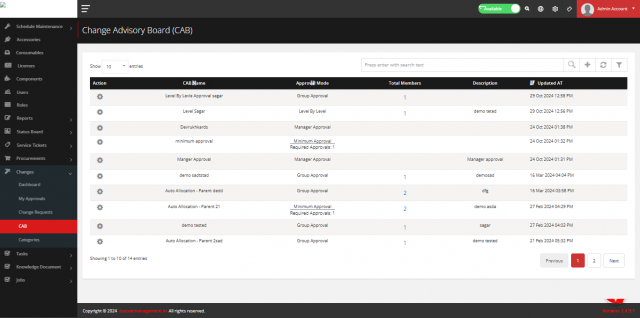
The CAB approves change requests.
| Approval mode | How it works |
|---|---|
| Level by Level | Members approve in level order; one rejection rejects the change |
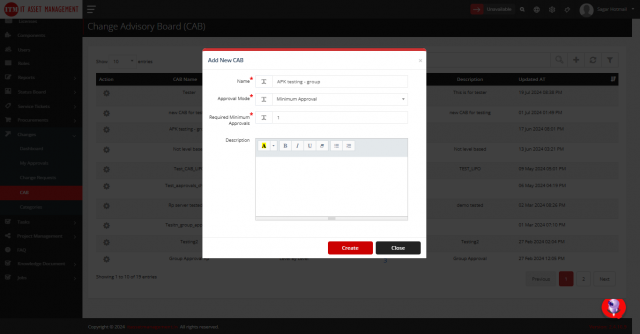
| Minimum Approval | A minimum number of members must approve |
| Group Approval | All members must approve |
| System Approval | Approved automatically |
| Manager Approval | The requester's manager approves |
| Location Approval | Members of the requester's location approve |
Menu path: Change Request → CAB
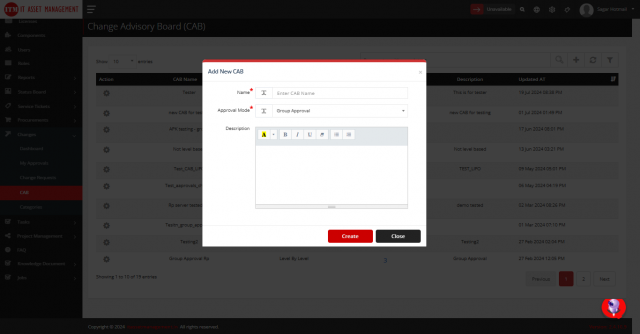
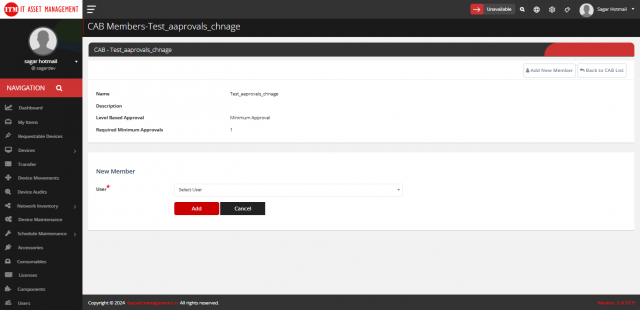
- Select Add (plus icon), enter the Name and Description, choose the Approval Mode and select Add.
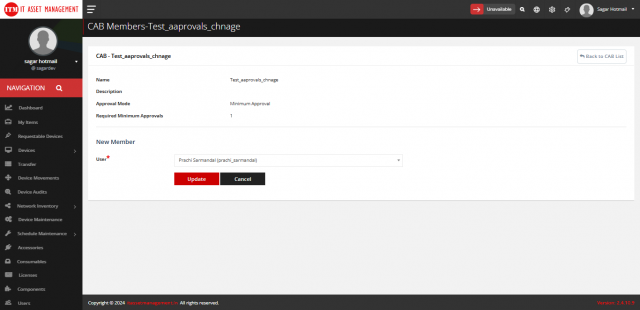
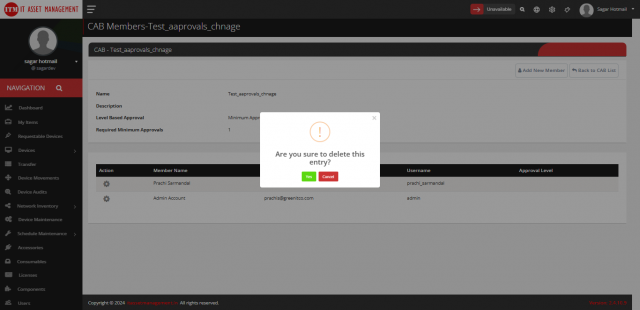
- Select Members (user icon) to add members. Use the pencil icon to change and the trash icon to remove a member.
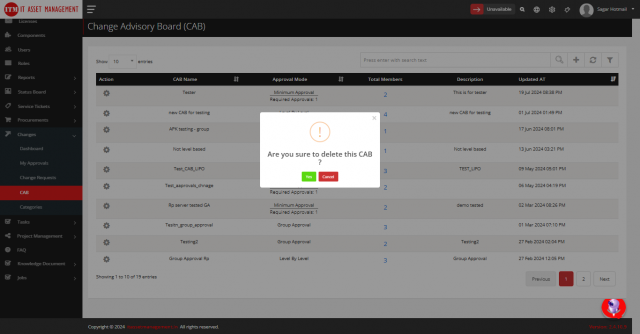
- Edit or delete a CAB with the pencil and trash icons.